
Access control wiring
Readers, controllers, electric strikes, maglocks, request-to-exit, and power supplies.
Low voltage
Elwin Security plans commercial low-voltage security wiring for Bay Area access control, cameras, intercoms, readers, controllers, door release hardware, conduit, power paths, and support so the finished system is not held together by disconnected cable decisions.
Use case
Low-voltage wiring should be planned as part of the system scope, not treated as a hidden afterthought.
Readers, controllers, electric strikes, maglocks, request-to-exit, and power supplies.
Camera locations, intercom panels, network paths, power, conduit, and equipment locations.
Existing systems, old cable paths, reused conduit, replacement devices, and future support needs.
Service focus
Wiring decisions affect device placement, reliability, support, and the final proposal.
Readers, locks, strikes, controllers, and power supplies depend on practical cable paths.
Camera and intercom placement depends on cable routing, power, network, mounting, and service access.
Conduit paths and equipment locations should account for installation quality and future maintenance.
Site walk
A low-voltage scope needs a real path through the building, not just a list of devices.
Readers, cameras, intercoms, doors, gates, controllers, and equipment locations.
Conduit, ceilings, walls, frames, exterior routes, power, and network access.
Current wiring, old systems, reused infrastructure, obstructions, and serviceability.
Labeling, equipment access, future expansion, troubleshooting, and property handoff.
Infrastructure
The physical route from device to equipment can decide whether the system is clean, serviceable, and reliable.
Readers, cameras, intercoms, request-to-exit, and release hardware.
Controllers, recorders, switches, power supplies, and equipment rooms.
Conduit, cable paths, wall conditions, ceiling routes, doors, frames, and site constraints.
Labeling, access, future service, troubleshooting, and expansion.
Process
The process connects field conditions with the final system scope.
Review where cables can actually run and where equipment should be serviceable.
Result: The scope reflects the building.
Match wiring paths to readers, cameras, intercoms, locks, controllers, power, and network needs.
Result: Devices have the infrastructure they need.
Run wiring, label paths, test devices, and leave a clearer support picture behind.
Result: The system is easier to maintain.
Field proof
Low-voltage planning affects installation quality, system reliability, and future support.
A good cable path can prevent avoidable installation surprises.
Access, cameras, intercoms, and door release often share infrastructure decisions.
Service access and labeling matter after installation day.
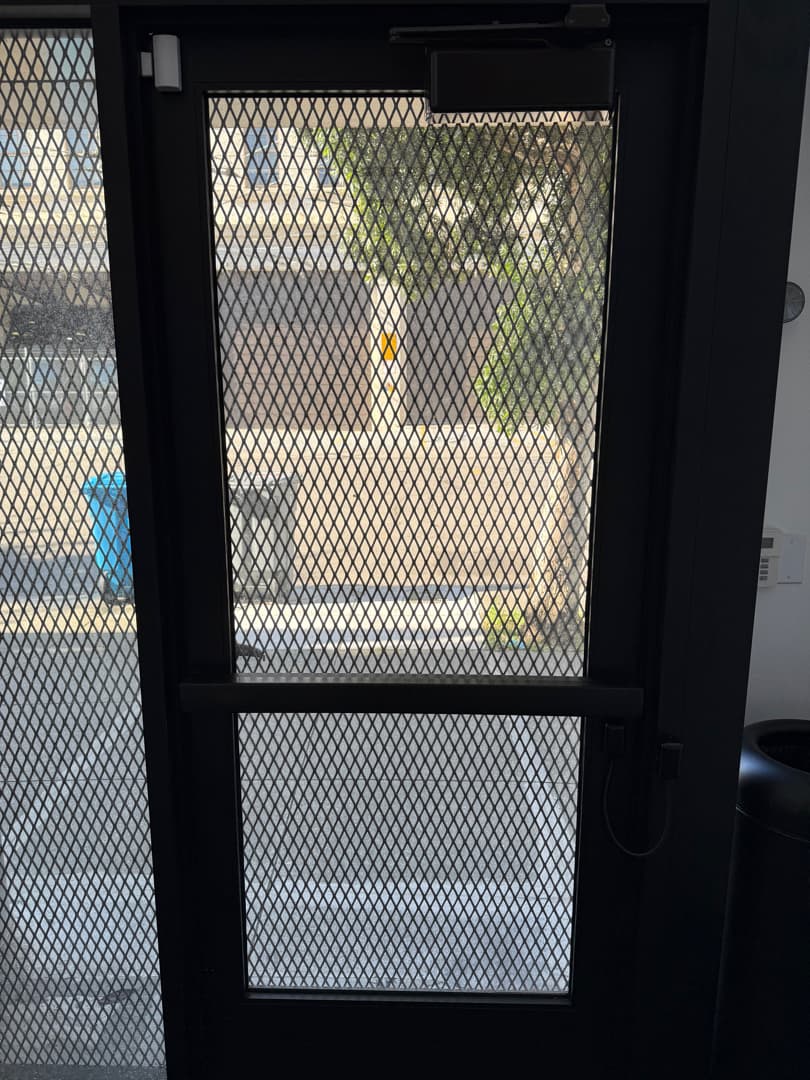
Low-voltage details are small, but they decide whether devices can work and be serviced cleanly.
Access control, video intercoms, security cameras, readers, controllers, electric strikes, maglocks, request-to-exit devices, and related equipment often need low-voltage planning.
Site walk
Tell Elwin what is not working, what systems are already on site, and which access points matter most. The next step is a scope grounded in the building, not a generic product list.
Site walk