
Apartment and mixed-use entries
Resident directories, visitor calls, delivery access, leasing office flow, and controlled main entries.
Platform focus
Elwin Security installs and supports ButterflyMX video intercom projects for Bay Area multifamily and commercial properties, connecting entry panels, resident or tenant directories, door release, gate release, wiring, access control context, and property team handoff.
Use case
ButterflyMX projects work best when the device, directory, door hardware, release wiring, and daily property workflow are scoped together.
Resident directories, visitor calls, delivery access, leasing office flow, and controlled main entries.
Tenant access, vendor calls, staff release behavior, lobby entries, and after-hours visitor workflow.
Vehicle gates, pedestrian gates, package rooms, delivery doors, and controlled release points.
Service focus
Practical installation questions matter here: what entry points are involved, what needs wiring, and how the platform fits the larger property system.
The intercom panel is only one part of the scope. Elwin checks where it mounts, how calls route, and how the door or gate releases.
Directory setup, visitor calls, delivery access, staff overrides, and tenant communication should match the property team's daily process.
ButterflyMX often sits next to card readers, locks, strikes, gates, and cameras, so the surrounding system matters.
Site walk
The site walk turns a product request into a property-specific installation plan.
Main doors, lobbies, gates, package rooms, leasing office entries, and delivery doors.
Electric strikes, maglocks, gate release, request-to-exit, and existing access behavior.
Power, network, mounting, conduit, cable paths, existing intercoms, and access control equipment.
Residents, tenants, staff, vendors, deliveries, and property team support needs.
Scope details
A strong ButterflyMX installation plan connects platform setup with the physical and low-voltage conditions at the entry.
The door, frame, strike, maglock, gate operator, or release hardware decides how entry actually works.
The panel needs practical power, network, conduit, and cable routing that can be serviced later.
Directory structure, call routing, access behavior, and handoff should be understandable for the property team.
Intercom decisions should line up with access control, cameras, gates, package rooms, and support needs.
Process
The process keeps the platform decision tied to the property conditions that make the system usable.
Confirm where visitors arrive, who answers, how access is released, and what the property team needs to manage.
Result: The install has a clear entry workflow before hardware is mounted.
Coordinate panel placement, release hardware, conduit, power, network, and nearby access control or cameras.
Result: The platform is supported by the physical system behind it.
Install the equipment, configure the entry workflow, and give the property team a practical handoff.
Result: The property gets a working system instead of a disconnected device.
Field proof
Intercom projects are strongest when Elwin can see the real entry conditions and connect the platform to the building.
A video intercom needs a door or gate release path that is physically correct.
Directory and call-routing choices should match how the property is managed.
Nearby cameras, access readers, and locks can change the best installation plan.
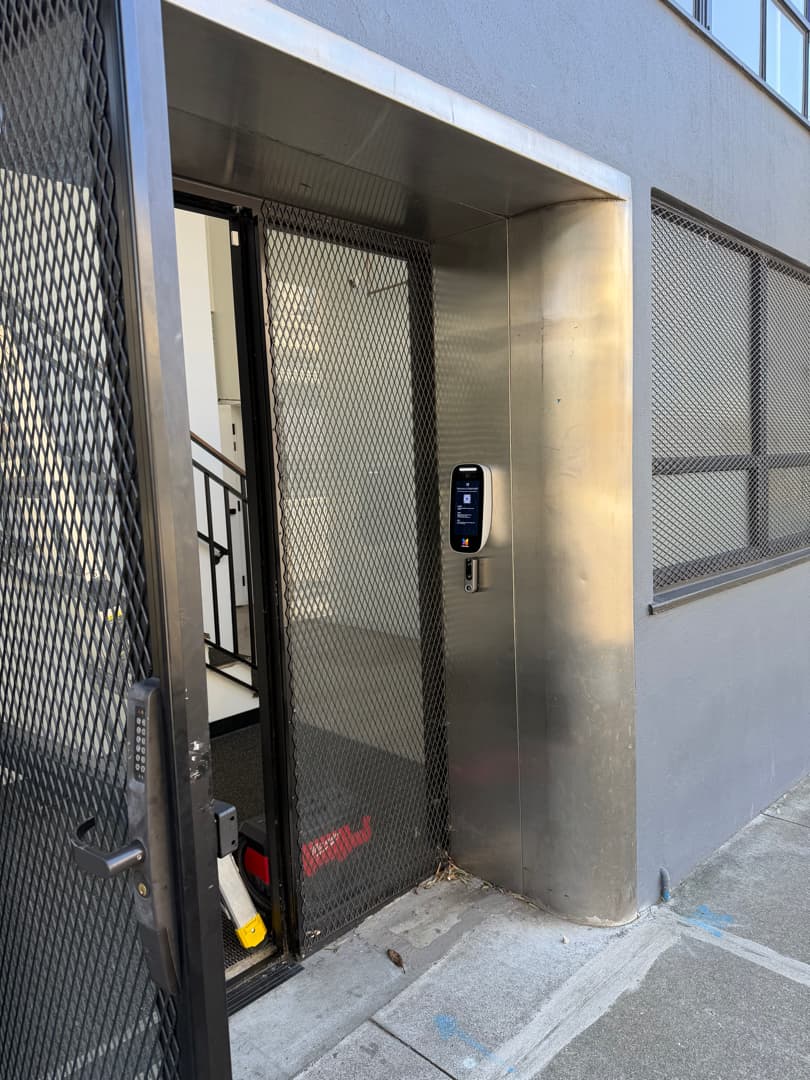
Intercom placement is planned around the visitor approach, mounting surface, and door release behavior.
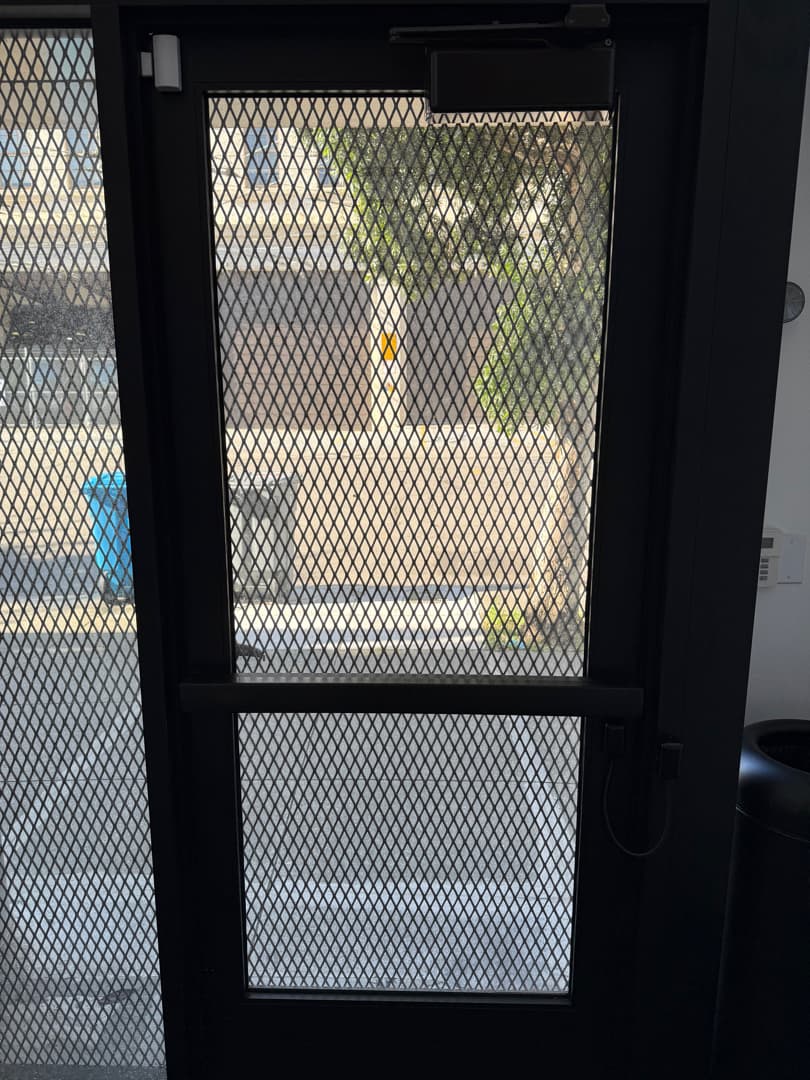
The wiring and release hardware behind the intercom matter as much as the front-facing panel.
Elwin reviews the entry, mounting surface, network and power, door or gate release, existing access control, directory and call workflow, and low-voltage path. The site walk turns those conditions into an installation scope that fits the property.
Site walk
Tell Elwin what is not working, what systems are already on site, and which access points matter most. The next step is a scope grounded in the building, not a generic product list.
Site walk