
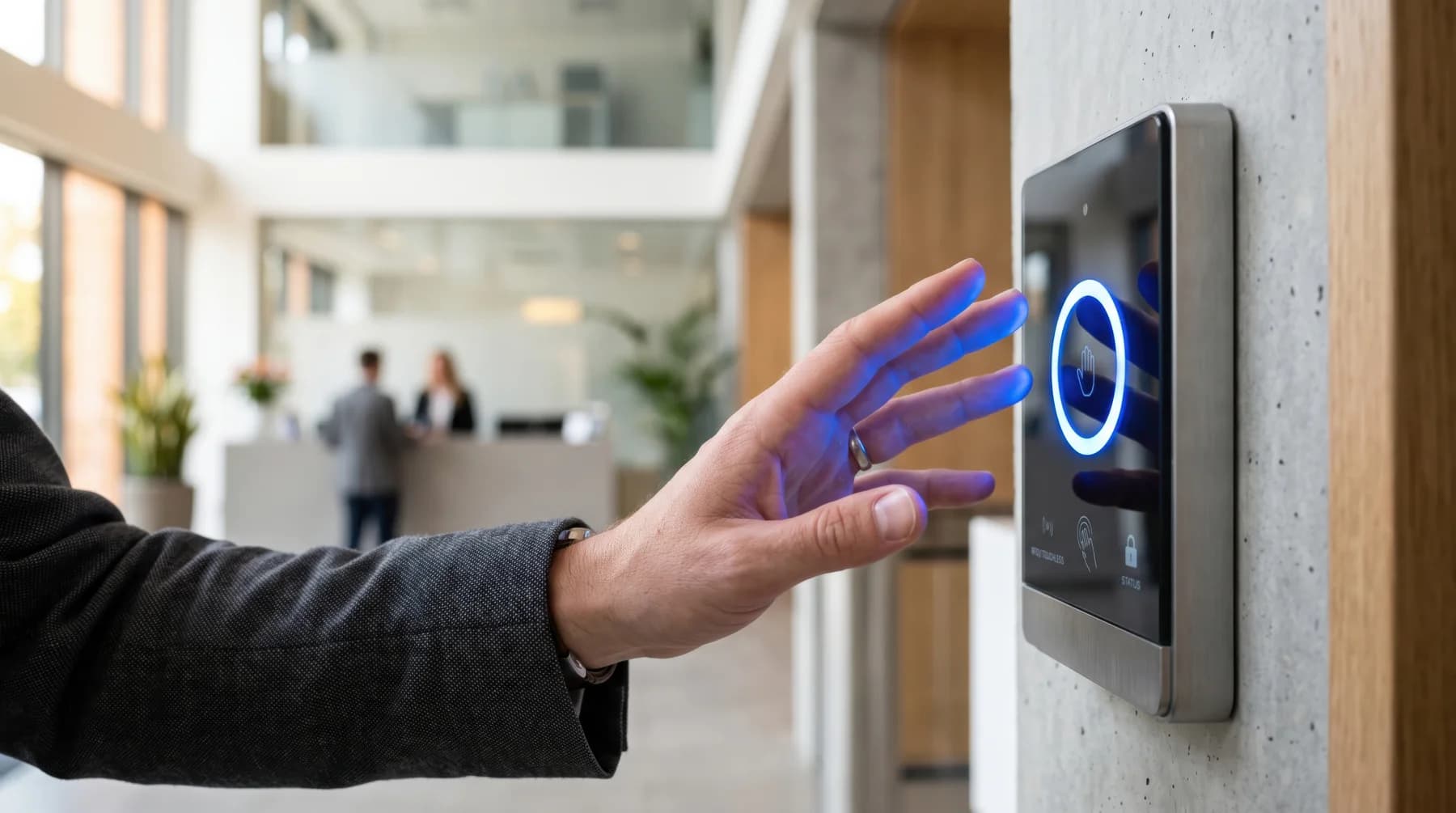
Multi-tenant commercial access control is more than choosing readers and credentials. Property managers have to account for shared entrances, tenant suites, restricted areas, parking, elevators, visitors, and employee access changes. The system also has to work with the building’s existing doors, locks, wiring, power, and network infrastructure.
A practical approach starts with the property itself: understand the openings, map who needs access to each area, and identify what can be reused before selecting the access control platform. This guide explains the key decisions property managers should consider when planning, upgrading, or replacing a commercial access control system.
Key takeaways
- Start with the building, not the access control catalog. Door hardware, frames, wiring, power, network connectivity, and existing systems determine what can actually be installed.
- Separate building-wide access from tenant-specific access so each user receives only the permissions required for their role.
- Consider employee onboarding, offboarding, visitor access, vendor access, and temporary credentials as essential system components.
- Existing wiring and hardware may be reusable, but they should be inspected rather than assumed to be suitable.
- Plan access control alongside intercoms, cameras, locks, and low-voltage infrastructure when those systems share an opening or workflow.
- A successful upgrade includes commissioning and testing every opening, documenting the configuration, and establishing responsibility for support after installation.
What Is Multi-Tenant Commercial Access Control?
Multi-tenant commercial access control is a system for managing entry to a shared property while giving different groups different permissions. A typical property has several access layers, and each group may need different access based on its role, location, and schedule.
Property managers typically retain building-wide authority over shared and restricted areas, while tenant administrators manage users and access within their own spaces. Employees receive access based on their role, while visitors, contractors, and vendors may receive temporary access to specific areas. This requires segmented permissions, with role-based access, tenant separation, schedules, audit trails, and fast credential revocation helping property teams manage those changes.
Building-Level Access
Main entrances, lobbies, parking garages, elevators, and other shared areas may be controlled by property management. These openings serve multiple tenants, so their access rules need to remain under building-wide administration.
Tenant-Level Access
Each tenant may have one or more suites, offices, storage rooms, or other spaces that should be accessible to its employees but not to other tenants.
Shared and Common Areas
Conference rooms, mailrooms, fitness facilities, shared kitchens, loading areas, and other common spaces can require their own access rules.
Restricted Areas
Mechanical rooms, electrical rooms, server rooms, rooftops, and other sensitive spaces should be limited to authorized personnel.
Temporary Access
Visitors, contractors, vendors, and delivery personnel may need access for a specific period without receiving a permanent credential.
The access control system should reflect these differences and make them easy to manage as the building's population changes.
Why Older Key and Fob Systems May Not Be the Best Solution
In a multi-tenant building, employees join and leave, tenants expand or contract, vendors come and go, and visitors need temporary access. In this environment, manual access changes associated with keys and fobs can create a significant administrative burden.
Consider employee offboarding. Someone has to know that the employee left, identify the credential assigned to that person, disable it, recover it if possible, and confirm that access is no longer active. If the credential is lost or shared, the property may have even less certainty about who can still enter.
Other issues with older key and fob systems can include:
- Lost or unreturned keys and fobs
- Shared credentials that can't be tied to one person
- Limited temporary-access options
- Fragmented or incomplete audit trails
- Legacy controllers that are difficult to manage remotely
- Aging systems with different readers, controllers, locks, and wiring across the same building
- Separate access systems operating independently throughout one property
The goal of an upgrade is therefore not simply to replace the credential. It’s to improve how access is issued, changed, monitored, and removed across the property.
What Credential Types Work Best for Commercial Buildings?
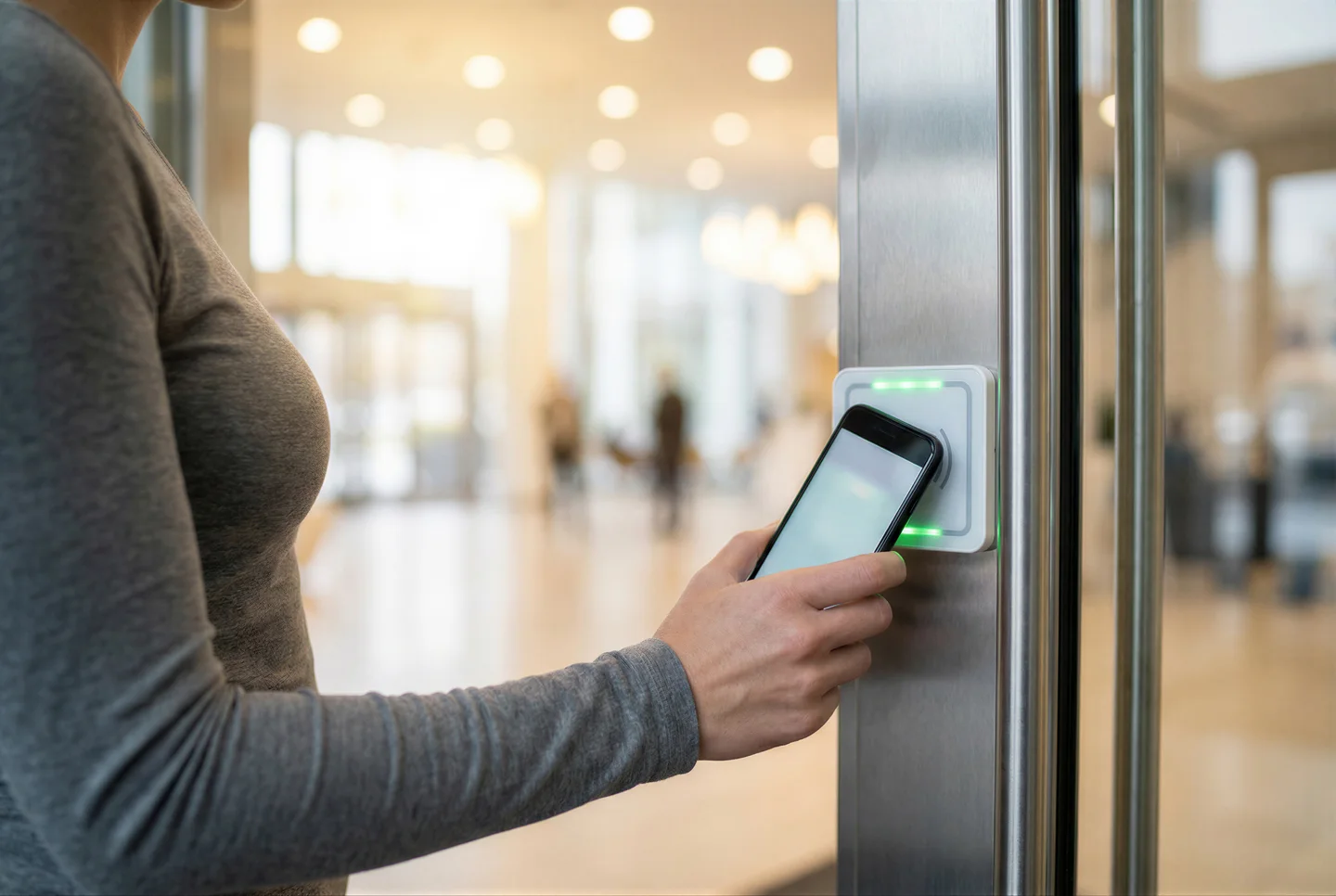
There’s no single credential that works best for every multi-tenant property. The right choice follows the building's use case, security requirements, tenant expectations, and existing infrastructure.
Key Cards and Fobs
Cards and fobs remain common because users understand them and property teams can issue them without requiring a personal smartphone.
They work well where the user population is stable and access requirements are straightforward. However, lost, stolen, and unreturned credentials need to be disabled promptly.
Mobile Credentials
Mobile credentials let users unlock doors with a smartphone instead of carrying a dedicated card or fob.
They can simplify provisioning/revocation and reduce physical credential inventory. They also fit offices where employees already rely on smartphones throughout the workday.
The system should still account for device compatibility, dead batteries, lost phones, credential recovery, and backup entry.
PINs and Temporary Credentials
PINs can be useful for selected entrances, after-hours access, service areas, and situations where issuing physical credentials is inconvenient. Individual codes provide better accountability than shared codes.
Temporary credentials can also be useful for visitors, vendors, contractors, and delivery personnel who do not need permanent access. For example, a property manager could give a contractor access to a specific service entrance from 8 AM to noon, without giving the contractor access to tenant suites or other building areas. Once the scheduled access period ends, the credential can expire automatically.
Biometrics
Biometric credentials such as facial recognition provide another way to authenticate users without requiring a physical card. They can reduce dependence on physical credentials, but they also introduce considerations around enrollment, accuracy, spoof resistance, privacy, and biometric data handling.
Property managers should understand what biometric information the system collects, where it’s processed or stored, who can access it, how long it’s retained, and what protections apply. Applicable privacy requirements should be reviewed before deployment, particularly when biometric authentication is used across a large tenant population.
What a Good Pre-Installation Building Survey Looks Like
Before recommending an access control system, a good integrator should survey the property to understand its physical conditions, infrastructure, access requirements, and connected systems. For property managers, the survey should answer a simple question: What will this building actually require to support the proposed system?
Doors and Hardware
The integrator should inspect every opening that will be controlled, including the door, frame, existing lock, exit device, closer, and release hardware. They should also identify gates, parking entrances, and other openings that may require different hardware.
Wiring, Power, and Network
The survey should determine what existing infrastructure can be reused and what needs to be replaced. This includes low-voltage wiring, cable pathways, controller and power supply locations, network connectivity, and available electrical capacity.
Access Requirements
The integrator should understand how people move through the property and which areas need different permissions. This may include tenant suites, common areas, elevators, parking, loading areas, and restricted spaces. The survey should also account for different user groups, including property staff, tenant employees, visitors, vendors, and contractors.
Connected Systems
Finally, the integrator should identify systems that interact with access control, such as video intercoms, cameras, elevators, parking gates, and existing security equipment. A thorough survey should leave the property manager with a clear understanding of what can be reused, what needs to change, and what factors will affect the project's scope and cost.
What Property Managers Should Ask Before Choosing a System
A product demonstration shows what the software can do. A site assessment establishes whether the system can actually work in the property.
Building Fit
The system has to work with the doors, frames, locks, wiring, and other physical conditions already in the building.
- Can the system work with the existing doors and hardware?
- What existing wiring can be reused?
- What needs to be replaced?
- Can it support elevators, gates, and parking areas?
- Are there rated or egress openings that require special hardware or approval?
Tenant Management
Multi-tenant properties need clear separation between what individual tenants can manage and what remains under property management's control.
- Can each tenant manage its own employees?
- Can property management maintain overall oversight?
- Can access be restricted by door, group, and schedule?
- How quickly can credentials be revoked?
- Can temporary access be issued without creating a permanent credential?
System Integration
Access control rarely operates alone. The project may also involve cameras, intercoms, door hardware, locks, wiring, and systems that are already in place.
- Can it integrate with cameras?
- Can it work with video intercoms?
- Can it support the existing door hardware?
- Does it require proprietary readers, controllers, or locks?
- Can existing systems remain in place where replacement is unnecessary?
Reliability
A reliable system should have a defined response to common failure conditions. Ask what happens when the internet goes down, power is interrupted, or a reader, controller, lock, or other component fails. The goal isn’t simply to avoid outages, but to understand how each opening behaves and how quickly the system can be restored:
- What happens if the internet connection goes down?
- What happens during a power failure?
- Which functions continue locally?
- What backup entry methods are available?
- How are failed devices diagnosed?
- How is required egress maintained during an outage?
Installation and Support
The project doesn't end when the hardware is installed. Property teams should know who is responsible for the site, system configuration, testing, support, and future changes.
- Who performs the site assessment?
- Who handles wiring and door hardware?
- Who configures the system?
- Who commissions and tests each opening?
- Who supports the property after installation?
- How are future tenant changes handled?
- Who’s responsible when a problem involves door hardware rather than access control software?
What Does Multi-Tenant Commercial Access Control Cost?
The cost of a multi-tenant access control project depends on the number and type of openings and how much existing infrastructure can be reused.
A 2026 multi-door access control pricing guide lists installed costs of approximately $1,100 to $2,000 for a 2-door system, $6,400 to $11,200 for 8 doors, and $35,200 to $73,600 for 32 doors. These figures include hardware and installation and can vary based on door hardware, wiring, infrastructure, installation complexity, and other project requirements. Software and support costs may be additional.
These figures are useful for initial budgeting, but they should not be treated as an Elwin quote. A building with compatible doors, usable wiring, and adequate power may require less work than a property where multiple openings need new hardware and cabling.
For a meaningful comparison, ask vendors to provide the following in every vendor quote:
| Category | What to specify |
|---|---|
| Hardware | Readers, controllers, credentials, locks, and power supplies |
| Door work | Strikes, electrified hardware, exit devices, closers, and modifications |
| Infrastructure | Wiring, pathways, network, and electrical work |
| Installation | Labor, configuration, commissioning, and testing |
| Software | Cloud platform, licenses, and recurring subscriptions |
| Integrations | Intercoms, cameras, elevators, gates, and other systems |
| Support | Maintenance, troubleshooting, replacements, and future changes |
Our Pick For Multi-Tenant Commercial Access Control
We recommend Swiftlane as a modern access control solution, which combines cloud-managed access control for commercial buildings with mobile credentials, facial recognition, video intercom, and other entry options.
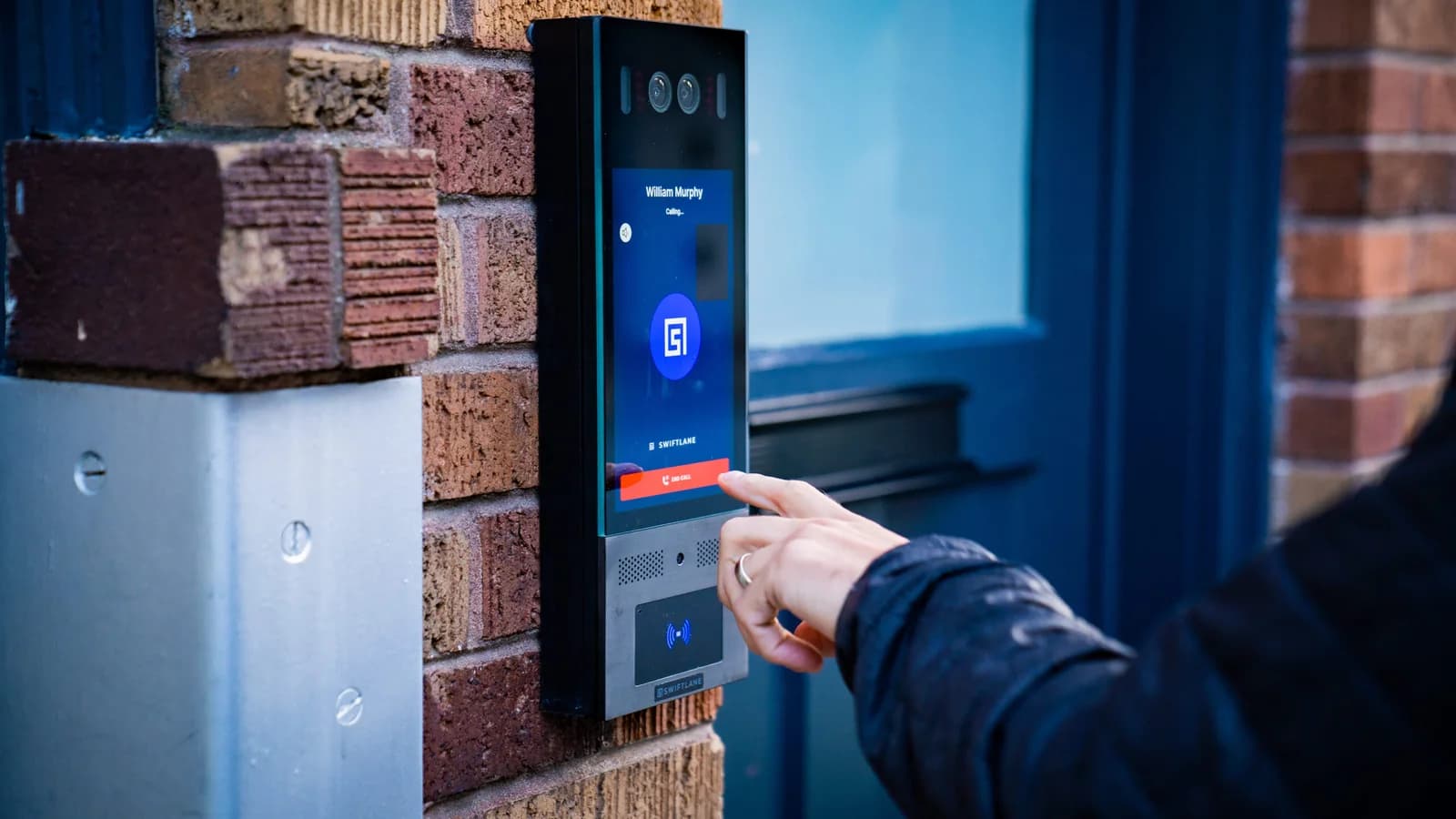
For a multi-tenant property, the value isn't simply replacing a key fob with a phone. It’s bringing credential management, visitor entry, and building access into a more centralized workflow.
Tenant management: Cloud-based administration provides a central way to manage users, credentials, and permissions across the property, while tenant-scoped permissions can limit users to specific spaces and time periods.
Credential options: Users can access doors with 5+ methods, including facial recognition (opt-in enrollment), with facial data encrypted on SOC 2-certified servers.
Visitor entry: Video intercom capabilities connect visitor requests with the entry workflow rather than treating visitor communication and access control as completely separate systems.
Property visibility: Centralized management gives property teams a clearer view of access activity and credential administration across the building.
The platform still has to fit the property.
Doors, locks, wiring, power, network infrastructure, and existing equipment determine what can be installed and what needs to change. A cloud platform doesn't remove the physical requirements of the opening.
That’s why the technology and installation should be evaluated together. The platform defines what the access experience can do. The building determines how that experience can actually be delivered.
If you manage a multi-tenant commercial property in the Bay Area, Elwin Security can help plan and install access control around the way your building is actually used.
We can integrate card readers and key fobs across tenant suites, shared entrances, garages, and restricted areas, as well as coordinate elevator access, doors, gates, cameras, video intercoms, wiring, and other connected security systems.
The Elwin team starts with a site walk to assess the building, existing equipment, access requirements, and infrastructure before developing the installation scope.
Frequently asked questions
What is multi-tenant commercial access control?
Multi-tenant commercial access control manages entry to a shared commercial property while separating permissions between tenants, employees, property staff, visitors, contractors, and restricted areas. It can control doors, gates, elevators, and other openings according to the user, location, and schedule.
How does access control work in a multi-tenant office building?
Users receive credentials associated with specific permissions. A tenant employee might have access to the main entrance and that tenant's suite, while property staff may have building-wide access. Temporary credentials can be issued to visitors, vendors, and contractors for defined areas or time periods.
Can each tenant manage its own employees?
Yes. Access control systems designed for multi-tenant properties can provide tenant-level administration. Tenant administrators can manage their own users and permissions while property management retains overall control. The exact administrative capabilities depend on the platform.
What access should property managers control?
Property management should control building-wide and shared spaces, including main entrances, common areas, parking, elevators, restricted building areas, and vendor access. Tenant administrators can then manage users and permissions within their assigned spaces.
Are mobile credentials better than key fobs?
Mobile credentials can simplify provisioning and revocation and reduce the need to distribute physical credentials. Key fobs can still be appropriate where users prefer physical credentials or where existing infrastructure and access models support them well. The better choice depends on the building, users, security requirements, and backup-access plan.
Can modern access control work with existing doors?
Often, yes. Many commercial doors can be integrated with modern access control equipment, but compatibility depends on the lock, latch, frame, door condition, wiring, power, and egress requirements. An opening should be inspected before hardware is selected.
Can access control integrate with cameras and intercoms?
Yes. Access control can be integrated with video intercoms, security cameras, door hardware, and other building systems. The integration may require compatible hardware, software, network connections, or additional configuration, so these systems should be planned together.
What happens if the internet goes down?
It depends on the system architecture. Some access control systems can continue enforcing previously configured permissions locally, while cloud-dependent administrative functions may be unavailable until connectivity returns. Property managers should ask exactly which entry and administrative functions remain available during an outage and what backup methods are provided.
How much does multi-tenant commercial access control cost?
Costs vary based on the number of openings, door hardware, wiring, controllers, readers, power, network infrastructure, integrations, installation complexity, software, and support. A project can range from hundreds to several thousand dollars per controlled opening. A site assessment provides a more useful property-specific estimate.
Do I need to replace existing wiring when upgrading access control?
Not necessarily. Existing wiring may be reusable if its type, condition, routing, and capacity are suitable for the new equipment. An installer should assess the existing cabling and determine what can be retained before new wiring is specified.
Sources and further reading
These sources back up the general guidance. Your building and the people who approve the work decide the details for your doors.