
Offices and suites
Staff entries, suite doors, and shared interior doors where each person gets a code.
Door hardware
Elwin Security installs, retrofits, and services standalone smart locks, keypad locks, and electronic lever locks on commercial doors. Staff codes and schedules are managed at the lock itself — a good fit for offices, suites, and back-of-house doors that need codes without a full access control system.
Use case
Consumer smart deadbolts are built for house doors: light traffic, residential door prep, one or two users. Commercial keypad locks and electronic lever locks are built for business doors — heavier traffic, more users, commercial latches, and hardware that survives daily use.
Staff entries, suite doors, and shared interior doors where each person gets a code.
Storage rooms, IT closets, break rooms, and utility doors that need controlled entry without wiring.
Locks already on the door that need repair, new codes, a battery plan, or a straight replacement.
Service focus
The request is usually simple: staff need codes at a door. The scope is decided by the door, the user count, and how often codes change.
New standalone smart locks fitted to the actual door — including narrow-stile storefront doors, which take different hardware than a standard commercial door.
Staff codes, schedules, and code changes managed at the door. Codes are added and removed as people join and leave, without touching the mechanical key system.
Lever-style electronic locks for doors that need commercial latch hardware behind the electronics.
Repair, retrofit, and replacement of existing keypad locks — including the common failure where the lock accepts the code but the door will not unlock.
Site walk
One door is a quick check. A building's worth of doors is a site walk — and often a sign the right answer is access control, not more standalone locks.
Material, thickness, existing prep, latch behavior, alignment, and how the door closes.
How many people need codes, how often they change, and who manages them.
Battery expectations, low-battery warnings, and whether any feature actually needs the network.
How many doors, whether an audit trail is expected, and whether codes alone are enough for the property.
System layers
The electronics are the visible part. The door, the latch, and the power plan decide whether the lock still works a year from now.
Staff codes, temporary codes, schedules, and who is responsible for adding and removing them.
Battery life, low-battery behavior, and whether the lock needs network access at the door — many standalone locks need none.
Door material, latch and backset, existing prep, and narrow-stile storefront doors that need purpose-built hardware.
Key override, cylinders, and the mechanical lock work underneath — rekey and cylinder service routes to the commercial locksmith page.
Process
Standalone locks fail when they are picked from a catalog and forced onto a door they were never made for.
Confirm the door, latch, prep, and traffic first — including whether it is a narrow-stile storefront door.
Result: No lock is ordered until it is known to fit.
Fit the lock, adapt existing prep where possible, and keep the mechanical key override working.
Result: The door locks, unlocks, and latches reliably.
Set up staff codes and schedules, walk through adding and removing codes, and agree on a battery plan.
Result: The property team can run the lock without a service call.
When to escalate
Standalone locks are the right size for a handful of doors and a stable set of users. Past that, code management at each door becomes the problem.
Many doors, frequent turnover, or contractors who need temporary access point to centrally managed access control, not more standalone locks.
If you need a record of who opened which door and when, that is an access control feature.
If codes are being shared or never changed, the lock is working but the control is gone — schedules and central management fix that.
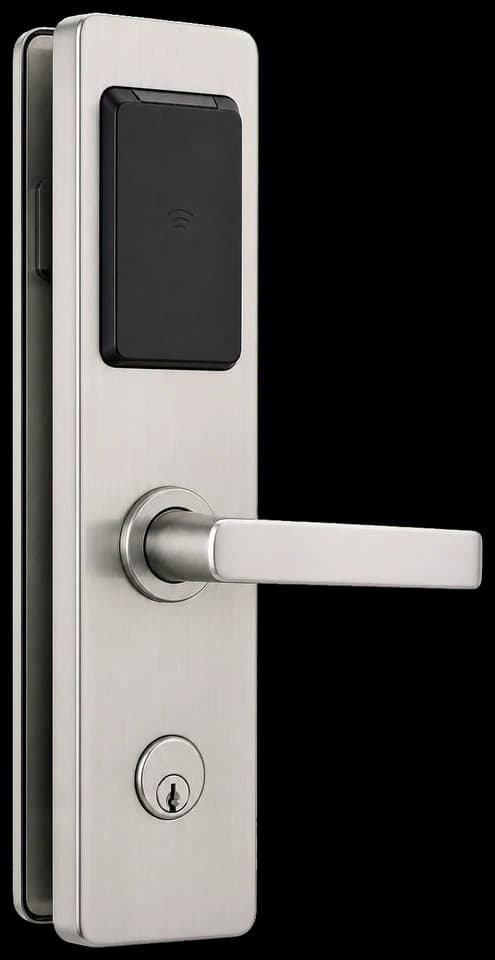
Codes at the door work well at small scale. Central management takes over when doors and users multiply.
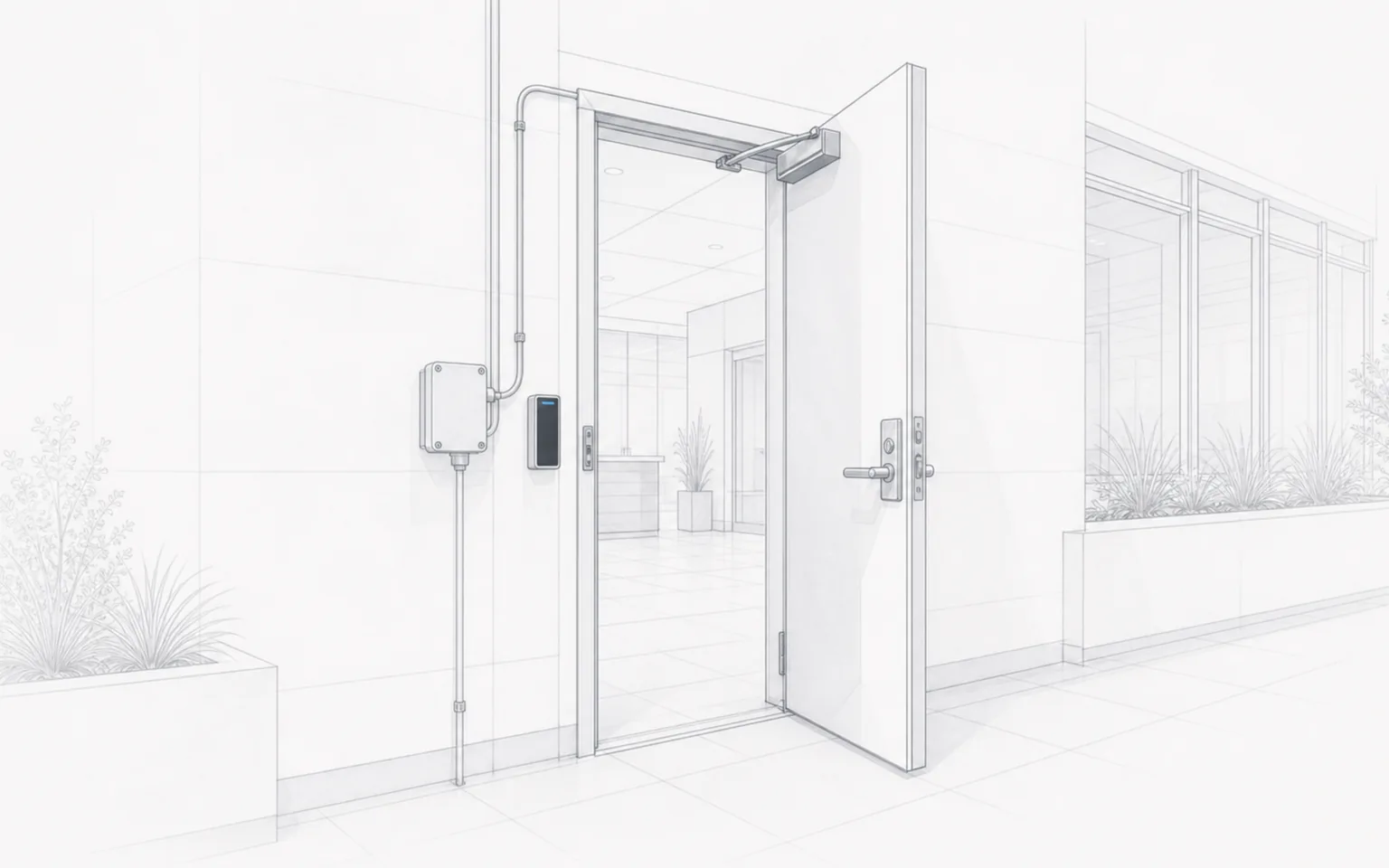
The lock is one layer. The door, latch, and prep underneath decide how it performs.
Usually not for long. Consumer smart deadbolts are designed for residential doors and light use. Commercial doors need keypad locks and electronic lever locks with commercial-grade latches, and many business doors — narrow-stile storefronts especially — will not accept residential hardware at all.
Elwin Security is awesome! Any job you have, they can get it done. Super timely responses, polite staff, and beautiful work. Anytime I have a project that requires some low-voltage work, wiring, etc. Elwin are the first people I call.
Our HOA recently partnered with Elwin Security to replace our aging, 20-year-old access control system with ButterflyMX, and I can't say enough good things about the experience.
I originally brought in Elwin Security to install a ButterflyMX fob access system for our HOA clubhouse, and they absolutely knocked it out of the park.
Site walk
Tell Elwin what is not working, what systems are already on site, and which access points matter most. The next step is a scope grounded in the building, not a generic product list.