
New Brivo installs
Panel location, reader placement, door hardware, a lock power supply, the network drop, credentials and administrator setup for doors, gates and garages.
Platform focus
Elwin Security installs, configures, repairs and supports Brivo access control for commercial and multifamily properties in the San Francisco Bay Area, from its Santa Clara office. A Brivo scope covers the control panel location, reader placement, lock hardware, lock power, network drop, credentials and administrator handoff.
Use case
Brivo offers a cloud-based access control system (Brivo access control product page). The panels, readers, locks and wiring are on the property, and that is the part Elwin installs and services.
Panel location, reader placement, door hardware, a lock power supply, the network drop, credentials and administrator setup for doors, gates and garages.
A reader that stops reading, a door that will not release, a panel that drops offline, a standby battery past its life, or a credential that no longer works.
The Brivo Access data sheet lists under supported control panels: 'All Version of the Brivo ACS6000-E Series, Brivo ACS300-E Series, Brivo ACS100 Mercury LP/MP Series, Brivo ACS5000 and IPDC are supported with limited functionality.' Elwin reviews what is installed before recommending reuse or replacement.
Service focus
The platform is chosen. The field conditions at each door still set the scope.
Brivo's ACS6100 data sheet lists 2 card readers on the controller board and up to 30 with 14 expansion door boards. ACS6100 host communication is Ethernet and/or WiFi, with a separate optional Cellular Network Module. Brivo's control panels page describes compact controllers that support up to 2 doors.
Brivo Smart Readers support encrypted Brivo mobile credentials, encrypted smart cards (13.56 MHz), or legacy proximity cards (125kHz) (Brivo Smart Readers data sheet). They connect to the panel by OSDP or Wiegand. The sheet lists mullion, single gang and single gang keypad models.
Brivo's ACS300 quick start guide says the panel downloads and installs its latest firmware when first registered to Brivo Access, and warns not to cut power during that process. Elwin configures, tests and documents each opening, then returns for service calls on readers, door release hardware, panels and credentials.
Site walk
The site walk confirms where the panel goes, how each door releases, where lock power and network come from, and who will administer the system.
Wall space for a 17.283 in. by 15.63 in. enclosure, or 27.283 in. high for the large panel, within 32°F to 125°F, with power for the included 19 VDC, 50 W transformer and a network drop. Expansion chassis link over a CAN bus on CAT5 or higher UTP cable up to 1,500 feet (Brivo ACS6100 data sheet).
Existing strikes, maglocks, electrified levers, closers and exit devices at each opening, plus a lock power supply, since the ACS6100's included supply supports expansion boards and readers only. Your fire marshal or AHJ determines compliance.
Mullion readers measure 5.7 in. by 1.7 in. by 0.71 in. and single gang or keypad readers 5.7 in. by 3.25 in. by 0.8 in. (Brivo Smart Readers data sheet). The same sheet lists a read range of 1 to 6 feet with Brivo Mobile Pass and 1 to 1.5 in. with 13.56 MHz B-SC series encrypted smart cards. Its footnote on the Mobile Pass figure says range will vary depending on environmental conditions.
Ethernet or WiFi at the panel. An ACS300 powers up when its LAN/PoE port is connected to a PoE+ switch and defaults to DHCP (Brivo ACS300 quick start guide). An ACS100 connects to the network via PoE and mounts to a junction box or wall (Brivo ACS100 Quick Start Guide). Administrator counts are 10 on Standard, 30 on Professional and unlimited on Enterprise (Brivo Access Editions sheet).
System layers
Brivo's data sheets set the limits. The property sets the layout.
The ACS6100R enclosure measures 17.283 in. high by 15.63 in. wide by 4.0 in. deep, and the ACS6100L 27.283 in. high (Brivo ACS6100 data sheet). Both are NEMA type 1 with key locks and knockouts, rated for 32°F to 125°F and up to 85% non-condensing humidity. The regular chassis accommodates two additional accessory boards and the large chassis six.
The ACS6100's included 12 VDC, 4.2 A power supply supports expansion boards and readers only (Brivo ACS6100 data sheet). Its 12 VDC, 250 mA aux output is not to be used for lock power, so locks need their own supply. The regular panel ships with one 12 VDC 14 Ah rechargeable standby battery and the large panel with two.
Brivo Smart Readers draw 100-190 mA at 5-16 VDC, connect by OSDP or Wiegand, and are rated IP 55 for indoor or outdoor use (Brivo Smart Readers data sheet). Elwin repairs and supports hardware on fire-rated doors. Your fire marshal or AHJ determines compliance.
ACS6100 host communication is Ethernet and/or WiFi IEEE 802.11 b/g/n, with cellular supported through a separate optional Cellular Network Module (Brivo ACS6100 data sheet). The Brivo Access data sheet lists HTTPS using TLS 1.3 for all communications, and each edition includes Brivo Mobile Passes: 5 with Standard, 500 with Professional, 1000 with Enterprise.
Process
Elwin plans the panel, the doors and the administration model before equipment is ordered.
Confirm door hardware, release behavior, reader locations, wiring paths, lock power, panel wall space, the network drop, and any existing Brivo, Mercury or ACS5000 equipment.
Result: A door-by-door scope with the panel count and board count.
Choose the edition, administrators, credential mix, schedules, groups and gates with the property team. Brivo Access lists 125 kHz prox, 13.56 MHz and bluetooth credential formats plus Apple Wallet and Google Play (Brivo Access data sheet).
Result: The Brivo Access setup matches how the property is run.
Mount the panel, pull cable, wire readers, locks, door contacts and request-to-exit devices, register the panel to Brivo Access, then test each opening and train the administrators.
Result: A working Brivo system with documentation and a support path.
What matters
The cloud side is Brivo's. The panel, lock power, readers, wiring and door hardware are on the property, and that is what Elwin installs and services.
Lock power is planned as its own supply, because the ACS6100's included power supply supports expansion boards and readers only (Brivo ACS6100 data sheet).
The ACS6100 holds up to 250,000 credentials per panel while offline and 60,000 events offline from host (Brivo ACS6100 data sheet).
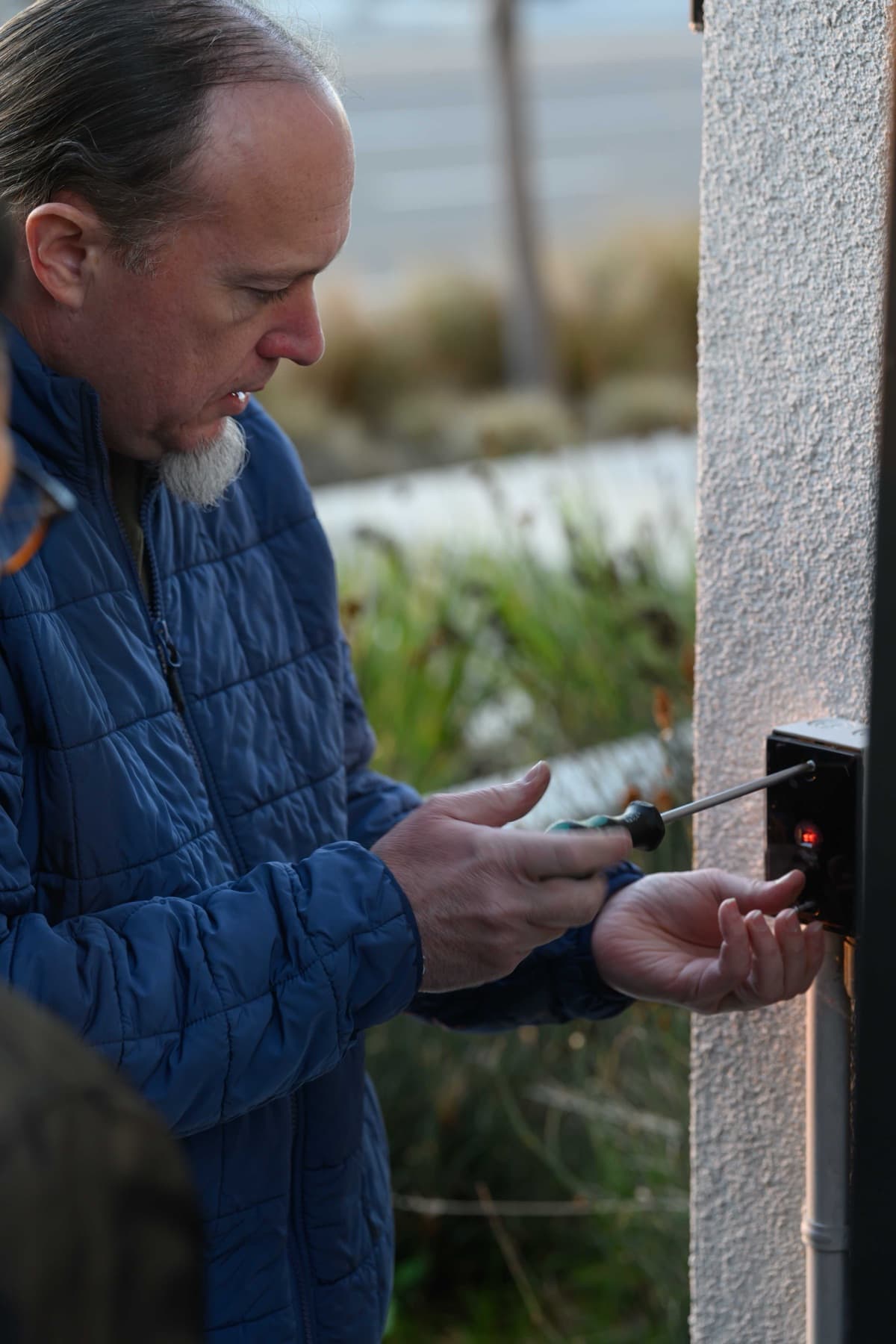
A technician fastens a small black wall-mounted device on an exterior stucco wall.
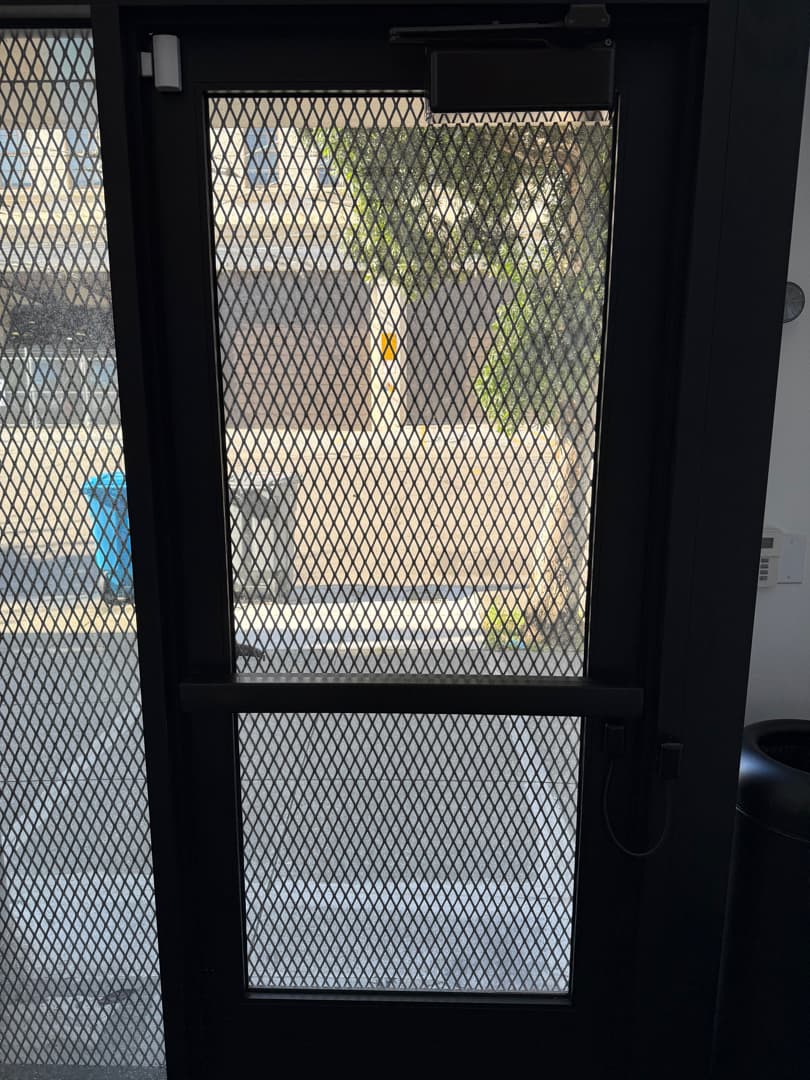
A dark metal door with mesh-covered glass, a surface-mounted closer at the top, a small white fitting at the top-left corner, and an armored cable loop on the right-hand edge.
Yes. Elwin Security installs, configures, repairs and supports Brivo access control for commercial and multifamily properties in the San Francisco Bay Area from its Santa Clara office. The work covers panels, readers, lock power, door hardware, network and administrator handoff.
Site walk
Tell Elwin what is not working, what systems are already on site, and which access points matter most. The next step is a scope grounded in the building, not a generic product list.