
Existing Latch hardware moving to DOOR
Elwin reviews what is installed and what the property team needs before recommending reuse or replacement.
Platform focus
Elwin Security installs, configures, repairs and supports Latch hardware from DOOR for multifamily and mixed-use properties in the San Francisco Bay Area, from its Santa Clara office. A Latch scope covers R2 readers, M3, M2 and Interconnect locks, the Latch Intercom, and the lock power, network and door prep.
Use case
The M2 lock takes 6 AA non-rechargeable alkaline batteries and supports Smartphone, NFC Keycard, Doorcode and Mechanical Key credentials. The wiring, door prep and mounting are on the property, and that is the part Elwin installs and services.
Elwin reviews what is installed and what the property team needs before recommending reuse or replacement.
Service focus
The platform is chosen. The field conditions at each door still set the scope.
Your fire marshal or AHJ determines compliance.
Elwin configures, tests and documents each opening, then returns for service calls on locks, readers, intercoms and credentials.
Site walk
The site walk confirms how each unit door is prepped, how each shared door releases, where lock power and network come from, and who will administer DOOR OS.
Mortise pocket or bored prep, door thickness, backset, handing and the existing cartridge brand.
Existing strikes, maglocks and exit devices at each R2 door, a separate lock power supply, and fail-safe or fail-secure behavior. Your fire marshal or AHJ determines compliance.
The Latch Intercom requires a Latch R in order to operate and can only be paired with one R.
System layers
DOOR's spec sheets set the limits. The property sets the layout.
Your fire marshal or AHJ determines compliance.
DOOR Link is a 4 in. by 6 in. device with no electronics or power that works with a Latch lock already installed at the door (DOOR Link spec sheet 2025; DOOR support, June 2026).
Process
Elwin plans the unit doors, the shared doors and the administration model before hardware is ordered.
Confirm mortise or bored prep, thickness, backset and handing on unit doors; strikes, maglocks, lock power, mounting surface and network at each R2 door; the intercom's power and network path; and any existing Latch or third-party panel equipment.
Result: A door-by-door scope with lock variants, R2 count and power supplies.
Choose the credential mix, such as Smartphone, NFC Keycard, Doorcode or Mechanical Key.
Result: The DOOR OS setup matches how the property is run.
What matters
The app and cloud are DOOR's. The door prep, lock power, readers, wiring and intercom mounting are on the property, and that is what Elwin installs and services.
Your fire marshal or AHJ determines compliance.
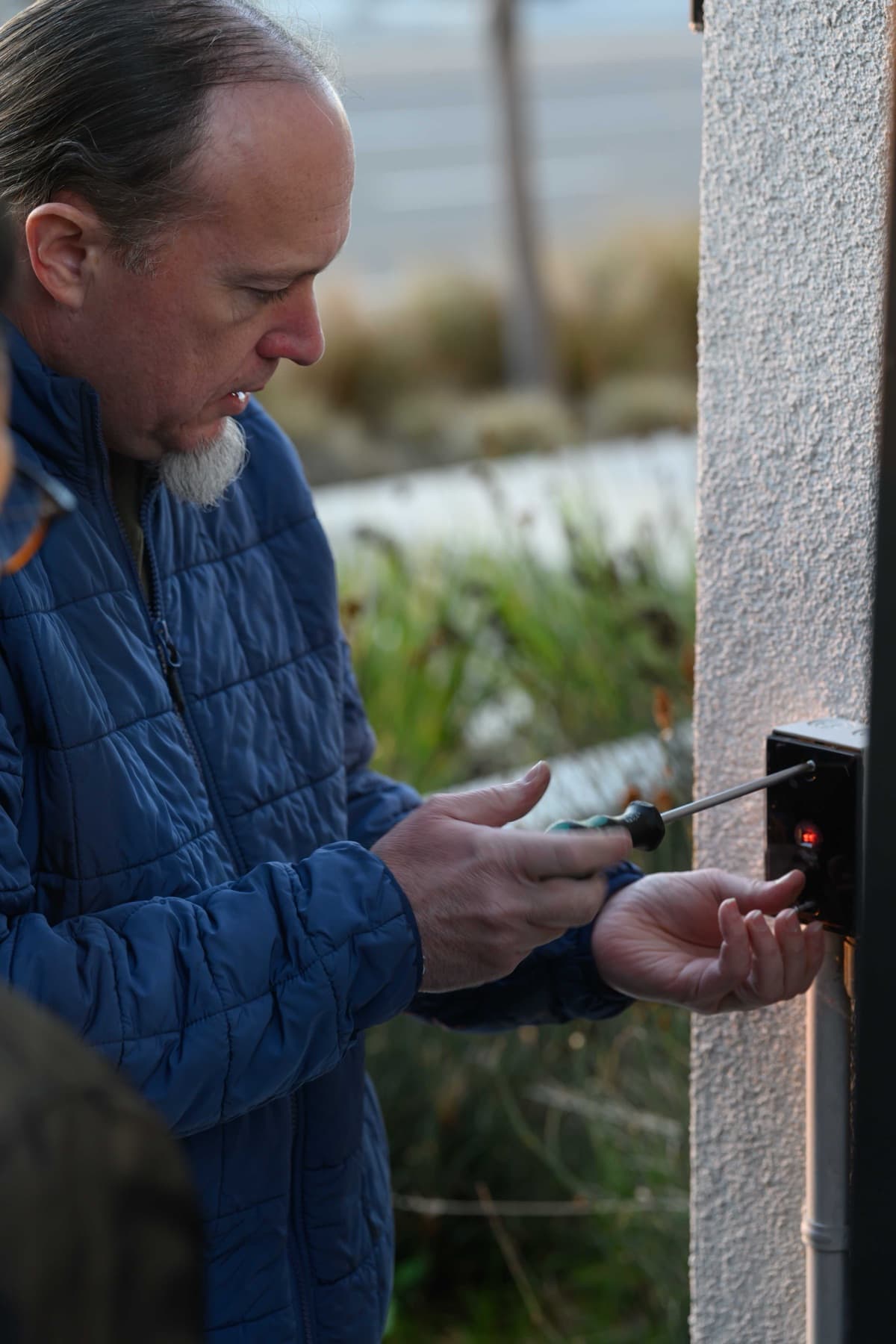
A technician fastens a small black wall-mounted device on an exterior stucco wall.
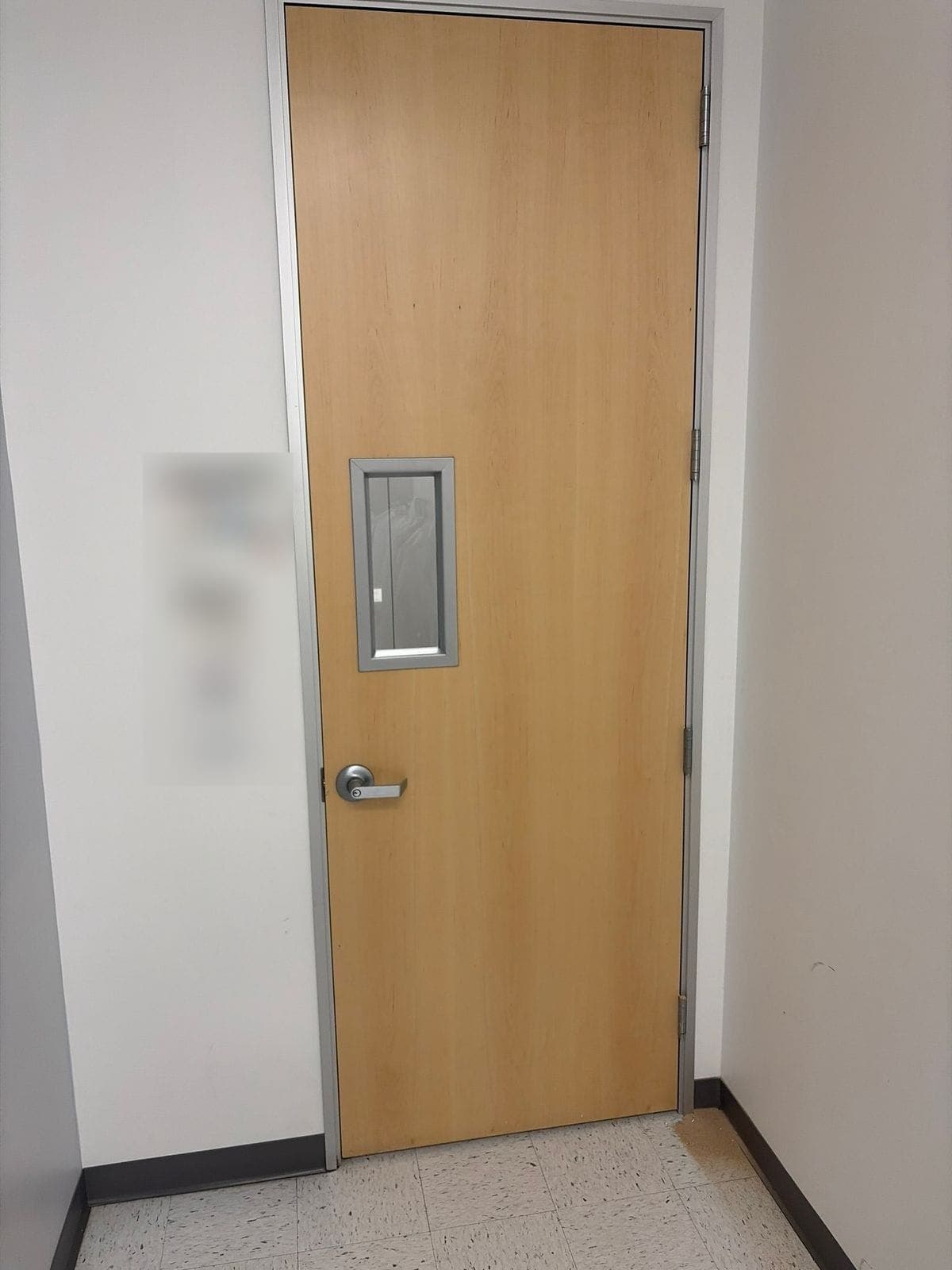
A light wood door with a small vision window and a satin lever handle in a metal frame.
Yes. Elwin Security installs, configures, repairs and supports Latch hardware from DOOR for multifamily and mixed-use properties in the San Francisco Bay Area from its Santa Clara office. The work covers unit-door locks, R2 readers, the Latch Intercom, lock power, network and administrator handoff.
Site walk
Tell Elwin what is not working, what systems are already on site, and which access points matter most. The next step is a scope grounded in the building, not a generic product list.