LiftMaster telephone entry and video intercom repair for Bay Area properties.
Elwin Security repairs and replaces LiftMaster entry systems at Bay Area multifamily and commercial properties: the EL1SS, EL25 and EL2000 telephone entry units, and the CAPXLV, CAPXLV2, CAPXM and CAPXS Smart Video Intercoms. The work covers the main board, keypad, display, speaker and relays, the phone line or network, and the strike or gate operator.
For properties where a LiftMaster entry unit has stopped doing its job.
Each situation below has a different fix, and the model decides which one applies.
01
The unit calls through a phone line that is changing
LiftMaster's EL1SS manual lists the unit's voice communication as Intercom/POTS/DSL. Its Telco mode, the factory setting, uses the residence's telephone line; its Intercom mode works without a telephone line, with telephone service fully disconnected at the demarcation point.
02
Calls, the keypad or the release have failed
LiftMaster's EL1SS manual lists the K001D7121-1 main board, K002B1597-1 keypad, K002B1598 speaker, KSN1600341B bypass board and K002B0821-1 transformer as repair parts. The CAPXLV2 manual lists a K41-0366-000 main board kit, K41-0371-000 front panel and display kit and K41-0370-000 speaker kit, and the CAPXM manual lists the K41-0217-000 control board and K41-0216-000 front panel with display kit.
03
The property wants video, app access or a bigger directory
LiftMaster's EL1SS holds 200 four-digit entry codes and controls 2 gates or doors. The CAPXLV2 data sheet lists a local user capacity of 50,000 per unit.
Service focus
Repair, reconnect or replace: the model and its manual decide.
LiftMaster's manuals set what each path requires, so the first job is to identify the unit, read its board and label, and confirm how it connects.
01
Repair with LiftMaster repair parts
The CAPXLV2 manual states that the product is not user serviceable and shall only be installed and maintained by a professional installer. Elwin repairs with the part that LiftMaster lists for the installed model.
02
Reconnect the unit
The EL1SS manual requires a DSL filter where the phone line carries DSL, states that the phone line cannot be shared with multiple EL1SS units, and gives the unit a Ringer Equivalence Number of 4. The CAPXLV2 connects over 10/100 Ethernet or Wi-Fi, and LiftMaster's readiness survey calls for at least 5 Mbps up and down per Smart Video Intercom, a Wi-Fi signal between -30 and -67 dBm, and CAT 6 or higher for anything requiring video. LiftMaster's CAPXLV product guide lists a CAPCELL cellular modem and does not recommend it for applications with video features.
03
Replace the system
Each requires a monthly myQ Community subscription, and video and voice calls require a Phone.com VoIP subscription. When the property wants a different platform instead, Elwin replaces the LiftMaster unit.
Service check
What Elwin checks before quoting a LiftMaster repair or replacement.
A model name on the faceplate is not enough. The board, the connection type and the release wiring decide which LiftMaster parts and connection options will work.
01
Model and board
Faceplate model, main or control board, and for the CAPXL and CAPXLV the CP number on the control board bracket label. LiftMaster's survey records the router and modem make, model and manufacture date separately for each connected device.
02
Connection type
Telephone line, DSL filter and bypass switch position on an EL1SS; Ethernet run length, Wi-Fi signal and PoE source on a CAPX unit.
03
Release path
Which relay drives which door or gate, the wire gauge and distance to each strike or operator, and any wireless gate operator link. The CAPXLV2 reaches a Security+ 2.0 gate operator up to 750 feet away in open air, and LiftMaster states it is not compatible with its barrier gate operators.
04
Directory and programming
Resident count against the model's capacity, who programs the system today, and whether that happens from the keypad, a Windows PC running Versa XS, or the myQ Community portal. The CAPXLV2 manual notes that only one OSDP reader can be installed at a time.
Scope details
A LiftMaster scope has four parts, and the faceplate is only one of them.
The board, the connection, the relays and the programming are what a repair touches.
Unit electronics
The EL1SS manual describes a processor board with a 16.5 Vdc non-polarized power connector, two Form C relays, a phone output to the house phones, a line input from the telephone provider, and a tamper switch whose alarm can only be turned off by removing power. The CAPXLV2 manual says the product is not user serviceable and power must be disconnected before servicing.
Main and door boards
Keypads and displays
Bypass board (EL1SS)
Connection path
The EL1SS ships with a bypass board that lets the unit be disconnected without interrupting normal telephone operation, and its manual places an alarm system first in series from the Telco box. The CAPXLV2 takes 24 VDC at 3 A or PoE at 42 to 55 VDC under 802.3bt, and LiftMaster's survey puts each CAPX unit on a dedicated external 120 VAC outlet wired to its own 10 A minimum breaker, with power and control wiring in separate conduits.
Telephone line and DSL filter
Ethernet, Wi-Fi or PoE
Dedicated 120 VAC circuit
Release hardware
LiftMaster rates each CAPXLV2, CAPXLV and CAPXM relay at 3 A at 30 VDC. The CAPXS manual says not to power electronic strikes and latches with the same power supply used for the panel. The CAPXLV2 manual requires approval from local fire officials before installing locks or devices on any doors that may be fire exits, and the fire marshal or local AHJ decides what egress hardware is acceptable.
Relay outputs
Strikes and maglocks
Gate operators
Programming and handoff
The EL1SS requires a Master Code to set up basic functions; pressing *9 grants access through the door or gate connected to Relay 1. LiftMaster's CAPXLV2 data sheet lists programming through the myQ Community cloud and myQ Community web portal software.
Keypad master code
Versa XS 2.1
myQ Community portal
Process
From a dead call box to a working entry, with the right LiftMaster parts.
The process keeps repair decisions tied to LiftMaster's published parts lists and wiring rules.
01
Identify the unit
Record the model, board, connection type and relay wiring, and test calls, keypad, display and release at the unit. The EL1SS manual's relay test has someone answer the call and enter *9 to trigger relay 1.
Result: The quote names the exact LiftMaster part or kit, not a generic intercom repair.
02
Choose repair, reconnection or replacement
Match the failure to LiftMaster's parts list and connection rules: a board, keypad, display or speaker kit, a DSL filter or network fix, or a new unit.
Result: The property knows what the fix costs and what it leaves in place.
03
Install, program and hand off
Install the part or unit, set the master code or the myQ Community account, load the directory, test each relay and call path, and show the property team how programming works.
Result: The entry works and the property can manage its own directory.
Field proof
What LiftMaster's own documents say about repair.
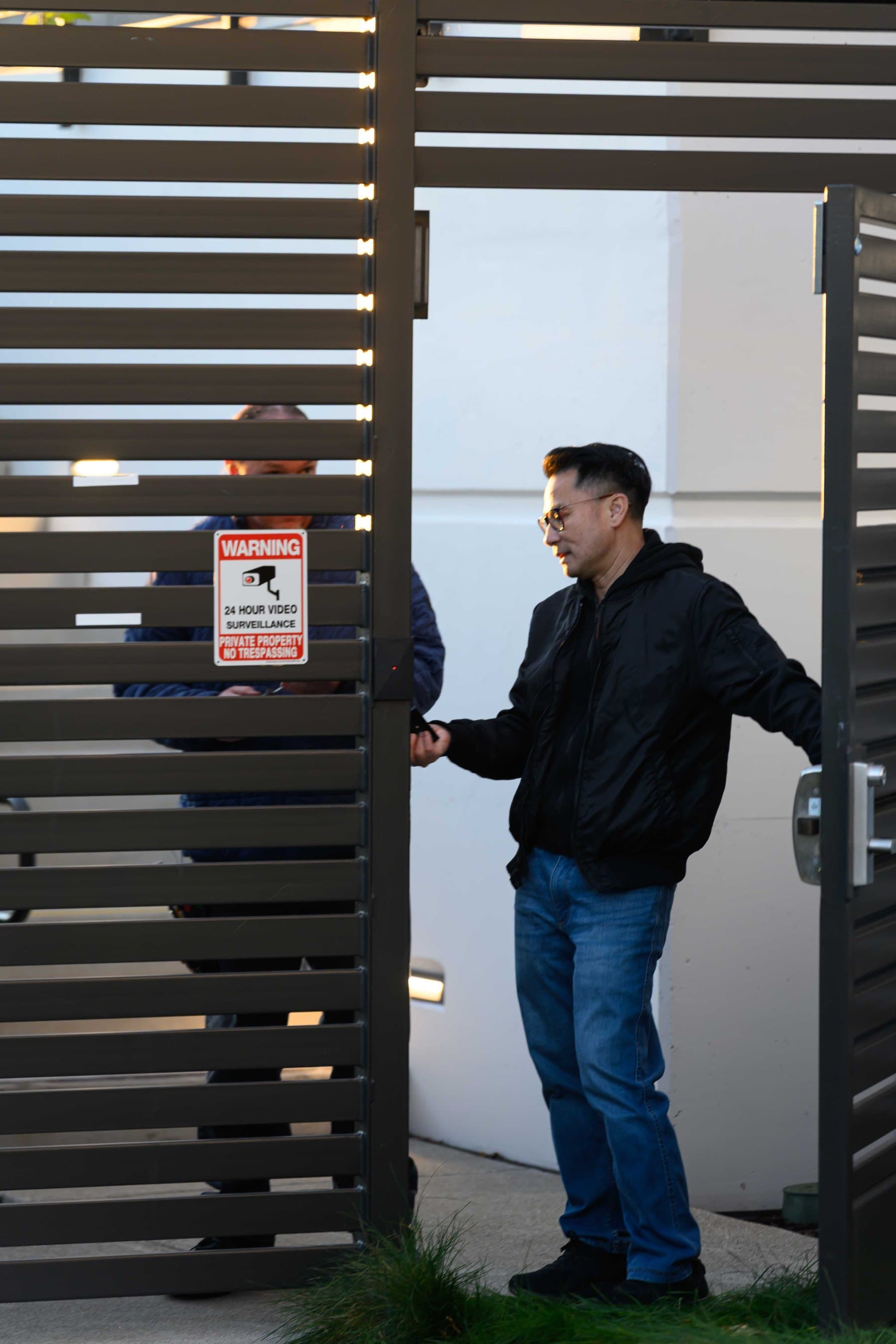
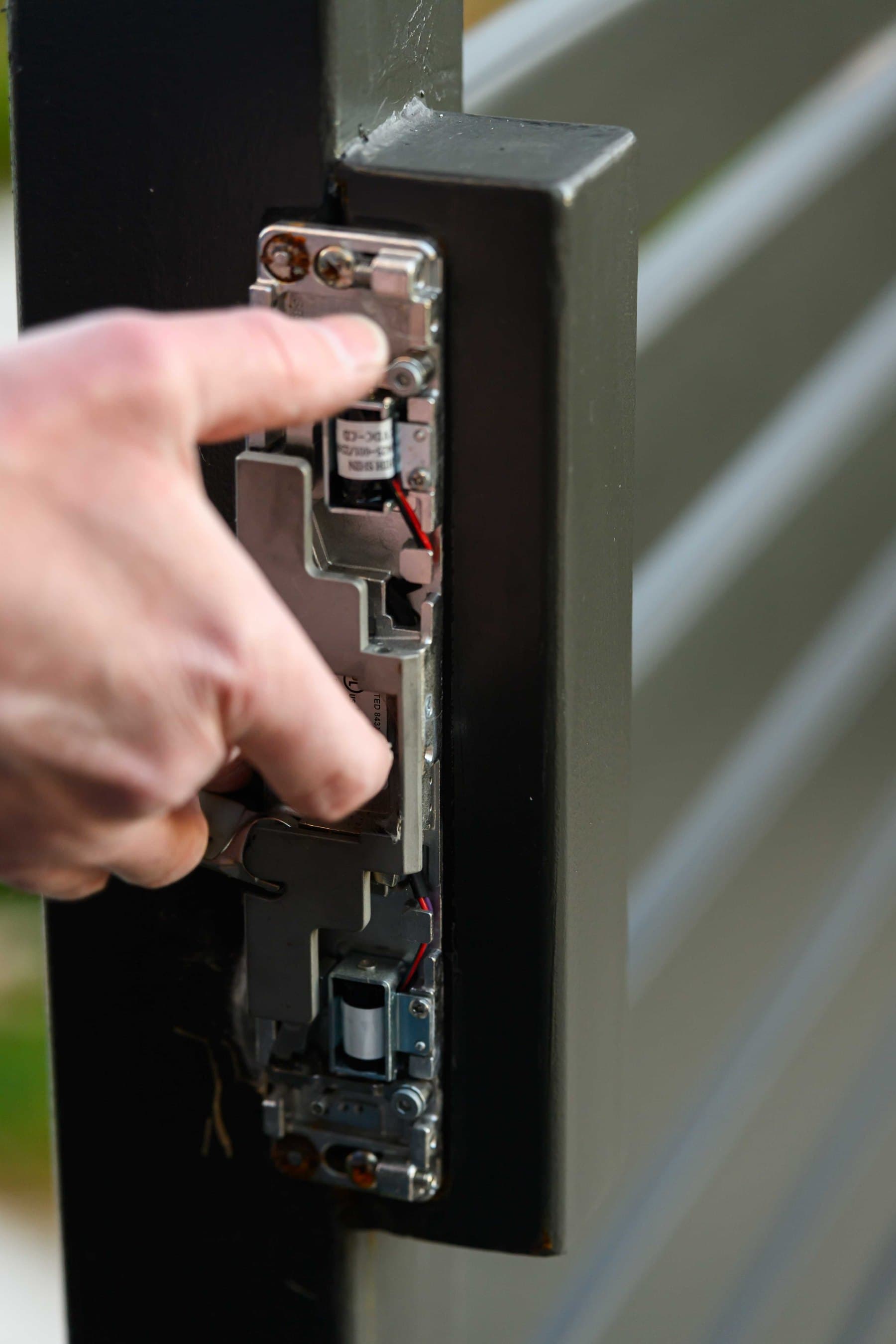
Photos of gate entry hardware; neither shows LiftMaster equipment.
LiftMaster's EL1SS manual states that adjustments to the unit are prohibited except for changing the code setting or replacing the battery, and that there are no other user serviceable parts. Its CAPXLV2 manual states that the product shall only be installed and maintained by a professional installer.
LiftMaster's warranty page, effective September 1, 2022, warrants to the first retail purchaser for the residence in which the product is originally installed. The 2016 EL1SS manual warrants to the first purchaser, for the structure where installed, two years from purchase against defects in materials and/or workmanship. A commercial property should get its warranty terms in writing from the seller.
Gate entry
A small black box with a red indicator light sits on the gate post beside the latch edge of the gate leaf.
Strike detail
An electric strike mounted in a gate post, with the solenoids and their wiring exposed.
Core service areas for property-first security work.
Elwin serves Bay Area properties from Santa Clara outward, with access control, cameras, intercoms, door hardware, and low-voltage planning tied back to the site conditions in each city.
The EL1SS can. Its manual describes an Intercom mode in which the unit communicates with a resident's phone without a telephone line by generating its own signal, with telephone service fully disconnected at the demarcation point. Telco mode, the factory setting, uses the residence's telephone line.
Yes. The cited LiftMaster brochure says its Smart Access Solutions, including CAPXLV2, CAPXM and CAPXS, require monthly subscriptions to a myQ Community plan.
It depends on the part and on what the property needs. LiftMaster's CAPXL/CAPXLV manual lists repair parts including the K41-0103-000 touchscreen display, K41-0112-000 control board, K001D8439 power/internet board, K001D8478 door board and 041B0692 microphone kit, and its product page marks that manual "(Manufactured Prior to 2022)".
Yes. Elwin replaces LiftMaster telephone entry units with a LiftMaster Smart Video Intercom or another platform. The next step is a service call to identify the unit, or a site walk if replacement is already on the table.
Service request
Start with the symptom.
Tell Elwin what is not working, what systems are already on site, and which access points matter most. The next step is a scope grounded in the building, not a generic product list.