
New PointCentral installs
Unit smart locks, Z-Wave repeaters, door controllers, readers, lock power, the network drop and staff setup.
Platform focus
Elwin Security installs, configures, repairs and supports PointCentral systems for multifamily and mixed-use properties in the San Francisco Bay Area, from its Santa Clara office. A PointCentral scope covers the unit smart locks, Z-Wave coverage, door controllers, readers, lock power, the network path and the staff handoff.
Use case
The unit locks, door controllers, readers and wiring are on the property, and that is the part Elwin installs and services.
Unit smart locks, Z-Wave repeaters, door controllers, readers, lock power, the network drop and staff setup.
A unit lock that drops off Z-Wave, a reader that stops reading, a door that will not release, a controller that goes offline, or a code or credential that no longer works.
Elwin reviews what is installed before recommending reuse or replacement.
Service focus
The platform is chosen. The field conditions at each unit door and each controlled opening still set the scope.
Alarm.com's Yale Pro 2 Mortise Lock page lists Z-Wave Long Range, Security 2 and SmartStart as compatible with a user code limit of 500.
Alarm.com's LP1502 data sheet says each LP1502 can support up to two readers and can manage 34 readers using Alarm.com Expansion Modules.
Elwin configures, tests and documents each unit and opening, then returns for service calls on locks, readers, release hardware, controllers and credentials.
Site walk
The site walk confirms where unit locks and repeaters go, where door controllers mount, how each door releases, and where lock power comes from.
Door type and prep at each unit.
Distance from each lock to the nearest powered Z-Wave device, wall and floor construction, and metal boxes.
Alarm.com's request-to-exit article says allowing free egress may require a Request to Exit device, and refers building code requirements to the local jurisdiction. Your fire marshal or AHJ determines compliance.
If the property keeps an intercom, Alarm.com says the intercom's dry contact output connects in the same manner as a request to exit device.
System layers
PointCentral's catalog and Alarm.com's data sheets set the limits. The property sets the layout.
Alarm.com's Z-Wave support page recommends enrolling no more than 60 total Z-Wave devices and up to 10 thermostats to ensure network stability.
Alarm.com says the LP1501 and LP1502 door controllers are compatible with "most standard 12 or 24V locking hardware." Your fire marshal or AHJ determines compliance.
Alarm.com lists the LP1501, LP1502, X1100, MP1501 and MP1502 under TLS 1.2 and the MP1501 and MP1502 under TLS 1.3. For cellular, Alarm.com recommends its Cell Connector (ADC-NK-200T-A-CC), which uses 4G LTE and runs on 5 VDC with a lithium-ion internal battery backup.
Process
Elwin plans the lock list, the Z-Wave layout, the controlled openings and the staff handoff before equipment is ordered.
Confirm door prep at each unit, Z-Wave distances, door hardware, reader locations, wiring paths, lock power, controller wall space and the network drop.
Result: A unit-by-unit and door-by-door scope with the lock, repeater, controller and expansion module counts.
Set up unit codes, credentials, schedules and staff roles with the property team.
Result: The PointCentral setup matches how the property is run.
Install unit locks and repeaters, mount controllers and power kits, pull cable, wire readers, locks, door contacts and request-to-exit devices, enroll each device, then test each unit and opening and train the property staff.
Result: A working PointCentral system with documentation and a support path.
What matters
The cloud dashboard is PointCentral's. The locks, repeaters, controllers, readers, wiring and door hardware are on the property, and that is what Elwin installs and services.
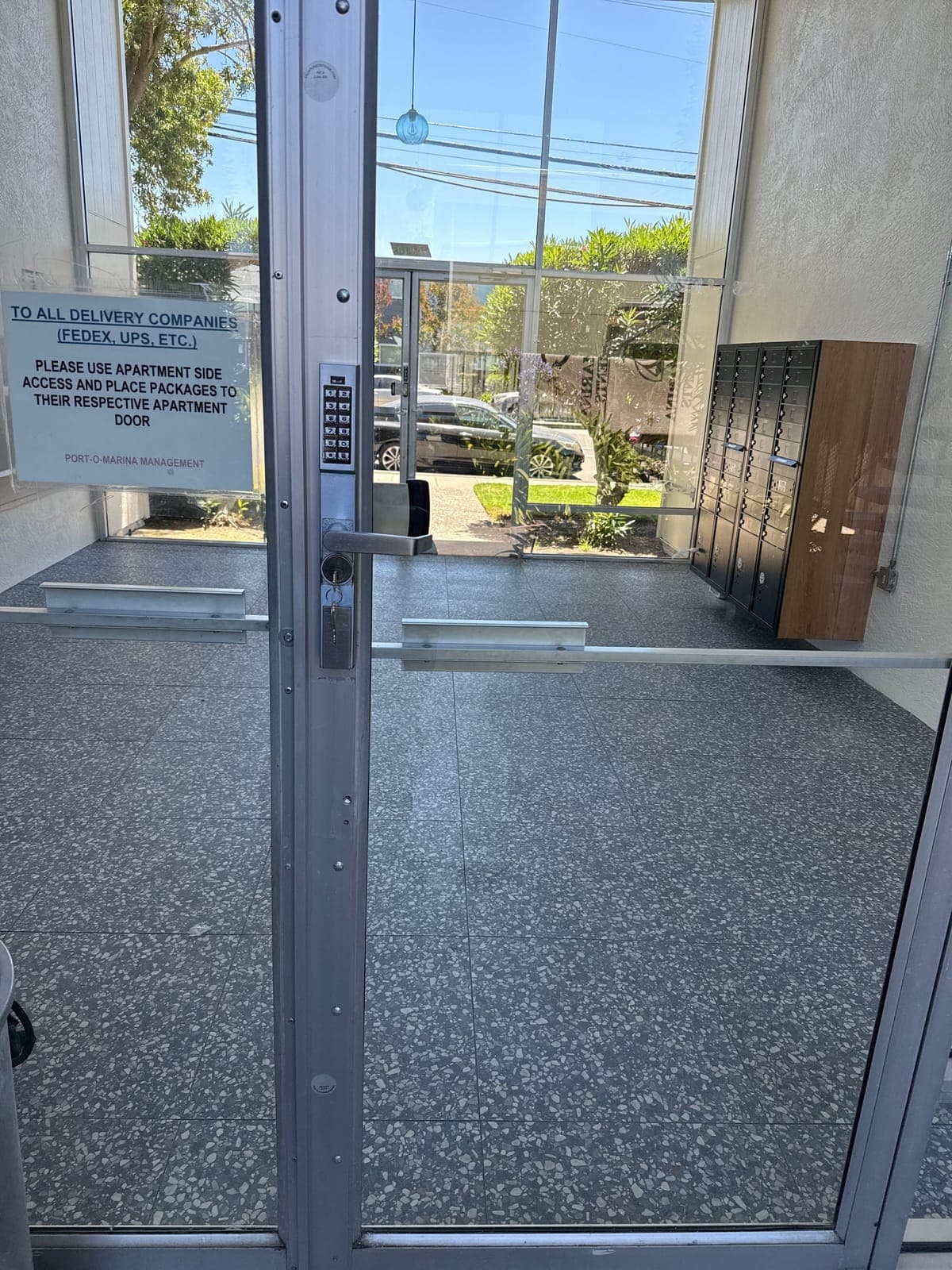
An aluminum-framed glass entry door with a push-button keypad lever lock on the stile, with a bank of mailboxes inside.
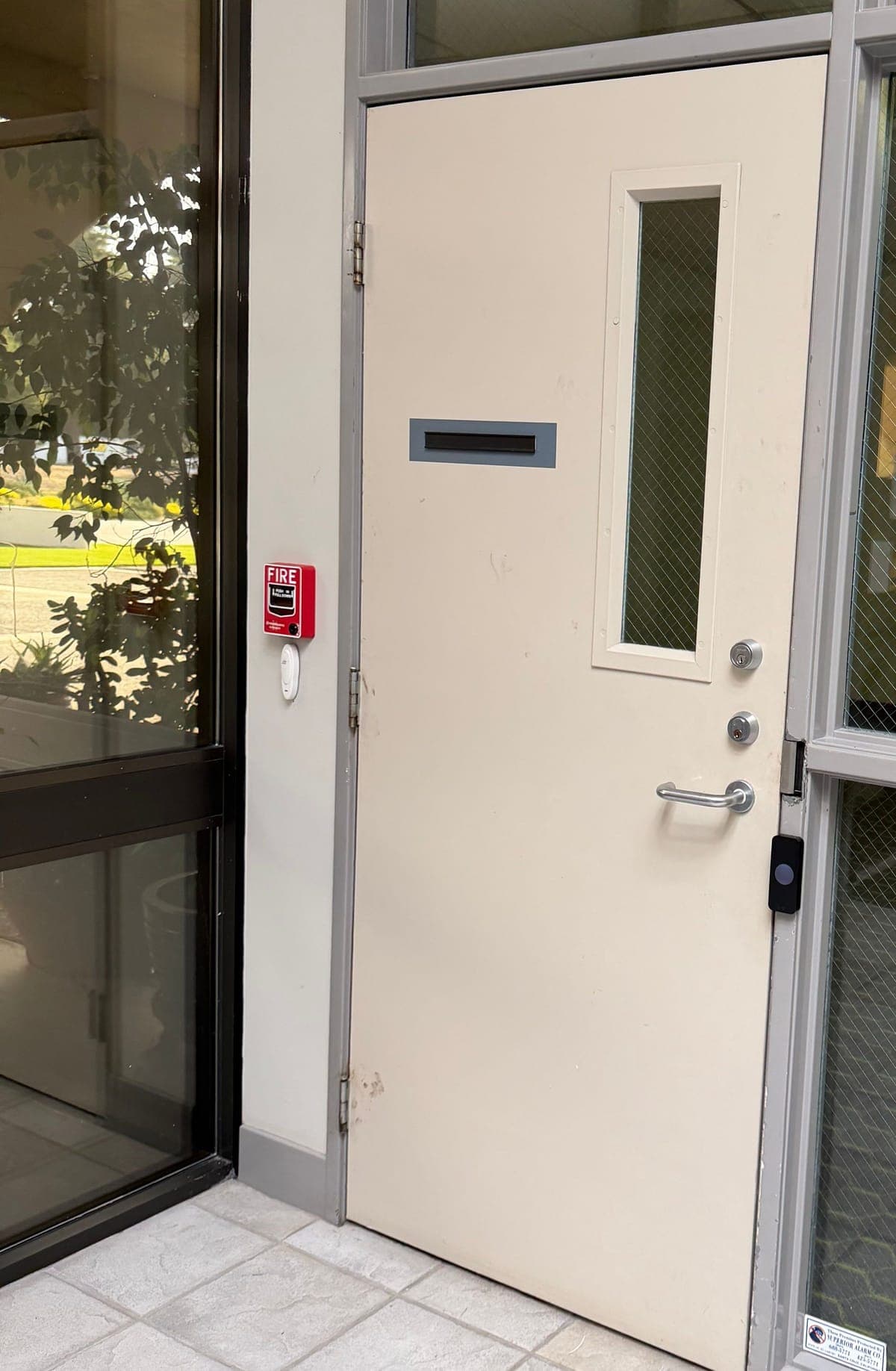
A cream metal door with a narrow vision panel of mesh-patterned glass, a lever handle, two cylinders, and a small black device on the door frame.
Yes. Elwin Security installs, configures, repairs and supports PointCentral systems for multifamily and mixed-use properties in the San Francisco Bay Area from its Santa Clara office. The work covers unit smart locks, Z-Wave repeaters, door controllers, readers, lock power, network and property-staff handoff.
Site walk
Tell Elwin what is not working, what systems are already on site, and which access points matter most. The next step is a scope grounded in the building, not a generic product list.