Rhombus installation and service for Bay Area properties.

Elwin Security installs, configures, repairs, and supports Rhombus access control, video intercoms, and cameras for commercial and multifamily properties in Santa Clara and the San Francisco Bay Area. The work covers the DC10 and DC20 door controllers, the DR20 reader, the DR40 video intercom, and Rhombus PoE cameras such as the R200, R520, and R410. It includes the lock hardware, cabling, power, and Rhombus Console setup each device depends on.

For properties that have chosen Rhombus and need the doors, power, and network to match.

The controller at each door, the power it gets, the cable runs, and the licenses behind them set the scope of a Rhombus job.

01

Single doors on the DC10

Rhombus's DC10 manual describes a one-door controller powered by PoE, PoE+, or PoE++, or by an external 12 VDC supply capable of 3.75 A. The same manual says the DC10 passes PoE and network through to a device on its PoE Out port, is for indoor use only, and should be installed in a secured area.
02

Door groups on the DC20

Rhombus's DC20 manual describes a controller with six Form C relays, powered by an included 100-240 VAC to 12 VDC adapter. The manual says the DC20 is intended to be wall mounted indoors in a secure area, such as a locked server room or utility closet.

03

Entry intercom with video

It takes PoE 802.3af or 12-28 VDC at 1.05 A and connects to the DC20 over OSDP on RS-485. When access control is not required, it can run as a standalone device for audio and video events.

04

Camera coverage on PoE

Rhombus's spec sheets list the R200 mini dome at 802.3af PoE and a maximum of 10.5 W, and the R520 mini bullet at 802.3af and a maximum of 7.5 W. The R410 dome runs on PoE+ (802.3at) at a maximum of 25.5 W. Each of the three sheets lists onboard storage with a day count per tier and a baseline of 10 to 30 Kbps per camera.

Rhombus work turns on lock power, reader wiring, and the network at each door.

The scope is set by what the controller can power, how the reader is wired, and whether the door needs an external supply.

01

Lock power from the controller

Rhombus's DC10 manual limits the door relay supply to 10 W, 830 mA at 12 VDC and 415 mA at 24 VDC, with a selector switch for 12 V, 24 V, or none. Both manuals warn that selecting the wrong voltage for a door supply may result in damage.

02

Reader wiring and reader power

Both manuals say the controllers work with Rhombus readers and with the third-party OSDP (RS-485) and legacy Wiegand readers they list. The DC20's 12 VDC reader supplies provide up to 660 mA each and the DC10's up to 540 mA each.

03

Maglocks, strikes, and fire alarm ties

Both manuals describe a fire alarm control panel interface through an Access Power Controller on a dry relay: on alarm, the panel signals the APC to disconnect lock power, and fail-safe doors unlock.

04

Network, Wi-Fi, and outages

The DC20 manual lists 10/100BASE-TX Ethernet over CAT5 or CAT6 and provisions for a 12 V sealed lead acid backup battery for offline mode, battery not included. The DC10 manual adds Wi-Fi networking, which can be configured during registration. The DR20 and DR40 manuals say access control keeps working during a network disconnection, while user grants and schedules cannot be updated until the connection returns.

05

Licenses and the Rhombus Console

Rhombus's access control pricing page says access control requires either a DC10 or DC20 and door licenses, with licensing cost calculated per door. To get started, the DC10 and DC20 manuals say to scan the QR code or visit rhombus.com/setup/dc10 or rhombus.com/setup/dc20. The DC20 manual says optional terminals OUT1 and OUT2 are configurable in Rhombus Console to support LEDs and buzzers.

What Elwin checks before scoping a Rhombus project.

The site walk confirms which controller fits each door, where it gets power, how the cable reaches it, and which licenses the proposal must carry.

01

Doors and locks

Each opening's lock type, fail-safe or fail-secure behavior, door position switch, and request-to-exit device.

02

Controller location and power

For the DC10, a secured indoor spot and PoE or a 12 VDC supply; for the DC20, an outlet not controlled by a switch. Space for a 12 V SLA battery if offline mode matters.

03

Cable paths

Lock power and reader power on 18 AWG; reader data and inputs on 24 AWG. Reader power within 300 ft on the DC20 and 100 ft on the DC10, reader data and inputs within 300 ft, and the DC10's 100 m total for PoE in plus PoE out.

04

Network and licenses

PoE switch ports for the cameras and the DR40, ethernet or Wi-Fi for the DC10, and door licenses.

A Rhombus system is controllers, readers, door hardware, cameras, and licenses.

Elwin scopes each layer so the hardware, the wiring, and the Console setup match the property.

Controllers

DC10 for one door on PoE or an external 12 VDC supply; DC20 on an included 100-240 VAC to 12 VDC adapter.

  • DC10
  • DC20
  • Enclosure

Readers and credentials

DR20 reader and DR40 video intercom at 13.56 MHz, with Rhombus Badge, ISO 14443A (CSN), and the Rhombus Key app listed as compatible credentials. Rhombus Secure Cards and Fobs use MIFARE DESFire EV1 with 128-bit AES.

  • DR20
  • DR40
  • Cards and fobs

Door hardware and power

REX and door position inputs supervised with the included 4.7 kΩ resistors.

  • Locks
  • REX and DPI
  • Power supplies

Cameras and network

R200, R520, and R410 cameras on PoE or PoE+ with onboard storage. DC20 on CAT5 or CAT6 Ethernet, DC10 on Ethernet or Wi-Fi, and DR40 on PoE or Ethernet with a 328 ft Ethernet line limit.

  • PoE
  • Switch ports
  • Storage

Rhombus installation starts with the door, not the dashboard.

Elwin plans the controllers, power, and wiring before registration and Console setup.

01

Walk the openings

Confirm each door's lock, inputs, reader location, cable route, and whether the DC10 or DC20 fits.

Result: The scope matches the property conditions.

02

Plan power, wiring, and licenses

Set lock voltage per door, size reader and lock runs to Rhombus's wire tables, and list the door and camera licenses.

Result: The proposal carries the hardware, wiring, and licenses together.

03

Install, register, and hand off

Mount and wire the controllers and readers with power off, and select each relay voltage before powering. Register devices through the Rhombus setup pages and hand off the Console to the property team.

Result: The property gets a working Rhombus system and a clear admin handoff.

A Rhombus system is only as reliable as the power and wiring behind each door.

The manuals put the limits in writing. The field work has to stay inside them.

The DR40 draws more than a DC10 or DC20 reader supply provides, so it needs PoE or its own DC supply.

Rhombus warns that the wrong relay voltage may result in damage, so the selector is set before power is applied.

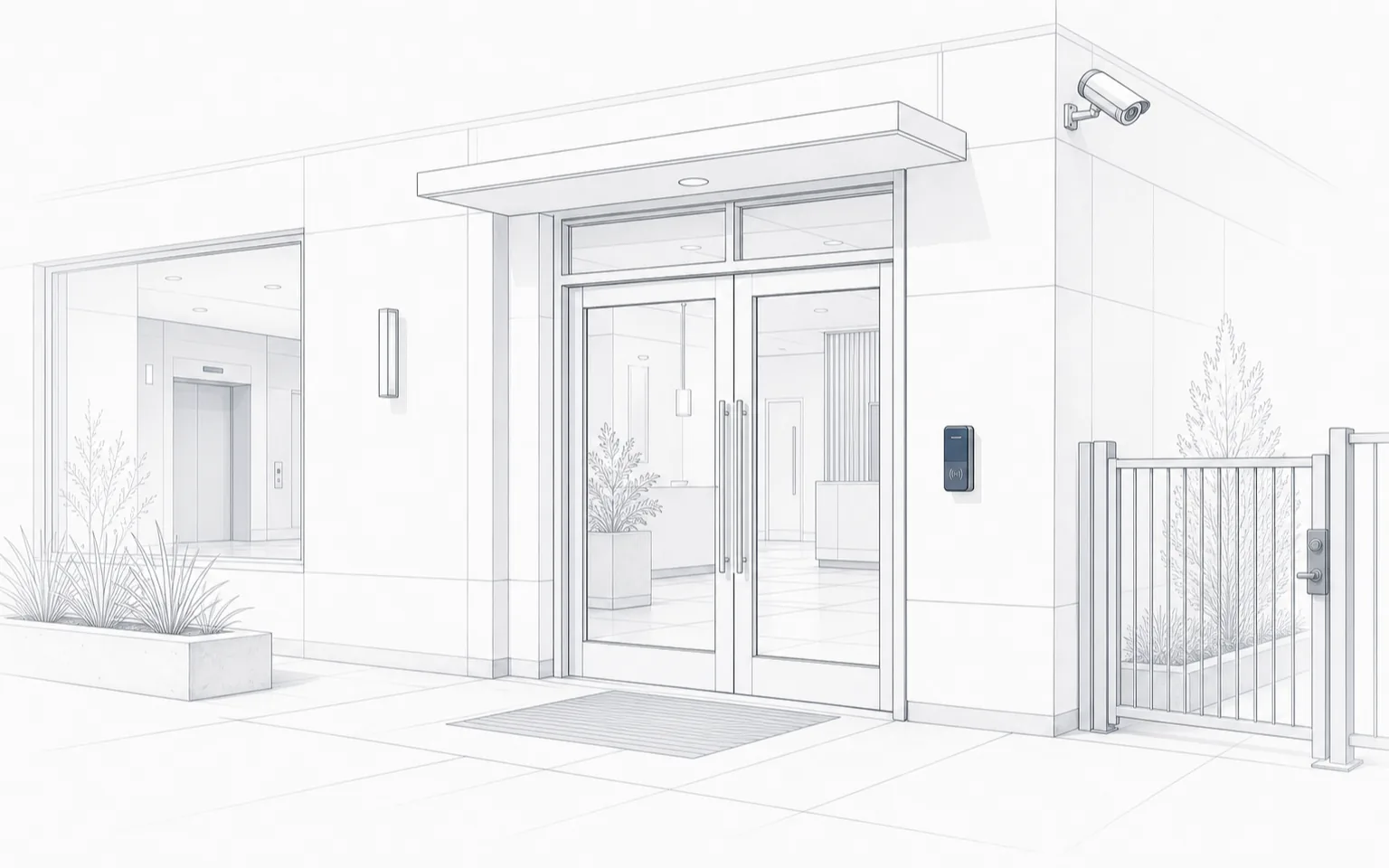
Line drawing of a glass double-door entry with a wall-mounted reader beside the door, a camera on the building corner, and a railed gate to the right.
Access layer

A reader beside a glass entry, a camera on the building corner, and a railed side gate, as drawn.

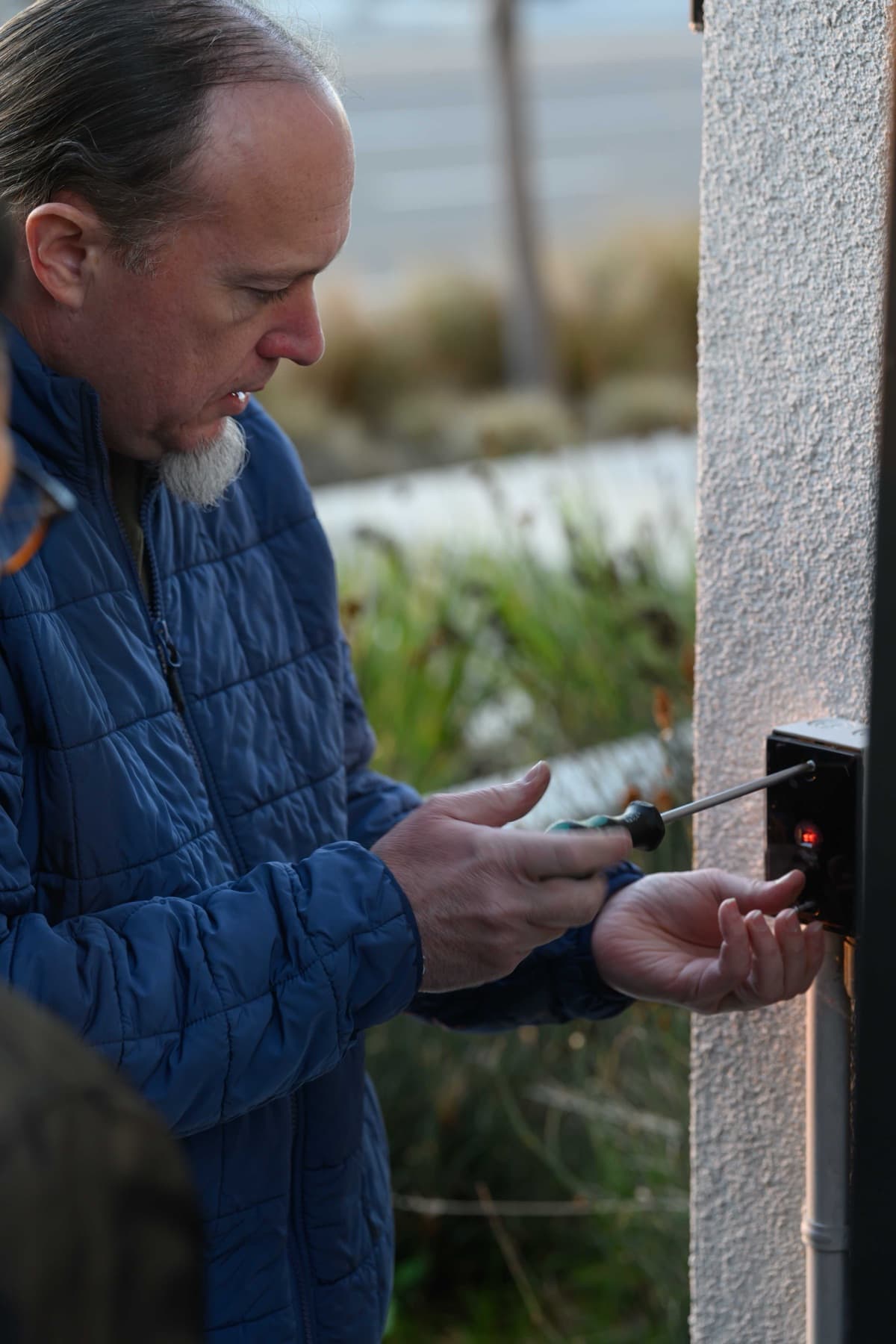
Technician using a screwdriver on a small black wall-mounted device with a red indicator light on an exterior stucco wall.
Device mounting

A technician fastens a small black device with a red indicator light to an exterior stucco wall.

See all before and after photos

FAQ

Yes. Elwin Security installs, configures, repairs, and supports Rhombus access control, video intercoms, and cameras for commercial and multifamily properties in Santa Clara and the San Francisco Bay Area. That includes the door hardware, low-voltage wiring, and network preparation each device needs.

Start with the property conditions.

Tell Elwin what is not working, what systems are already on site, and which access points matter most. The next step is a scope grounded in the building, not a generic product list.

Request a site walk.

  1. Contact
  2. Project
  3. Property and send

Who should we contact?

Enter your name and either a phone number or an email address. We save these as you go, so we can follow up even if you don’t finish.