
New SmartRent rollouts
An outlet in each unit, a smart lock on each unit door, Alloy Access readers, and WiFi or an ethernet cable for each hub.
Platform focus
Elwin Security installs, configures, repairs and supports SmartRent access control and smart locks for multifamily and mixed-use properties in the San Francisco Bay Area, from its Santa Clara office. A SmartRent scope covers the in-unit Alloy hub, the unit door locks, the Alloy Access readers, the network path and the credential handoff.
Use case
The hubs, locks, readers and wiring are on the property, and that is the part Elwin installs and services.
An outlet in each unit, a smart lock on each unit door, Alloy Access readers, and WiFi or an ethernet cable for each hub.
A hub whose light is blinking green or red instead of solid green.
Elwin reviews what is on the doors before recommending reuse or replacement.
Service focus
The platform is chosen. The outlet, the door prep and the network path at each location still set the scope.
SmartRent's hubs page says a WiFi chip connects the hub to the property's managed WiFi network and that the cellular connection 'can also serve as a backup if WiFi is down'.
Site walk
The site walk confirms where each hub goes, how each unit door is prepped, where readers mount, and how each hub reaches the internet.
An outlet and an out-of-sight location in each unit.
Door thickness, backset, bore and existing deadbolt prep against the lock's listed range. Your fire marshal or AHJ determines compliance.
Reader form factor at each opening.
WiFi or Ethernet at each hub.
System layers
SmartRent's hardware pages and help center set the limits. The property sets the layout.
Your fire marshal or AHJ determines compliance.
Process
Elwin plans the hub, the lock, the readers and the credential model before equipment is ordered.
Confirm an outlet and hub location per unit, door prep, reader locations, panel space, wiring paths and existing hardware.
Result: A unit-by-unit and door-by-door scope.
Choose the hub model, the lock model, reader form factors and the credential mix with the property team.
Result: The SmartRent setup matches how the property is run.
Mount hubs, fit locks, mount readers and panels, pull cable, bring each hub onto WiFi or Ethernet, test each door, then train staff.
Result: A working SmartRent system with documentation and a support path.
What matters
The software side is SmartRent's. The hubs, locks, readers, wiring and door prep are on the property, and that is what Elwin installs and services.
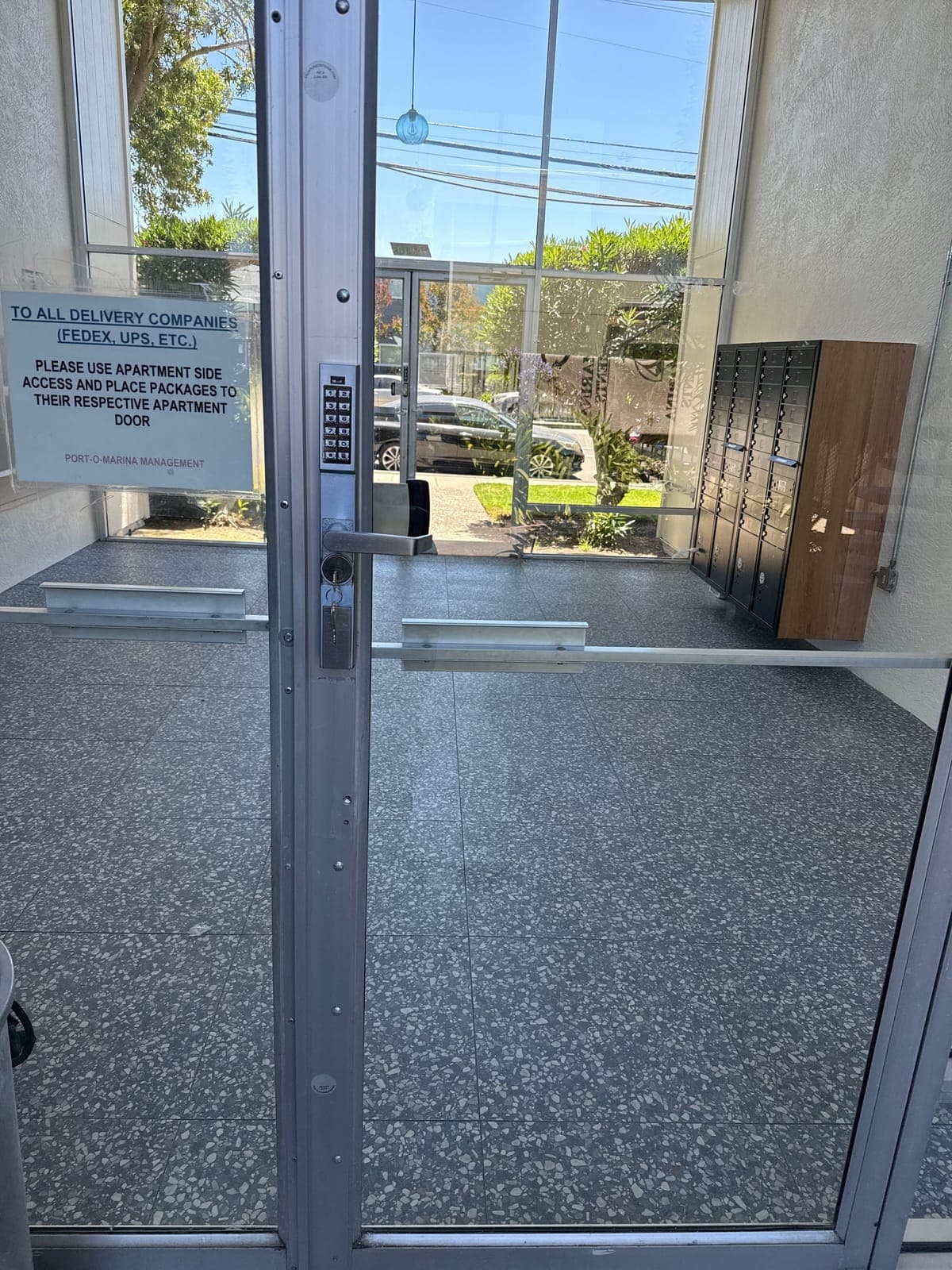
A keypad lock above a lever handle on an aluminum-framed glass entry door, with metal lockers inside the lobby.

A person holds a tagged key and a key fob inside a glass-walled lobby.
Yes. Elwin Security installs, configures, repairs and supports SmartRent access control and smart locks for multifamily and mixed-use properties in the San Francisco Bay Area from its Santa Clara office. The work covers in-unit hubs, unit door locks, readers and panels, network paths and the credential handoff.
Site walk
Tell Elwin what is not working, what systems are already on site, and which access points matter most. The next step is a scope grounded in the building, not a generic product list.