Swiftlane installation and service for Bay Area entries, doors, and gates.
Elwin Security installs, configures, repairs, and supports Swiftlane video intercoms and access control for multifamily and commercial properties in Santa Clara and the San Francisco Bay Area. The scope covers SwiftReader X and Swiftvision intercoms, Door Controller 5 and the ACU, Z10 and Z20 readers, door and gate release hardware, power, network, and dashboard handoff.
For properties that have chosen Swiftlane and need it installed around real openings.
A Swiftlane scope turns on the intercom that fits the entry, whether the lock needs a door controller, and the power and network at the entry.
01
Single-entry intercom installs
A SwiftReader X can release up to 3 DC strikes from its built-in relays without a door controller unit. Swiftlane's manual calls that the economic solution and notes it is less secure because the relays are not on the secure side.
02
Multi-door buildings
A Door Controller 5 board has 4 output relays, 2 reader ports, and 8 inputs. Swiftlane's Trove2 kit (T2SFK12D) holds up to 6 of those boards on a 24 VDC, 10 A supply. The Trove1 kit (T1SFK3F4) holds 2 on a 12 or 24 VDC, 6 A supply.
03
Existing Swiftlane systems
Properties already on Swiftlane that need a reader added, a lock rewired, a controller moved, or a device replaced. A Z10 or Z20 reader must be installed, powered, and wired to its DCU before it is registered over Bluetooth in the Swiftlane app.
Service focus
Swiftlane installation questions start after the platform is chosen.
The practical questions are the intercom at the entry, DC or AC lock, where the controller and power supply mount, and what the network has to allow.
01
Intercom, lock, and relay
A SwiftReader X has 3 built-in dry-contact relays rated 3 A at 30 VDC, and only DC strikes can be used with them. The manual says the built-in relays are not designed for AC locks and shows the Altronix RB30 isolation relay and the 6062 external relay board. A coil load such as a relay or an electromagnetic lock needs protection against voltage peaks, and the manual recommends the 1A / 200V diode included in the accessories.
02
Power and network
Swiftlane's SwiftReader X installation manual lists a 12-24V DC or PoE+ (IEEE 802.3at, 25 Watt min) power supply over supported Cat5e or Cat6 Ethernet cable and says WiFi is not supported, while its data sheet lists 24 VDC, 2.5A. Swiftlane says a stable internet connection is required and that it can provide a cellular backup router if the connection is not stable. A Door Controller 5 takes 12-24 VDC at 300 mA before reader power.
03
Dashboard setup and handoff
In the admin dashboard, each door relay is assigned to an access point and REX inputs on a SwiftReader X are enabled under Hardware. Kiosk mode then locks the access point application on the reader. Elwin configures those settings, tests each opening, and walks the property team through them.
Site walk
What Elwin checks before a Swiftlane scope is finalized.
The site walk turns Swiftlane's published requirements into a door-by-door plan for this property.
01
Entry and mounting
Surface mount, flush mount, or Swiftlane's surface-mount ADA option, and whether the wall can take the 13.26 x 4.80 x 2.24 inch cutout. Outdoors, the SwiftReader X should not sit in direct sunlight; indoors, Swiftlane says to keep it at least 2 meters from a light and 3 meters from a window or door. Swiftlane's support article puts keycard readers at 48 inches from the finished floor to the bottom of the device.
02
Doors and gates
Each opening's lock type, DC or AC, and whether it can run from the intercom's built-in relays or needs a Door Controller 5 on the secure side. Fire-rated and egress doors are flagged for fire marshal or AHJ review before any hardware is specified. Your fire marshal or AHJ determines compliance.
03
Controller location and power
Wall space for a Trove1 (18 x 14.5 x 4.62 inches) or Trove2 (27.25 x 21.5 x 6.5 inches) enclosure and a 120 VAC feed for its supply. Batteries are sold separately: a Trove1 accommodates up to two 12VDC/7AH batteries and a Trove2 up to four 12VDC/12AH batteries. Swiftlane says it cannot promise a stable installation without the Swiftlane-Altronix power supply.
04
Cable paths and network
For a SwiftReader X, Swiftlane's manual lists Cat5e or Cat6 Ethernet cable, a 12-24V DC or PoE+ (IEEE 802.3at, 25 Watt min) supply, and required cable of 18-22 AWG with shielded recommended. For a Door Controller 5, its data sheet recommends one twisted pair of 18 to 16 AWG for power and relays, 6-conductor shielded 18-24 AWG for readers, one twisted pair per input at 18-24 AWG, and CAT-5 minimum Ethernet. IT confirms the outbound ports and the Twilio websocket endpoints Swiftlane lists for intercom calling.
Scope details
The install scope is the intercom, the controller, the readers, the locks, and the network.
Swiftlane's installation manual page lists data sheets for the SwiftReader X, Door Controller 5.2, Access Control Unit, Z10 and Z20 readers, and the Altronix T1SFK3F4 Trove1 and T2SFK12D Trove2 kits.
Video intercoms
The SwiftReader X (SL-SRX-1) has an 8-inch IPS LCD touchscreen, a 1080p camera, 3 output relays, 3 inputs, and IP65 and IK10 ratings, with an operating temperature of -22°F to 140°F.
SwiftReader X
SL-SV-5, SL-SV-7, and SL-SV-10
Flush, wall, or mullion mount
Door controllers
The Door Controller 5 (SL-DCU5-C1) has 4 Form C relays rated 5 A at 125 VAC or 30 VDC and 8 unsupervised inputs (4 REX, 4 DPS). Its 2 TTL Wiegand reader ports supply 12V at 500 mA each, and its host communication is Ethernet 10-BaseT/100Base-TX. The ACU is a cloud based access control system with offline support, listing up to 100,000 users, an activity buffer of up to 500,000 events, and up to 64 Swiftlane Expansion boards and Intercom readers.
Door Controller 5
Access Control Unit
Trove1 and Trove2 kits
Readers and credentials
The Z10 is a slim mullion-mount multi-tech smart reader with a 9-24 VDC power supply, and the Z20 is designed to fit a standard single-gang electrical box. The Z10 supports encrypted key fobs, Bluetooth mobile unlock via the Swiftlane app, and a capacitive touch keypad for PIN-based access. The Z20 is rated IP68 and IK10, the Z10 IP66 and IK07, and Apple Wallet and Google Wallet are an add-on purchase.
Z10 mullion
Z20 single-gang
Fobs, PIN, mobile, wallet
Power, enclosures, and network
Swiftlane's power supply kits are powered by Altronix and come as 4-door and 12-door enclosure kits. Swiftlane's door controller firewall configuration lists bidirectional connections for ports 80 and 443, mqtt.googleapis.com on port 8883, and cloudiot.googleapis.com on port 443.
Trove1 (T1SFK3F4)
Trove2 (T2SFK12D)
Ports 80, 443, 8883, 5223
Process
From door list to a working Swiftlane dashboard.
The process runs from the door list to the Swiftlane dashboard and a handoff to the property team.
01
Confirm the door list and hardware
Walk each opening and record the lock, door contact, and exit device. Decide which entries release from an intercom's built-in relays and which doors go on a Door Controller 5 in a Trove enclosure.
Result: A door-by-door scope with device models, controller counts, and power supply size before anything is ordered.
02
Mount, wire, and power
Mount the back box and land the lock, request-to-exit, and door-contact wiring, with the protection diode on any coil load. Connect the Trove supply and batteries and bring each device onto the network.
Result: Each relay is tested at the door before dashboard configuration begins.
03
Configure, register, and hand off
Assign each access point to its relay, enable the inputs, and register any Z10 or Z20 readers through the Swiftlane app. Turn on kiosk mode, then build access groups and users.
Result: The property team is walked through the dashboard settings Elwin configured.
Field proof
Swiftlane's own documents set the conditions the install has to meet.
The manufacturer's manual, data sheets, and support articles are specific about relays, power, cable, and network, and the site walk is where those limits meet the building.
Swiftlane's SwiftReader X manual says only DC strikes can be used with the built-in relays and that the relays are not designed for AC locks. It also says a coil load such as a relay or electromagnetic lock needs protection against voltage peaks, and recommends the 1A / 200V diode included in the accessories.
Swiftlane's hardware support article says it cannot promise a stable installation without the Swiftlane-Altronix power supply.
The cited SL-DCU5-C1 data sheet lists UL294 Compliance: Destructive attack Level I, Line security Level I, Endurance Level I, and Standby Power Level I. The cited Trove1 and Trove2 kit sheets state that all Altronix components of each kit are UL Listed sub-assemblies.
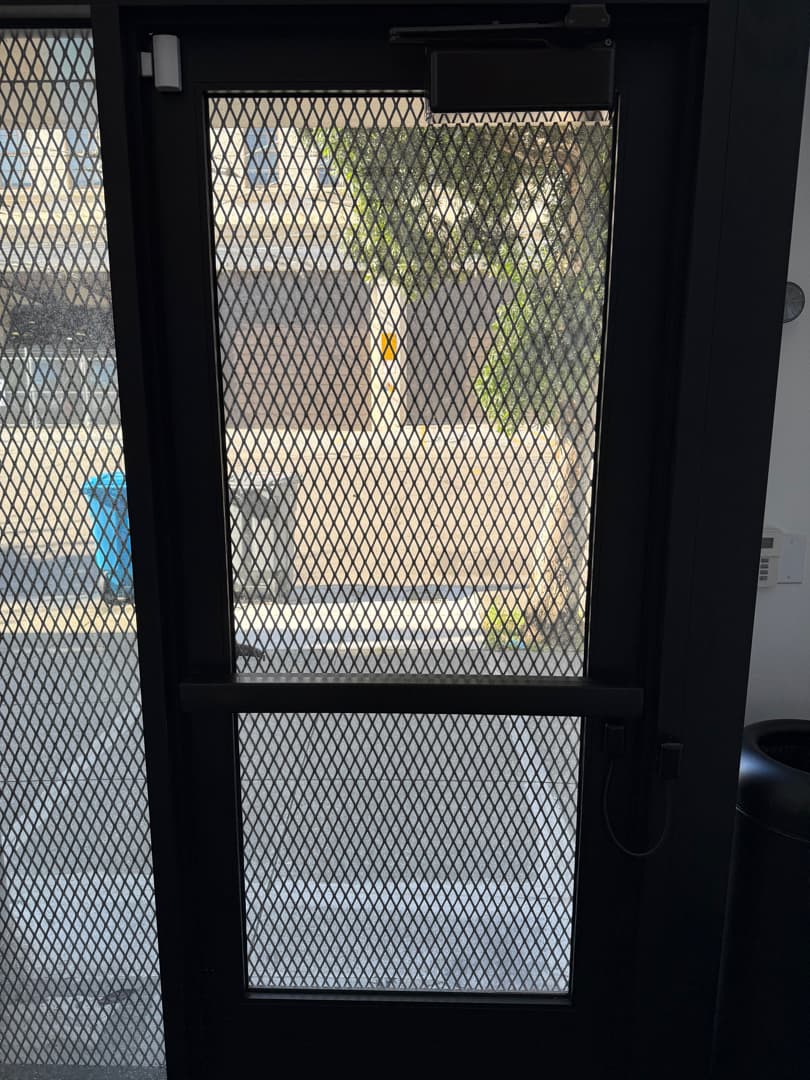
Door contact and cord
A Door Controller 5 has 4 DPS and 4 REX inputs, and its data sheet recommends 1 twisted pair per input.
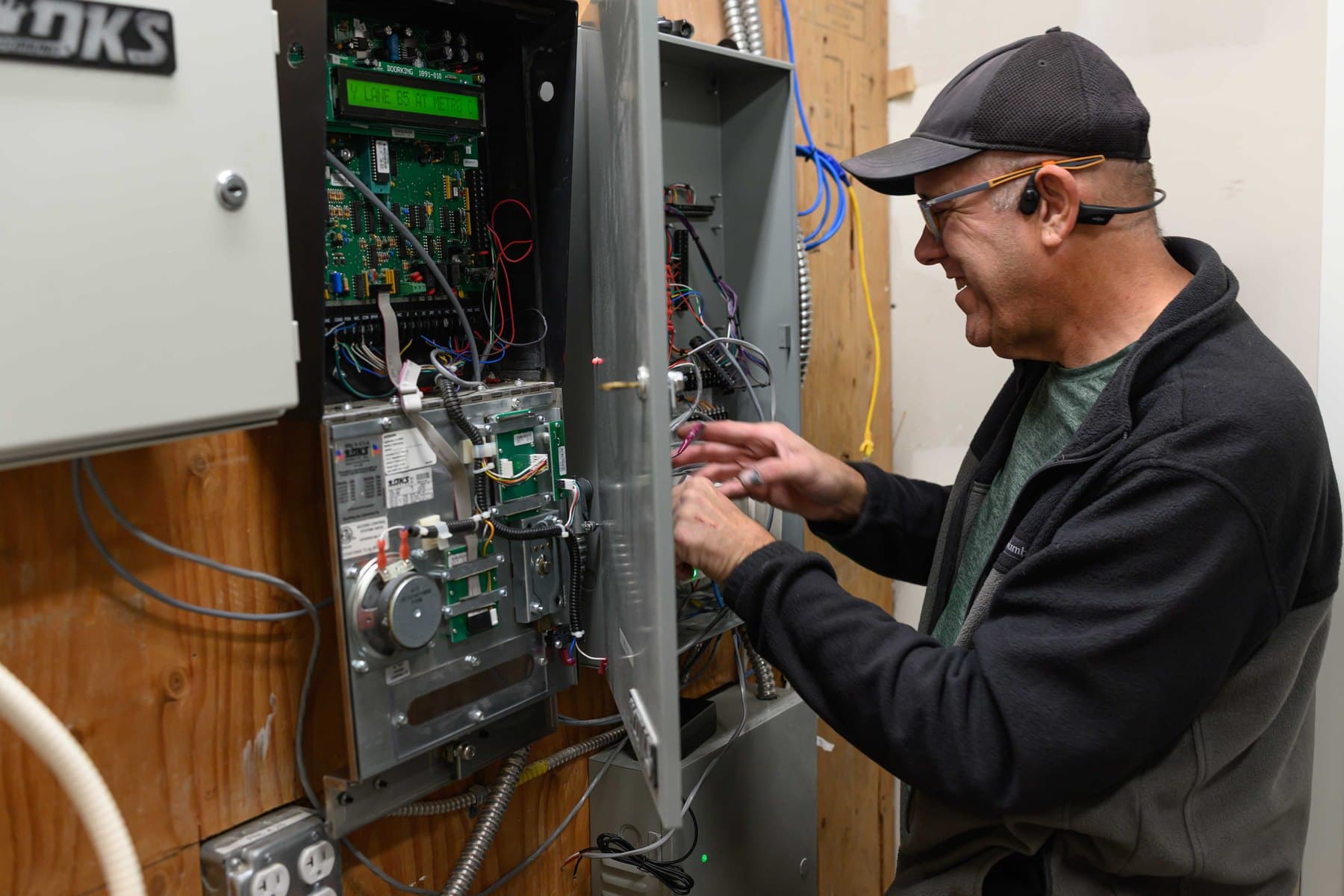
Panel wiring
A Trove1 enclosure measures 18 x 14.5 x 4.62 inches (H x W x D) and a Trove2 27.25 x 21.5 x 6.5 inches, with batteries sold separately.
Core service areas for property-first security work.
Elwin serves Bay Area properties from Santa Clara outward, with access control, cameras, intercoms, door hardware, and low-voltage planning tied back to the site conditions in each city.
Yes. Elwin Security installs, configures, repairs, and supports Swiftlane video intercoms, door controllers, readers, and door release hardware for multifamily and commercial properties in Santa Clara and the Bay Area. Elwin also works with existing Swiftlane accounts that need a device replaced, a door added, or wiring repaired.
Swiftlane's SwiftReader X installation manual lists a 12-24V DC or PoE+ (IEEE 802.3at, 25 Watt min) power supply over supported Cat5e or Cat6 Ethernet cable and says WiFi is not supported, while its data sheet lists 24 VDC, 2.5A. Swiftlane's door controller firewall configuration lists bidirectional connections for ports 80 and 443, mqtt.googleapis.com on port 8883, and cloudiot.googleapis.com on port 443.
Yes, for up to 3 DC strikes on its built-in dry-contact relays, rated 3 A at 30 VDC, which Swiftlane's manual calls the economic solution. Swiftlane's manual says the built-in relays are not designed for AC locks and shows the Altronix RB30 isolation relay and the 6062 external relay board. Swiftlane's manual puts the DCU relays on the inside, on the secure side of the building.
Swiftlane's support article puts keycard readers at 48 inches from the finished floor to the bottom of the device. The SwiftReader X manual lists a surface-mount ADA option among its installation options, and the local AHJ decides which accessibility requirements apply to the entry.
Your fire marshal or AHJ determines compliance. Elwin flags fire-rated and egress doors for review before specifying any strike or maglock.
Site walk
Start with the property conditions.
Tell Elwin what is not working, what systems are already on site, and which access points matter most. The next step is a scope grounded in the building, not a generic product list.