
Single doors on the Door Hub or Door Hub Mini
The Door Hub tech specs list Lock: 12V DC, 1A (powered) and Lock: 30V DC, 1A (dry).
Platform focus
Elwin Security installs, configures, repairs, and supports UniFi Access door and gate control, UniFi intercoms, and UniFi Protect cameras for commercial and multifamily properties in Santa Clara and the San Francisco Bay Area. The work covers the Door Hub, Retrofit Hub, G3 Reader Pro, G3 Intercom, Protect cameras, and the UniFi Console.
Use case
The console that runs the Access and Protect applications, the hub at each opening, the lock it powers, and the switch ports behind them set the scope of a UniFi job.
The Door Hub tech specs list Lock: 12V DC, 1A (powered) and Lock: 30V DC, 1A (dry).
The Gate Hub tech specs list 1 gate, 1 side door, and (2) Operator rated 30V DC, up to 1A. Protect cameras run on PoE from switches and record to a console that runs the Protect application.
Service focus
The platform decision is made. The field conditions decide whether each hub powers up, reaches the console, and releases the door.
Your fire marshal or AHJ determines compliance.
Site walk
The walk confirms what each device needs to power up and connect, and what the property team will manage afterward.
Which UniFi console is on site, whether it runs Access and Protect, and the hub and camera counts against Ubiquiti's published limits. Which switch ports supply PoE++ for hubs and PoE for cameras, and whether doors must run through an outage.
Lock voltage and current against the 12V DC 1A powered and 30V DC 1A dry lock outputs, and fail-safe or fail-secure behavior.
System layers
Ubiquiti's tech specs list power inputs and outputs for the Door Hub, Retrofit Hub and Gate Hub.
The G3 Reader (UA-G3) tech specs list 13.56 MHz NFC frequency, Apple/Google Wallet, handwave request to exit, IP55, and -30 to 45 °C.
Ubiquiti's camera security page lists a UniFi Console running Protect as what you need to get started.
Process
Elwin plans the console, the field work, and the administrator setup before devices are mounted.
Record which console runs Access and Protect and each lock's voltage and current against the hub limits.
Result: Each door has a power path inside Ubiquiti's published limits.
Mount hubs, readers, intercoms, and cameras, terminate and label the wiring, adopt devices in the Access and Protect applications, pair cameras and readers to doors, configure unlock methods, schedules, and call receivers, test each opening, and hand off the Console Owner and admin roles.
Result: The property team manages doors, visitors, and footage from one console with documented openings.
What matters
The limits that decide a UniFi job come from Ubiquiti's tech specs, product pages, and US store.
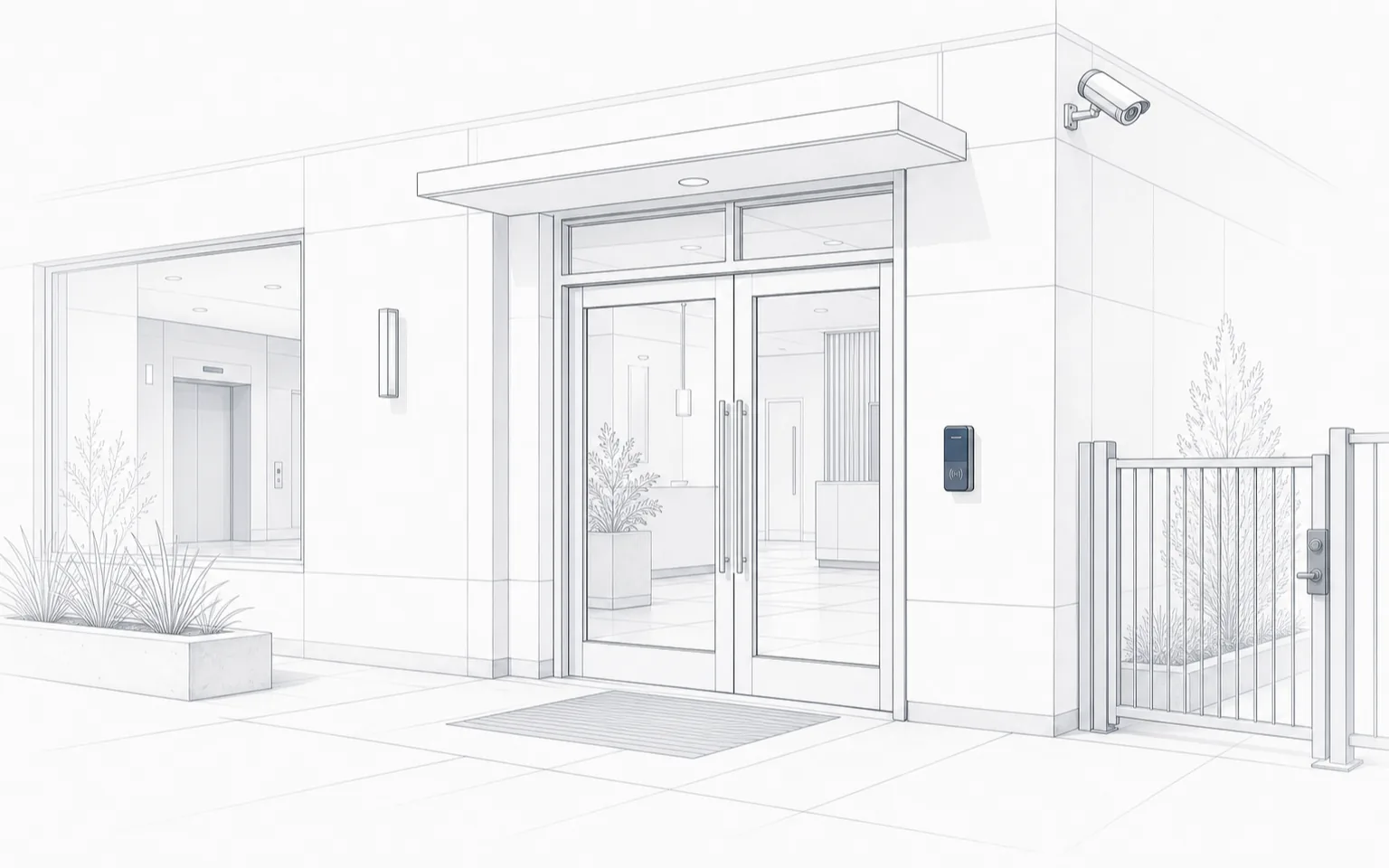
A reader beside the entry doors, a camera at the building corner, and a gated side path.
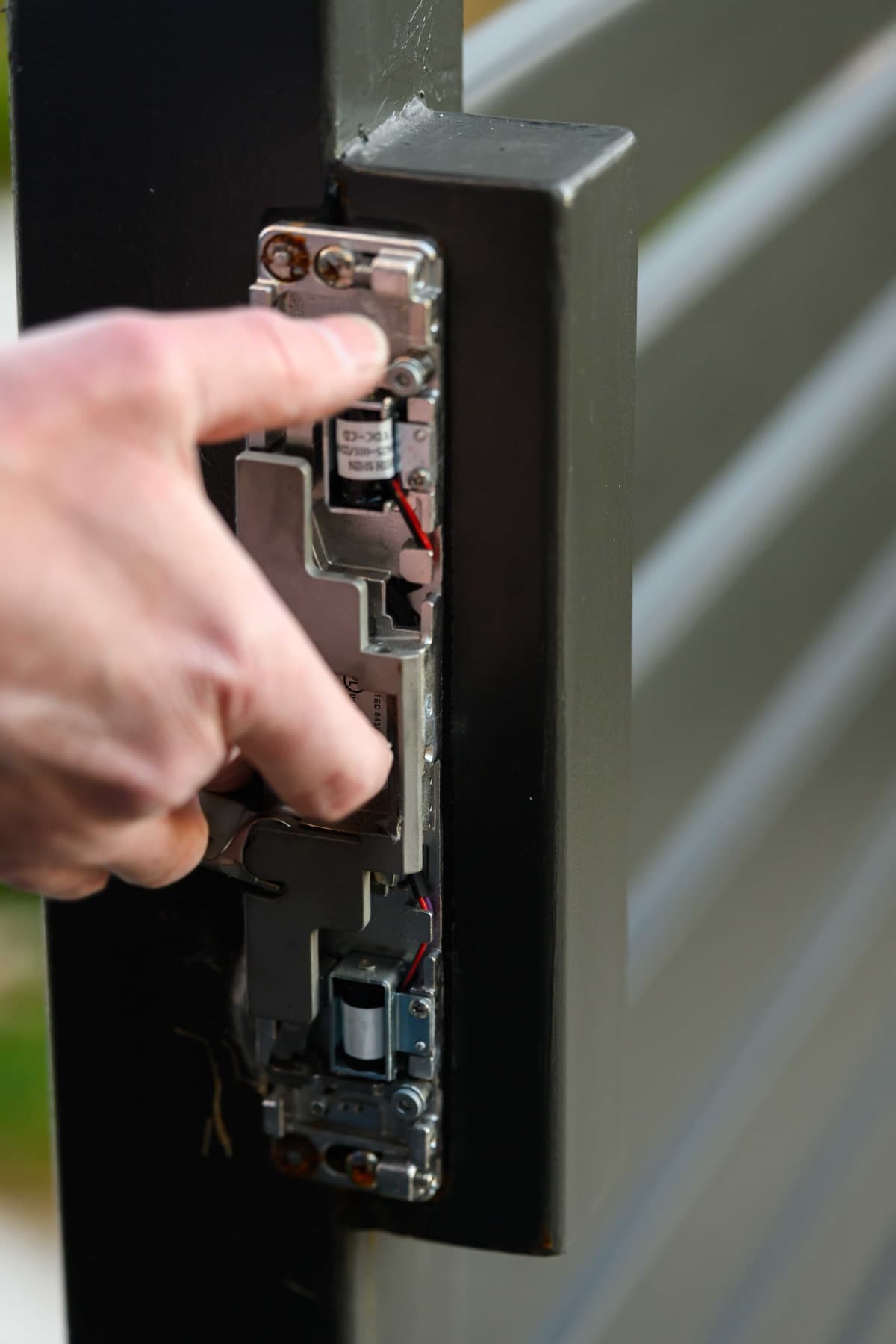
An electric strike in a dark metal frame with the faceplate off; the solenoid and two lead wires are visible.
Yes. Elwin Security installs, configures, repairs, and supports UniFi Access hubs and readers, UniFi intercoms, and UniFi Protect cameras for commercial and multifamily properties in Santa Clara and the San Francisco Bay Area, including the console setup, lock hardware, low-voltage wiring, and PoE switching each device needs.
Site walk
Tell Elwin what is not working, what systems are already on site, and which access points matter most. The next step is a scope grounded in the building, not a generic product list.