Verkada installation and service for Bay Area properties.
Elwin Security installs, configures, repairs, and supports Verkada access control, video intercoms, and cameras for commercial and multifamily properties in Santa Clara and the San Francisco Bay Area.
For properties that have chosen Verkada and need the doors, wiring, and network to match.
The controller family, the lock at each door, the cable runs, and the switch ports behind them set the scope of a Verkada job.
01
Standalone doors on the AC12
Verkada's AC12 datasheet describes a one-door controller powered by a single PoE cable, which it says minimizes the need for long low-voltage cable runs between doors and IDF (wiring) closets. The same datasheet lists one lock, two readers, and one PoE+ peripheral such as a Verkada camera powered from that unit.
02
Entry intercom as the door controller
Verkada's intercom guide says an intercom can be configured as a one-door controller by wiring it to an auxiliary power controller and a lock. The guide adds that no separate door license is needed for that door; it is included with the intercom license.
03
Camera coverage on PoE
Verkada's camera network page says cameras are powered through PoE, and its power page says to use PoE injectors between the camera and the switch when the switch has none. The CD53 datasheet lists 16.8 W on 802.3at PoE+ with IR on and 8.5 W on 802.3af PoE with IR off.
Service focus
Verkada work depends on lock power, cable, network, and Command.
The field conditions decide whether each device powers up, reaches Command, and releases the door.
01
Lock power at each door
The AC12 datasheet lists wet relay outputs at 12 VDC operation 700 mA max and 24 VDC operation 350 mA max. Verkada's wiring guide says in a dry setup the access controller does not provide power to the locking hardware ("typically used with external power supplies").
02
Crash bars, maglocks, and fire-rated doors
Verkada's wiring guide states that an external power supply (dry setup) must be used when wiring a crash bar, and recommends one for a maglock without requiring it. The AC12 datasheet adds that installation and operation of the electronic access control system shall not prevent the functionality of the emergency exit functions. Your fire marshal or AHJ determines compliance.
03
Network and Command
Verkada's access control network page says access controllers use DHCP on UDP ports 67 and 68 to obtain IP addresses and network configurations, and communicate using UDP port 53. The same page states that Verkada devices are incompatible with LANs that require proxy servers or SSL/TLS inspection unless a bypass is implemented for all Verkada devices.
04
Intercoms and cameras
The TD63 datasheet lists 802.3af PoE input, with 802.3at PoE+ for its extended temperature range, plus IP66 and IK08 ratings.
Site walk
What Elwin checks before scoping a Verkada project.
The walk confirms what each device needs to power up and connect, and what the property team will manage afterward.
01
Locks and door power
Lock voltage and current against the controller's wet relay limit, whether a crash bar or maglock goes on an external supply, request-to-exit and door-position contacts (dry contacts, optional but recommended in Verkada's guide), and fail-safe or fail-secure behavior.
02
Cable paths
Reader runs against Verkada's wiring table, which lists Reader Option 1 at 250 ft (76 m), Reader Option 2 at 300 ft (91 m), and Reader Option 3 at 500 ft (152.4 m).
03
Command and licensing
Whether the property already has a Verkada Command organization, who holds Org Admin and Access Site Admin roles, which license terms are in place, and how users, schedules, credentials, and intercom call routing will be managed after handoff.
System layers
A Verkada scope spans controllers, readers, intercoms, cameras, and the network behind them.
Verkada's documents list power, cable, and network requirements for the controllers, readers, intercoms, and cameras.
Controllers and door power
AC12: one door, 15 W max on PoE, 28 W max on PoE+, 60 W max on PoE++ with a PoE passthrough camera, or 12 VDC with 2.5 A minimum current (AC12 datasheet).
AC12
AC43
AC62
Readers and credentials
Verkada's reader guide says third-party OSDP readers connect to any Verkada ACU at channel address 0 and 38400 baud, Wiegand-only readers use the ACU's Wiegand ports, and OSDP to third-party readers is not encrypted.
AD34
AD64
OSDP
Intercoms
The TD63 datasheet lists a 12-button keypad, a 5 MP camera, 512 GB onboard storage, three dry inputs, two dry relays rated 30 VDC at 1 A resistive, one RS-485 port, and recessed mounting on a double-gang box. Verkada's intercom wiring guide says intercoms require a PoE or PoE+ enabled switch port.
TD33
TD53
TD63
Cameras and network
Verkada's camera network page lists TCP/UDP 443 and UDP 123, and says a blinking blue status LED or an alternating blue and amber status LED indicates the camera is not communicating with Command. Verkada's bandwidth page says cameras record video locally, limiting consumption bandwidth, and operate at a steady upload state of 20-50 Kbps.
PoE
TCP 443
Local storage
Process
Verkada installation starts at the opening and ends with the Command handoff.
Elwin plans the field work, the network rules, and the administrator setup before devices are mounted.
01
Confirm doors, power, and cable
Record each lock's voltage and current, choose wet or dry relay wiring per Verkada's limits, map reader and lock runs against the recommended-wire lengths, and set panel locations with AC power or the right PoE class.
Result: Each door has a power path inside Verkada's published limits.
02
Prepare the network and Command
Confirm the network rules on Verkada's network settings pages are met, arrange a bypass if the LAN uses a proxy or TLS inspection, confirm the Command organization exists, and add the devices to it before installation begins, as Verkada's deployment guide recommends.
Result: The network and the organization are ready before devices are mounted.
03
Install, configure, hand off
Mount controllers, readers, intercoms, and cameras, terminate and label the wiring, configure doors, schedules, credentials, and call routing in Command, test each opening, and hand off administrator access.
Result: Administrator access is handed off to the property team with each opening tested.
What matters
Verkada devices work as well as the power, cable, and network behind them.
The limits that decide a Verkada job come from Verkada's datasheets, product pages, help center, and pricing page.
Lock power: Verkada's wiring guide says you must use an external power supply (dry set up) when you wire a crash bar.
Licensing: Verkada's licensing article says valid licenses are required for all Verkada products to access Command, licenses co-term to a single expiration date, and access is lost 30 days after an unrenewed expiration.
Openings
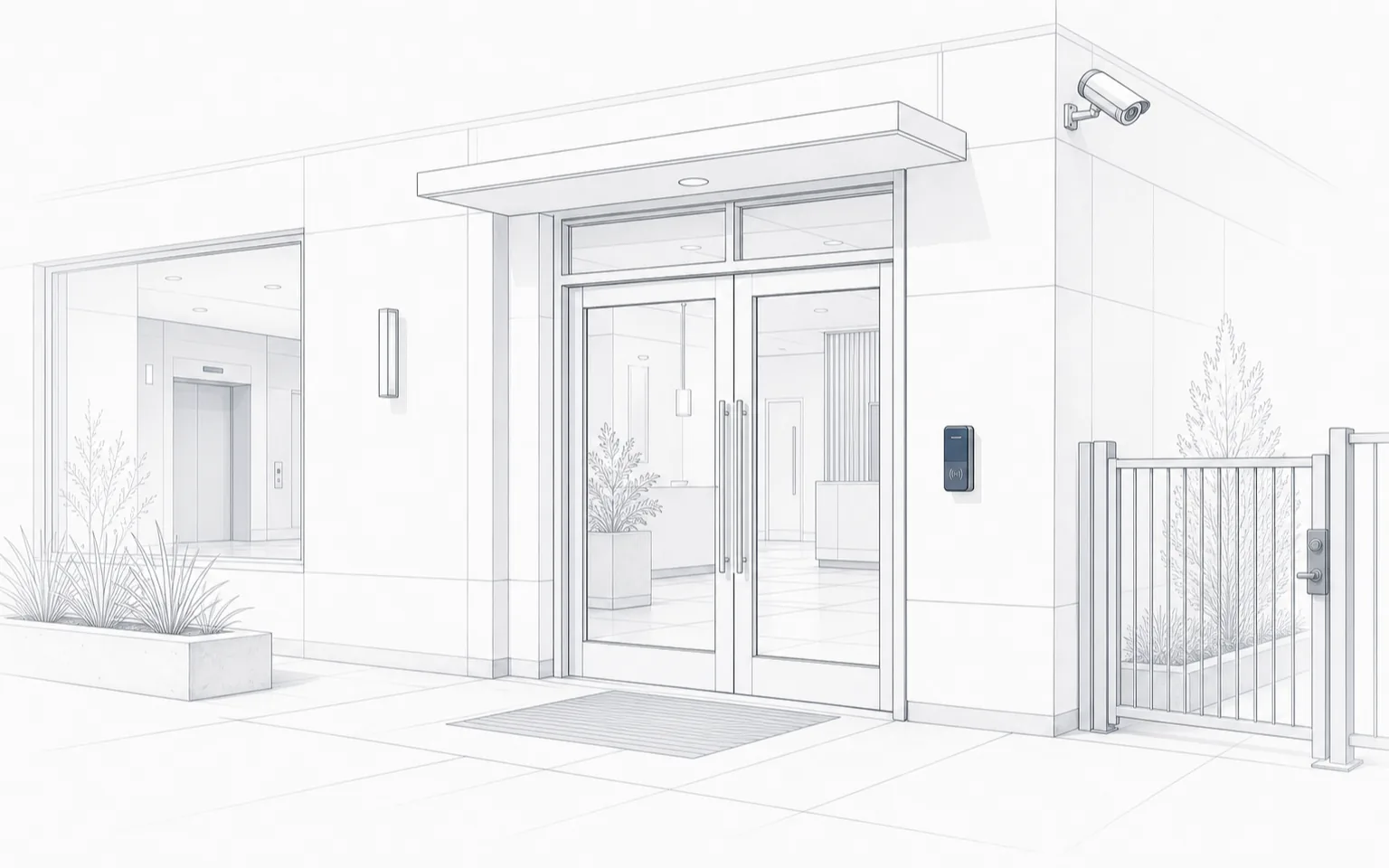
A reader beside the entry doors, a camera at the building corner, and a gated side path.
Exterior device
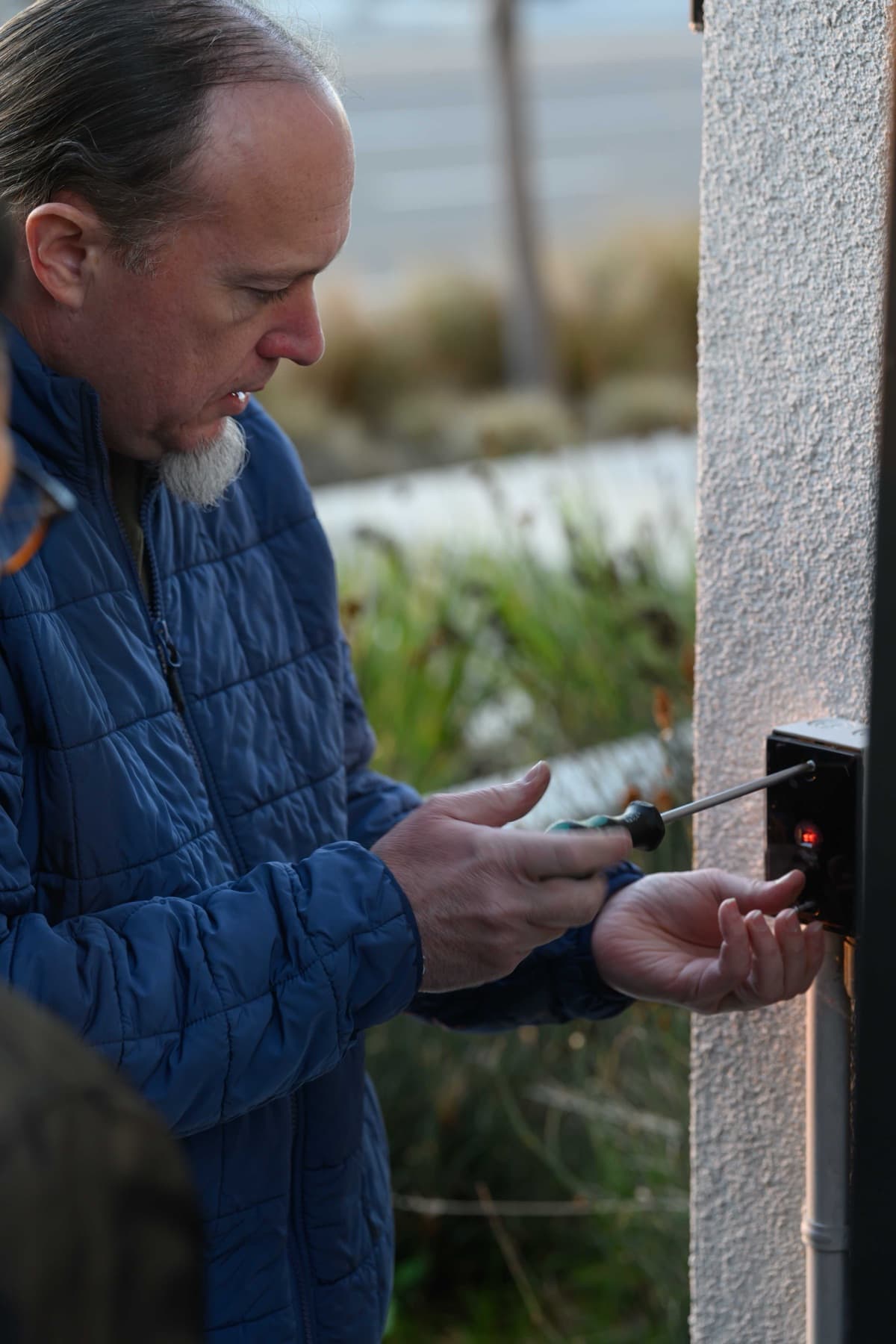
A technician fastens a small wall-mounted device on an exterior stucco wall; the device shows a red indicator light.
Core service areas for property-first security work.
Elwin serves Bay Area properties from Santa Clara outward, with access control, cameras, intercoms, door hardware, and low-voltage planning tied back to the site conditions in each city.
Yes. Elwin Security installs, configures, repairs, and supports Verkada access control, video intercoms, and cameras for commercial and multifamily properties in Santa Clara and the San Francisco Bay Area, including the door hardware, low-voltage wiring, and network preparation each device needs.
Installation, wiring, lock hardware, and switch ports are separate and are quoted after a site walk.
Verkada's wiring guide says in a wet setup the access controller provides 12V or 24V power to the locking hardware, and in a dry setup it does not provide power to the locking hardware ("typically used with external power supplies").
Verkada's access control network page says controllers use DHCP on UDP ports 67 and 68 and communicate using UDP port 53, its camera network page lists TCP/UDP 443 and UDP 123, and its intercom network page says intercoms use DHCP and DNS over HTTPS is not supported; the access control and camera pages say Verkada devices are incompatible with LANs that require proxy servers unless a bypass for all Verkada devices is implemented.
Yes, an intercom can be configured as a one-door controller. Verkada's intercom guide says configuring an intercom as a one-door controller involves wiring it to an auxiliary power controller and a lock, and no separate door license is needed because it is included with the intercom license.
Verkada's reader guide says any Verkada ACU accepts third-party OSDP readers over RS-485 at channel address 0 and 38400 baud, or Wiegand-only readers on the Wiegand ports, with the note that OSDP to third-party readers is not encrypted. Its wiring guide says a crash bar must be wired through an external power supply (dry setup) and recommends the same for a maglock without requiring it. Your fire marshal or AHJ determines compliance.
Site walk
Start with the property conditions.
Tell Elwin what is not working, what systems are already on site, and which access points matter most. The next step is a scope grounded in the building, not a generic product list.