
Key takeaways
- ButterflyMX's cost page says hardware is a one-time purchase by the property owner and software is an annual fee per apartment unit.
- The intercom can only operate doors that already have electric locking hardware, and ButterflyMX does not supply that hardware, so the lock side of the door belongs in the quote.
- ButterflyMX's guide lists 12 AWG for 180 to 300 ft and says to consider a junction box if run length exceeds 200 ft.
- ButterflyMX's guide says all devices require a minimum bandwidth of 2 Mbps for uploading and downloading, and that DSL connections cannot support the intercom.
What the ButterflyMX price is made of
ButterflyMX separates a one-time hardware fee from an annual software fee per apartment unit.
The property owner pays an annual software fee per apartment unit for live video, remote property access and management, and new feature updates.
ButterflyMX's cost page says multifamily, student housing, gated community and senior living software pricing is determined by the number of units on the property. Commercial and office software pricing is determined by the number of employees who work in the office space.
That covers hardware and software. The installed cost is the third part: the labor, cable, power and door hardware needed to make the intercom work at your entry, which is what the four drivers below describe.
Driver 1: Scope, meaning which product lines go in
ButterflyMX's cost page says your cost per unit will ultimately depend on the integrations and features you add to your property.
Driver 2: Hardware class
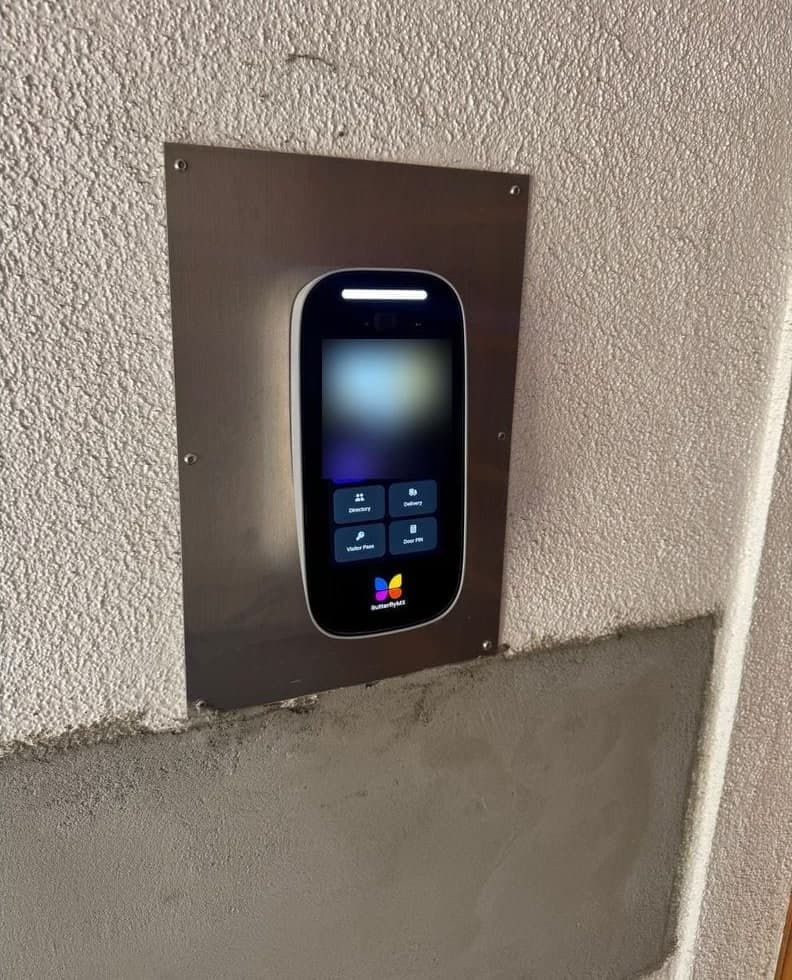
ButterflyMX's cost page lists the video intercom as surface mounted on a wall or pedestal, or recessed into a wall or pedestal.
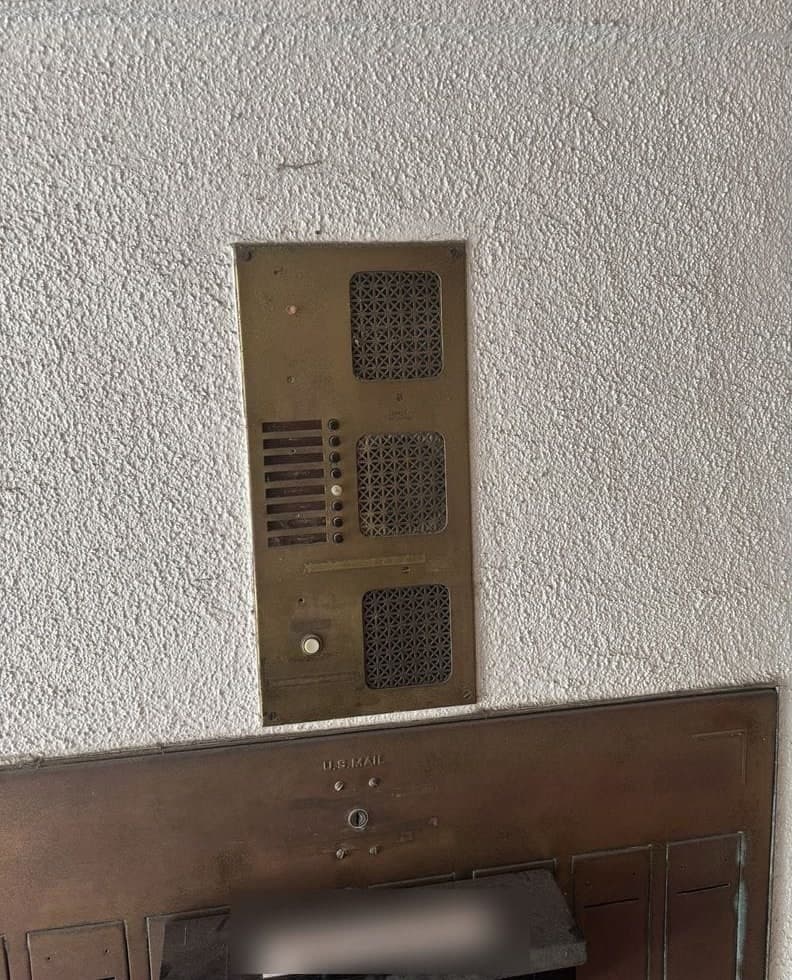
The surface mount guide also says some installations will require customized housing, especially with retrofits.
Driver 3: Wiring
ButterflyMX's guide lists 12 AWG for 180 to 300 ft and says to consider a junction box if run length exceeds 200 ft.
Driver 4: What the building already has
Locks come first. ButterflyMX's recessed guide says the intercom can only operate doors that have electric locking hardware installed, such as electric strikes, magnetic locks, automatic doors and electrified panic bars, and that ButterflyMX does not supply any additional accessory devices, such as motion sensors or electric locking hardware.
Power backup comes next. The recessed guide says the intercom warranty is void without an installed UPS of at least 600VA / 300W.
The internet connection can add its own work
ButterflyMX's installer documentation page says that when too many networked products share an internet account, they compete for bandwidth. The surface mount guide says an IT administrator is required on site during installation if the intercom is set up on a managed network.
The same guide says a site visit is required if Wi-Fi is the only planned internet connection method.
Who installs it
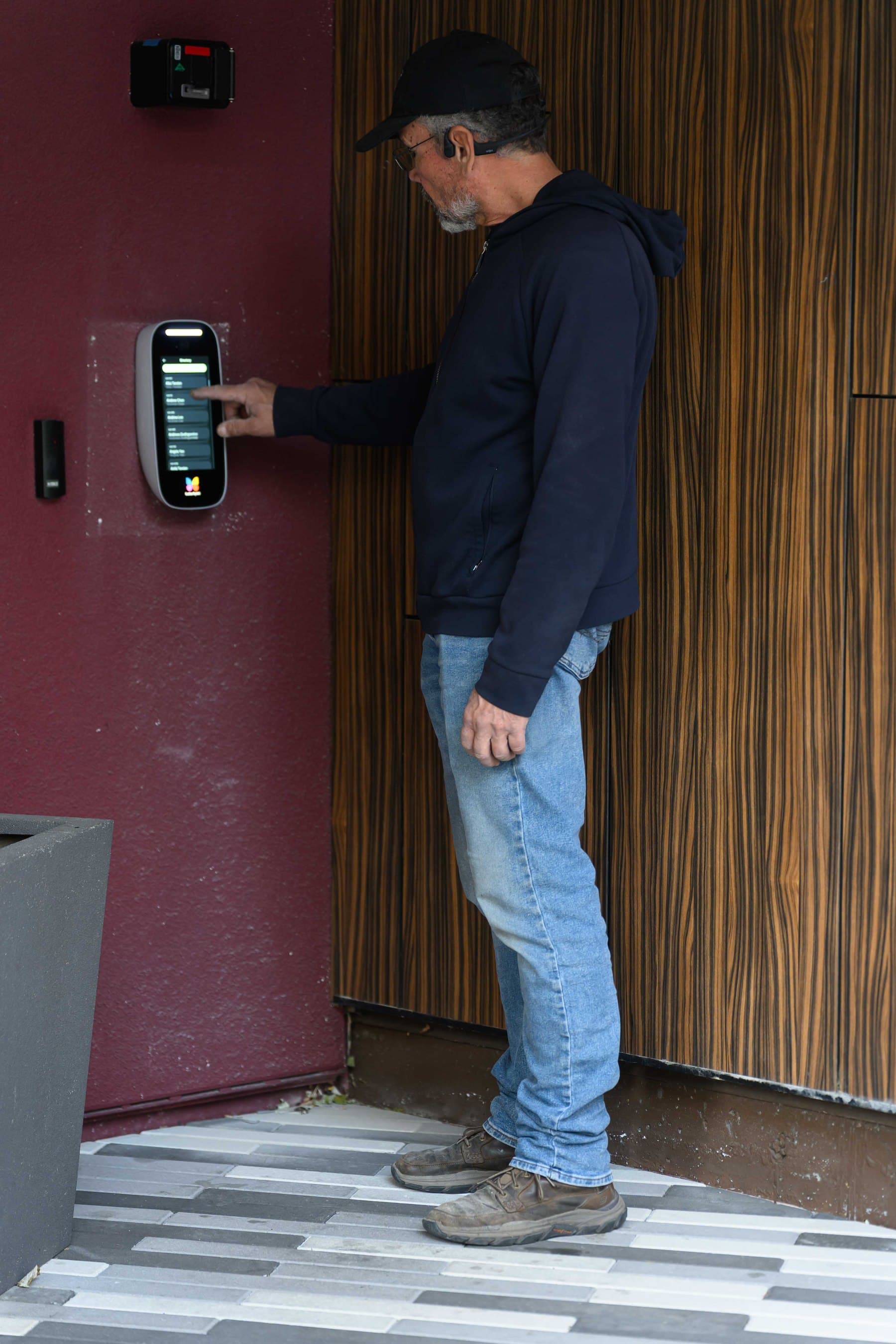
Elwin installs, configures and supports ButterflyMX entries, and its ButterflyMX-certified technicians handle the install.
For the service itself, see Elwin's ButterflyMX video intercom installation page, which covers panel placement, directory setup, door and gate release, wiring and handoff.
Questions about ButterflyMX installed cost
What does ButterflyMX charge the property owner?
ButterflyMX's cost page says the property owner pays a one-time fee to purchase hardware and an annual software fee per apartment unit. Installed cost is a separate part, covering labor, cable, power and door hardware at your entry.
Does the ButterflyMX intercom come with the electric lock?
No. ButterflyMX's recessed guide says the intercom can only operate doors that have electric locking hardware installed, and that ButterflyMX does not supply electric locking hardware or other accessory devices.
Why does a retrofit change the quote?
ButterflyMX's surface mount guide says some installations will require customized housing, especially with retrofits. It also says pedestals and hoods are bought separately via a third party, and the recessed back box ships separately.
Does the building's internet connection affect the installation?
Yes. ButterflyMX's guide says all devices require a minimum bandwidth of 2 Mbps for uploading and downloading, and that DSL connections cannot support the intercom. A managed network requires an IT administrator on site during installation.
How to turn the drivers into a quote
Bring the four drivers to a site walk.
On a site walk, Elwin confirms the product lines, the mounting class, the wire runs to the lock and the power source, the existing locks and the internet connection. Each answer maps to a line in the quote.
To start, request a site walk and installation quote, or call the number on the contact page.
Sources and further reading
These sources back up the general guidance. Your building and the people who approve the work decide the details for your doors.
- ButterflyMX: Cost and pricing page, retrieved 2026-11-04
- ButterflyMX: Surface Mount Intercom Installation Guide, v1.2, updated 10/5/26
- ButterflyMX: Recessed Intercom Installation Guide, v1.1, updated 10/5/26
- ButterflyMX: Video Intercom Wiring Diagram, v1, updated 3/25/24
- ButterflyMX: Cellular Alternatives fact sheet, v1, updated 06/05/2025
- ButterflyMX: 2-Door Access Controller & Readers Installation Guide, Rev 2.0/1.2, updated 10/1/2024
- ButterflyMX: Elevator Control Installation Guide, v10, 2022-07-25