
Key takeaways
- Start with the doors where the wrong person getting in would cost you: entries, the IT closet, storage and records.
- For each door, write: now, later, landlord's job, or skip. Add one line on why.
- Each door type needs different lock hardware. Wood and metal doors usually take an electric strike; glass storefront doors need hardware made for them.
- You don't have to do every door at once. Tell your installer which doors are on your later list.
- Budget about $3,000–$7,000 per door for a new install, or $1,500–$3,500 per door for a retrofit, with software quoted per job.
Which doors usually need access control?
Start with the doors where the wrong person getting in would cost you something: money, equipment, files or customer data. In most San Jose and Santa Clara offices we walk, that list is short, and it looks a lot like this one.
Main entry
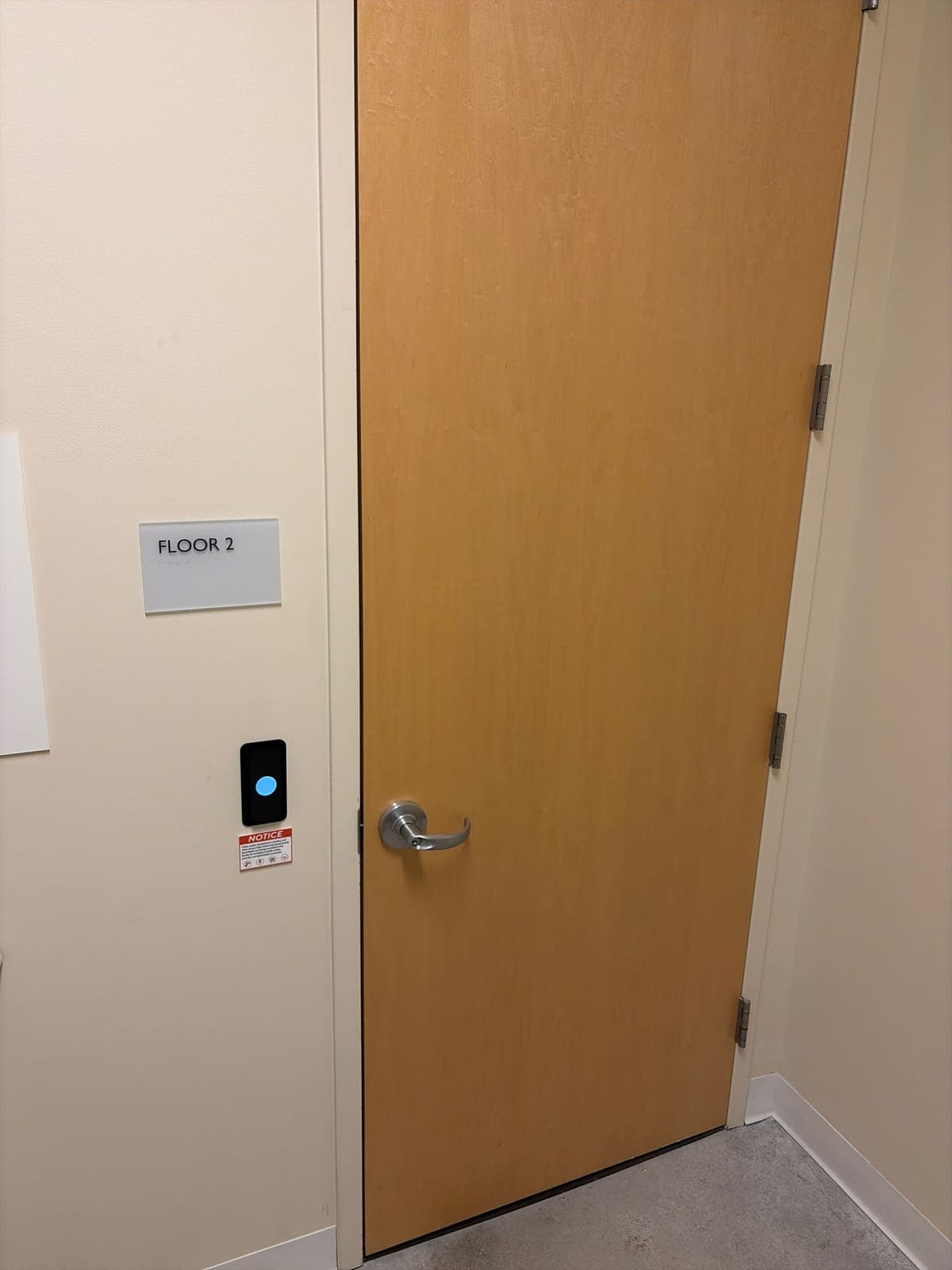
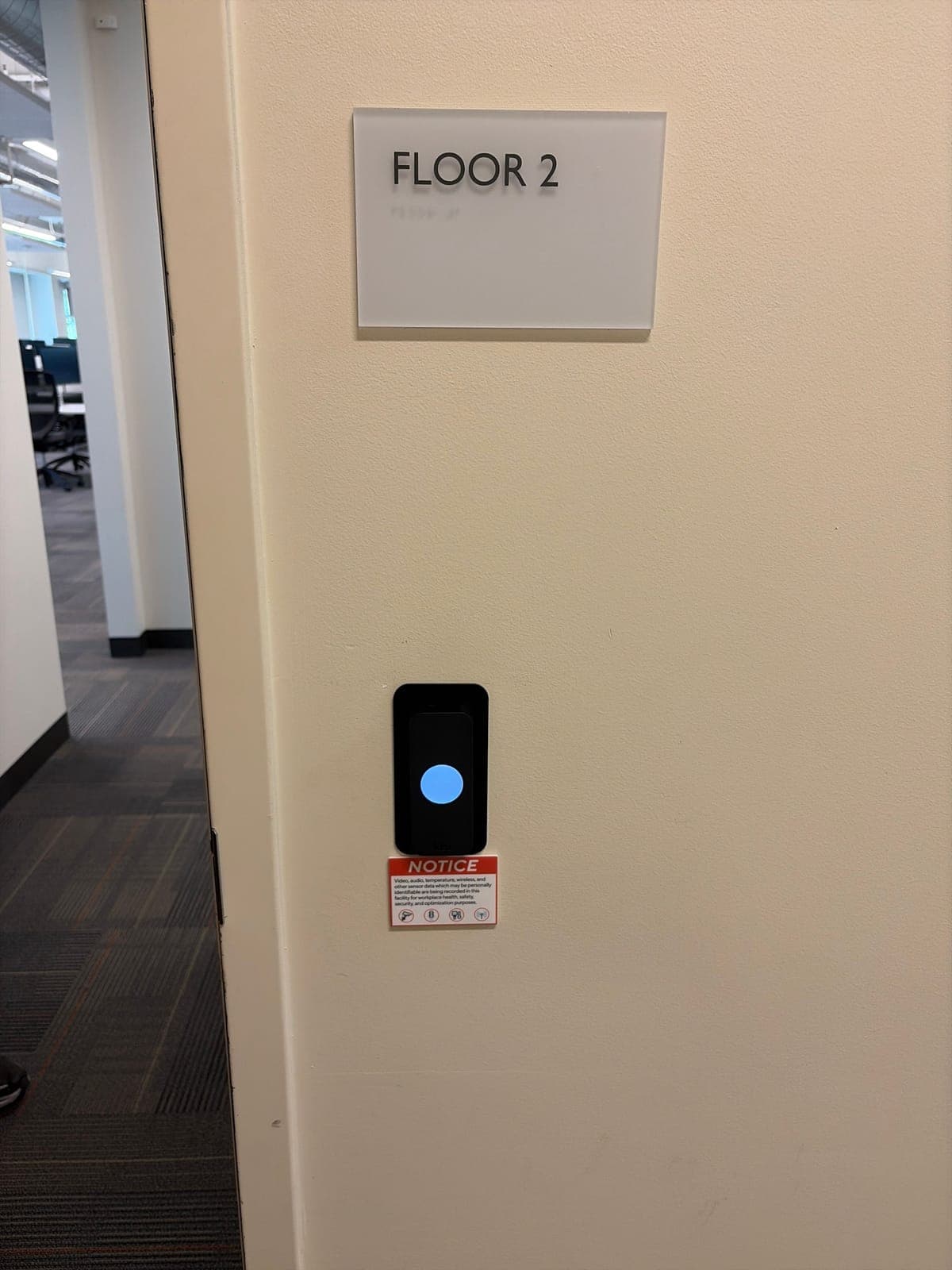
Everyone uses it, and it's the first door a stranger tries. A reader here lets staff in early or late without a key that can be copied, and lets you unlock the door on a schedule during business hours.
Back or staff door
This is the door that gets propped open for deliveries and smoke breaks, and the one people use after hours. A reader plus a door sensor can tell you when it's left open, which a key never will.
IT or server closet
Your network gear, phone system and sometimes the camera recorder live here. Few people need in, so it's an easy door to lock down and a useful one to have a log for.
Storage or records room
Inventory, files, cash, samples, or anything you'd hate to explain if it went missing. If only a few people should go in, a reader shows you who did and when.
Suite door off a shared corridor
In a multi-tenant building, this is the line between your space and everyone else's. If the building lobby is open during the day, your suite door is the one that keeps people out.
Doors you can usually leave on keys
Private offices, meeting rooms, break rooms and restrooms rarely need a reader. A keyed lock or a privacy lock is fine. Readers there add cost without changing who can get into your space.
Pause on any door that's always propped open. A reader on a door that never closes does nothing. Fix the reason it's propped first, whether that's a closer that's too stiff, a delivery routine, or a door that won't latch. Then decide.
Doors the building controls, like the lobby, the elevators and the parking gate, are usually the landlord's job. Put them on your list anyway so you remember to ask how your staff will get through them.
If a door won't stay shut, start with why a commercial door won't close or latch.
A five-minute method: now, later, landlord's job, or skip
Walk your space with a floor plan, or a phone photo of the fire exit map by the elevator. For each door, write: now, later, landlord's job, or skip. Add one line on why.
Now means you want it in this install. Later means you'll want it when you grow, move a team or add equipment, so your installer should plan cable and controller room for it. Landlord's job means the building owns the door or the system on it. Skip means a key, or nothing, is fine.
Here is what a finished list might look like for a small office suite. Yours will be different. The one-line reason is what keeps the quote focused on doors that matter.
| Door | Call | Why (one line) |
|---|---|---|
| Front glass entry | Now | Staff come in before reception, and old keys have been copied. |
| Back door to the parking lot | Now | It gets propped for deliveries. We want an alert when it's left open. |
| IT closet | Now | Network gear and the camera recorder are in there. |
| Storage room | Later | Two people use it today. Add it when the team grows. |
| Building lobby door | Landlord's job | The building runs its own fobs. Ask how our staff get through. |
| Conference room | Skip | Nothing in it needs locking. |
What hardware does each door need for a reader?
A reader by itself doesn't lock anything. Every door on the list needs four things: the reader, a lock the system can release, a way out that always works from the inside, and power and cable back to a controller. On a Kisi system, the controller often sits in the IT closet and runs several doors.
Before any of that, the door has to close and latch on its own every time. A reader can't fix a door that drags or bounces off the frame. That's often a closer adjustment, and it's worth fixing first.
What changes from door to door is the lock hardware. The table shows what we usually find and what a reader usually needs at each one.
On wood and metal doors, the usual choice is an electric strike. Our HES electric strike guide explains which HES strike fits which lock.
Glass doors are their own topic. See keyless entry for commercial glass doors, and for the strike or maglock decision, electric strike vs. maglock vs. electrified lever.
| Door | What's usually there now | What a reader usually needs |
|---|---|---|
| Glass storefront entry | Aluminum door with an Adams Rite deadlatch or a panic bar | A strike made for the storefront latch, an electrified panic bar, or a Securitron maglock with a motion sensor and exit button |
| Back or staff door | Metal door with a panic bar, often Von Duprin | An electric strike that works with the panic bar, or an electrified panic bar that pulls the latch in, plus a door sensor for held-open alerts |
| IT or server closet | Wood or metal door with a lever lock | An HES electric strike in the frame, or an electrified Schlage lever, with the key cylinder kept as a backup |
| Storage or records room | Lever lock, sometimes with no closer | An electric strike or electrified lever, plus an LCN closer so the door shuts and latches on its own |
| Suite door off a shared corridor | Wood door in a metal frame, often fire-rated | A strike or electrified lock listed for fire doors, and the landlord's OK before anyone cuts the frame |
Can you add more doors later?
Yes. You don't have to do every door at once. In Santa Cruz, we added a controller and three more doors to a Kisi system that already ran three doors. The new doors joined the same system, so the office still manages every door in one place.
One Kisi controller runs up to four doors, so going from three doors to six meant adding a second controller. That's normal. What makes later doors easier is planning for them now. Tell your installer which doors are on your later list so they can put the controller where there's room to grow and, where it makes sense, pull cable while the ceiling is open.
Moving into a new space? The easiest time to decide is before move-in. The office move access control checklist covers the timing.
Cost per door and next steps
Plan on about $3,000–$7,000 per door for a new install, or $1,500–$3,500 per door to retrofit a door that already has access control. Glass storefront doors, new locks or panic bars, and long cable runs push a door toward the top. A wood door with hardware and wiring you can reuse sits toward the bottom. The software subscription depends on the platform, and we quote it per job.
Lead time is usually 2–4 weeks, faster with an expedite fee. Elwin is based in Santa Clara and works across the Bay Area. Bring your now, later, landlord's job and skip list to the site walk, and we'll quote the doors on it.
For what moves the price door by door, see access control cost per door, or read about Kisi access control installation.
Questions about which doors to control
Does every door in an office need a card reader?
No. Most offices only need readers on the main entry, the back or staff door, the IT closet, storage or records rooms and the suite door. Private offices, meeting rooms and restrooms can usually stay on keys.
Should the server or IT closet have access control?
Usually, yes. It's a small door with few users, so it's easy to control, and a log of who opened it helps when equipment goes missing or something gets unplugged.
Do I need my landlord's permission to add a reader to my suite door?
Usually, yes. Many commercial leases require the landlord's approval for changes to doors and frames, and corridor doors are often fire-rated. Ask the property manager early so it doesn't hold up the install.
Can one fob open the building lobby and my suite door?
Sometimes. If the building runs its own access system, your suite system is usually a different one, and staff may carry two credentials. Ask the property manager whether the building can add your staff or share a card format.
How much does it cost to add access control to one door?
About $3,000–$7,000 for a new install, depending mostly on the door and the lock hardware it needs, or $1,500–$3,500 to retrofit a door that already has access control. Glass doors and long cable runs cost more. Software is quoted per job.
Sources and further reading
These references support the general technical guidance. The right answer for a specific opening still depends on the property and the authorities responsible for the project.