
Key takeaways
- A keypad lock is programmed at the door. A cloud system runs from an app, so you can add or remove someone from your phone.
- A keypad is fine for a single storage room or supply closet that a few long-term people use.
- Go managed when people come and go, doors need hours, you want a door log, or you are running several doors.
- Managed access with Kisi or PDK runs about $3,000–$7,000 per door as a new install, plus a software subscription that depends on the platform.
- On narrow aluminum glass doors, the keypad trim has to match the deadlatch inside the door. Check the latch before you order.
- Whichever you pick, the door has to close and latch on its own, and people inside must always be able to get out.
What is the difference between a keypad lock and managed access control?
A keypad lock is programmed at the door. A cloud system runs from an app, so you can add or remove someone from your phone. Almost every other difference comes back to that.
A standalone keypad lock keeps its codes inside the lock. The Alarm Lock Trilogy keypad trims we install on narrow aluminum doors run on batteries, with no cable back to an IT closet and no monthly software. To add or delete a code, someone stands at the door with the master code. Higher-end Trilogy models are set up with Alarm Lock's PC software and can hold a door schedule and a log of which code opened the door, but you still carry each change to the lock.
A managed system like Kisi puts a reader beside the door and a controller in your IT closet or above the ceiling. The controller is wired to the lock hardware and connects to the cloud. You manage people, door groups and hours from a web dashboard or the phone app, and staff open doors with a phone, card or fob.
Both kinds can use a keypad, and some standalone locks take cards too. So skip the question of keypad versus fob. Ask where you make changes and how many doors you have to walk to.
Keypad lock and managed access, side by side
Here is how the two compare on the jobs an office manager or owner deals with every month.
| Question | Standalone keypad (e.g. Alarm Lock Trilogy) | Managed system (e.g. Kisi) |
|---|---|---|
| Where do you make changes? | At the lock, with the master code. Some models use PC software, but the change still goes to the lock. | In a web dashboard or the phone app, from anywhere. |
| Someone quits. Now what? | Walk to each door and delete their code. If they knew a shared code, change it for everyone. | Remove them in the app and their access to every door goes with it. |
| Different people, different doors | Each lock has its own code list, so you keep track door by door. | Put people in groups (staff, managers, cleaners) and pick which doors each group opens. |
| Door hours and schedules | Basic models have none. Some Trilogy models hold a schedule set up in the PC software. | Set unlock hours and group hours in the dashboard, including holidays. |
| Who opened the door? | Some models keep a log you download at the lock. Many keep nothing. | Each unlock is logged with the person, door and time, and you can see it in the app. |
| Power and wiring | Batteries in the lock. No cable run. | Low-voltage cable from the door to a controller and power supply, plus a network connection. |
| Cost | Much lower up front, with no monthly software fee. We quote it per door. | About $3,000–$7,000 per door as a new install, plus a subscription that depends on the platform. |
When is a keypad lock good enough?
A keypad is a real step up from a key that half the staff has copied. It fits when most of these are true:
If you go with a keypad, give each person their own code instead of one shared code. Trilogy locks hold individual user codes, so you can delete one person without retraining everyone else.
The weak spot is people leaving. A code that a former employee still remembers keeps working until someone deletes it. Building entry codes also spread: once a code goes to one delivery driver, assume it has been passed around. If that happens a few times a year and someone handles it the same day, a keypad is fine.
- It's one door, like a storage room, supply closet or IT room.
- The same few people use it, and they have for a while. Turnover is low.
- You only need the door to stay locked. You don't need to know who opened it.
- Someone is on site who can walk over and delete a code the day a person leaves.
- The door has no easy cable path, and running wire would cost more than the problem is worth.
When should you switch to managed access control?
Most San Jose and Santa Clara businesses we talk to move to a managed system for one of these reasons:
Managed access runs about $3,000–$7,000 per door as a new install. For a three-door office, that works out to roughly $9,000–$21,000 as a new install, before software. The subscription depends on the platform and is quoted with the job, so ask for both numbers together. Most installs are scheduled two to four weeks out, faster with an expedite fee.
You can also mix the two. Plenty of businesses put Kisi on the front and back doors and keep a keypad on a supply closet. Write down which doors use which, so the next office manager knows where to make changes.
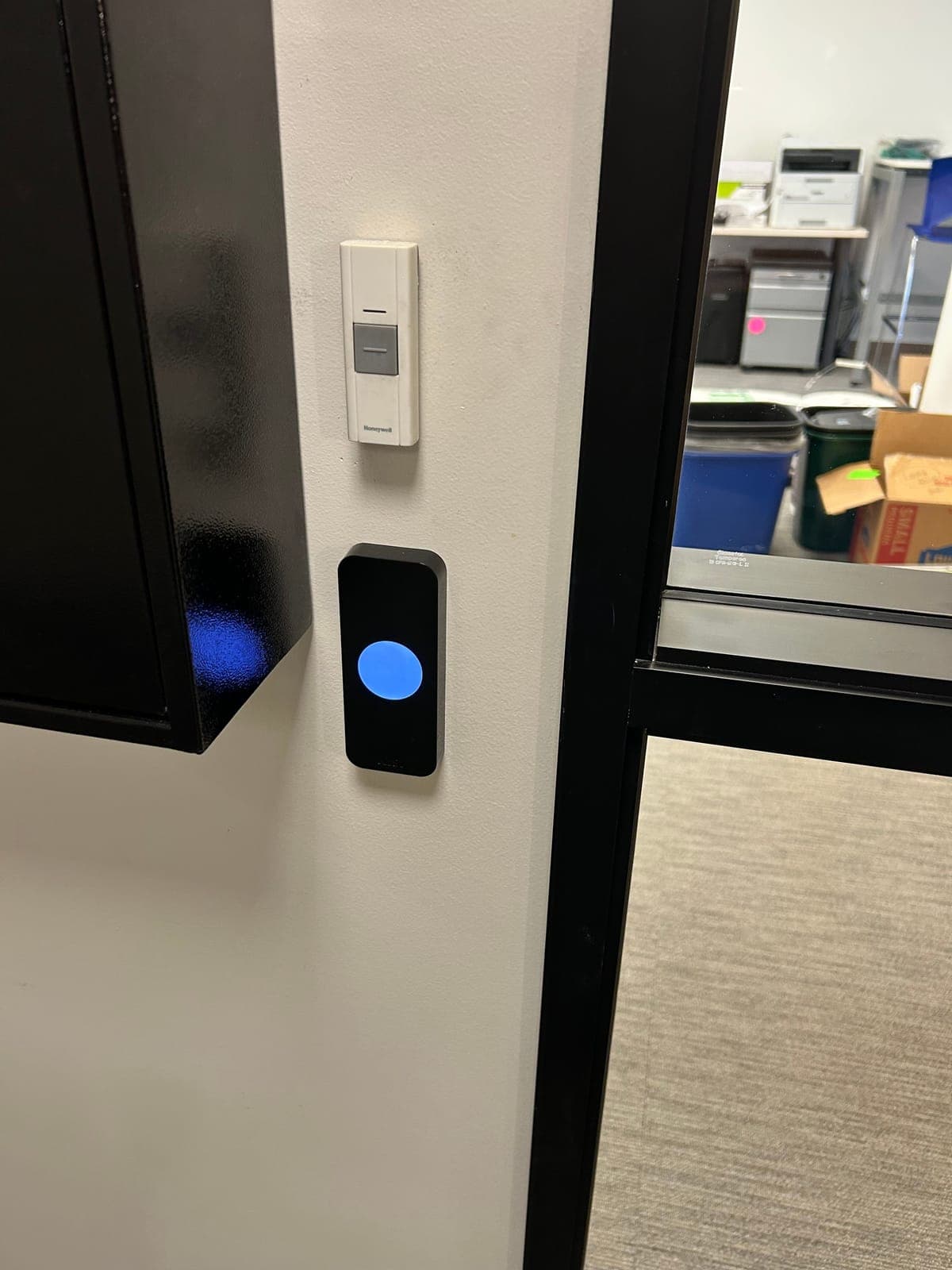
Kisi is the platform we install most often. See our Kisi access control installation page. PDK is another cloud platform we set up; see PDK access control installation. For what goes into the per-door price, read how much access control costs per door.
- Staff turnover. If people leave several times a year, removing them in an app beats walking to every door and hoping someone remembered.
- Schedules. The front door unlocks at 8 a.m. for customers and locks at 6 p.m. The cleaning crew gets in from 9 p.m. to 1 a.m., a shift that crosses midnight. A managed system handles both without anyone punching in codes.
- An audit trail. You want to know whose credential opened the stockroom at 2 a.m. Door logs show whose fob opened the door, not who walked in behind them. Don't use them as a headcount.
- Several doors. Front door, back door, IT closet, stockroom. Each standalone lock is its own list to keep up. A managed system is one list.
- You're not always on site. You can unlock a door for a contractor from your phone.
- Phones as keys. When staff open doors with their phone, there are no fobs to collect when someone leaves.
A keypad job on an apartment glass door
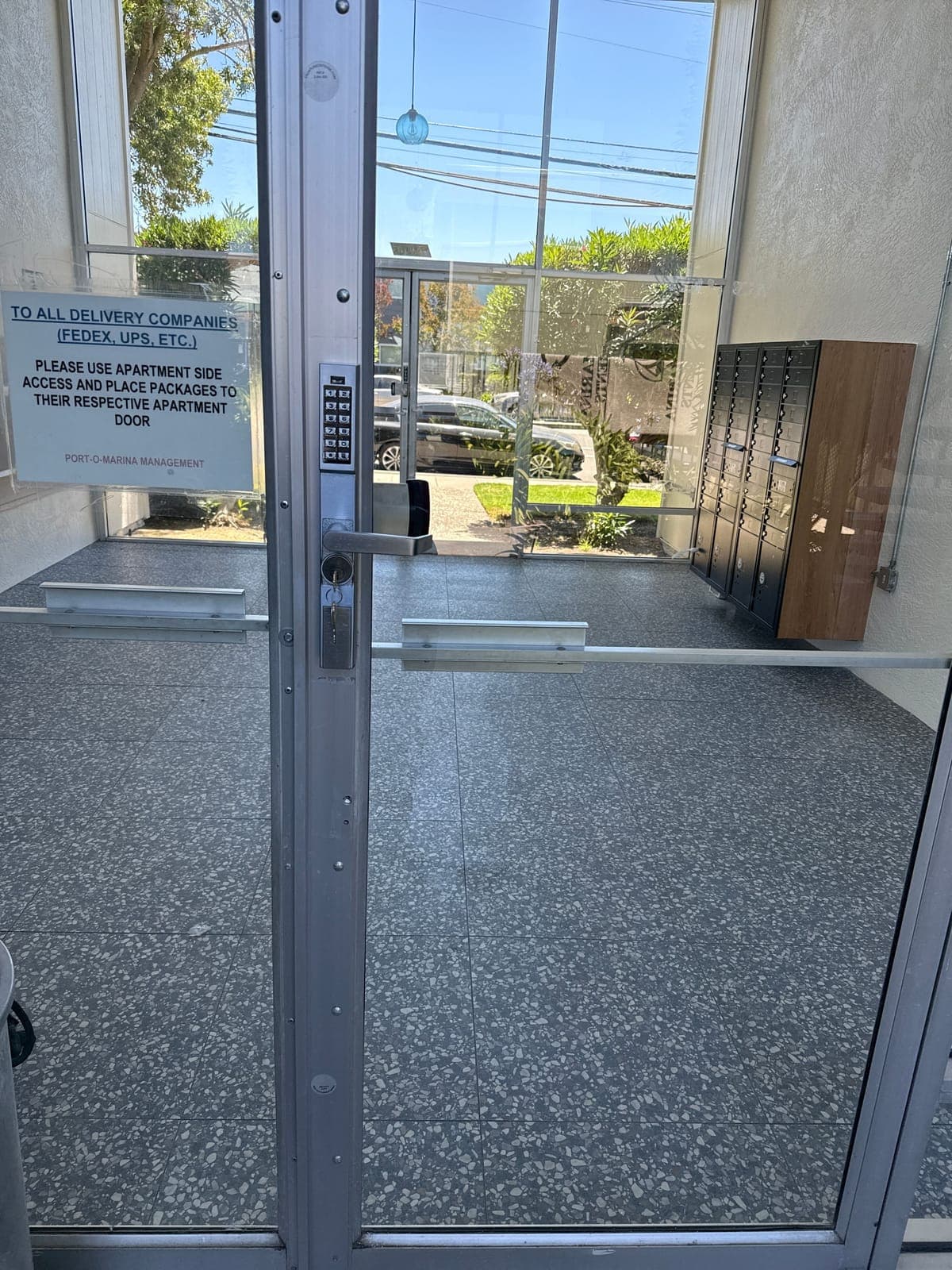
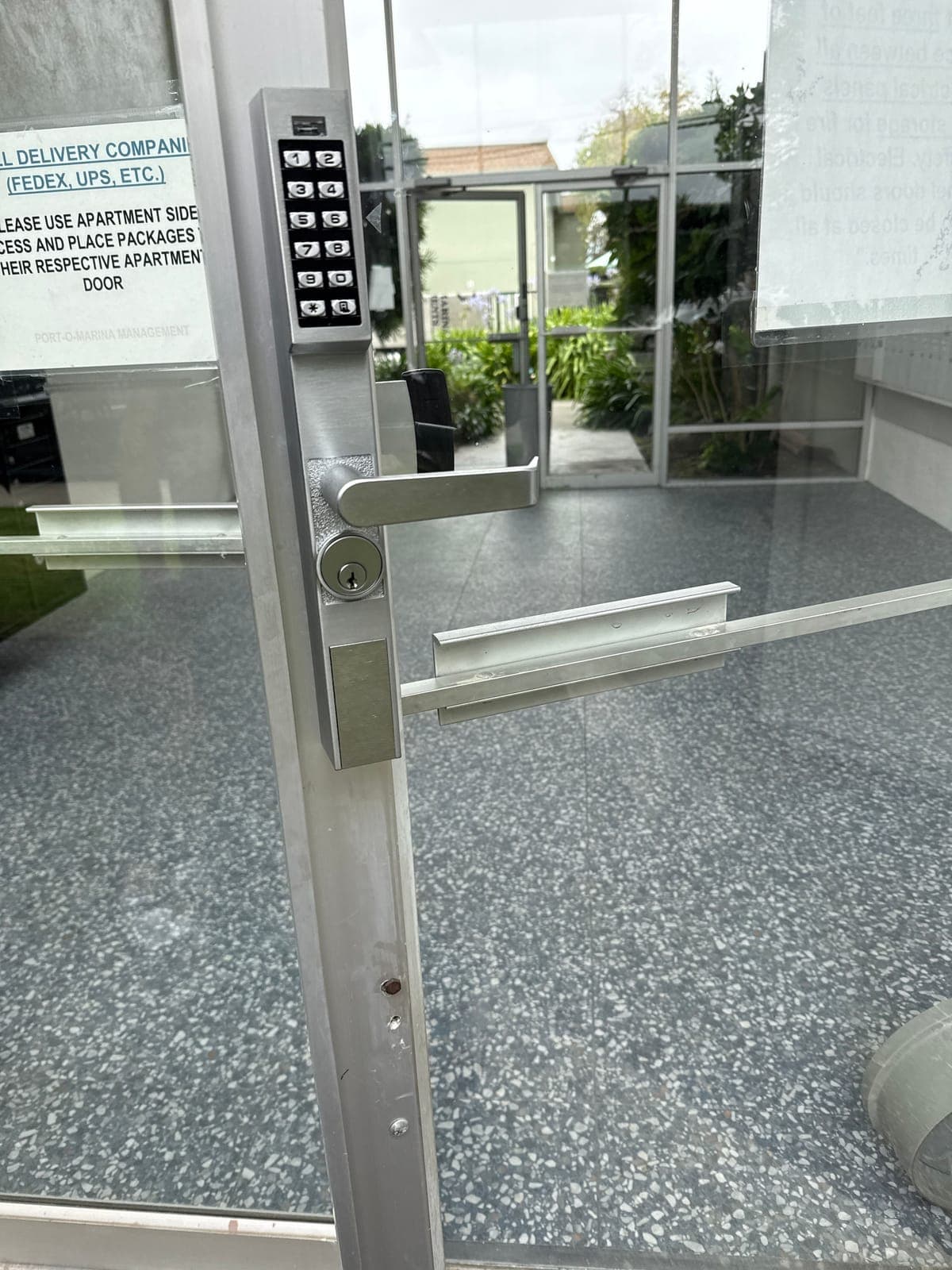
At a San Leandro apartment building, we installed two Alarm Lock Trilogy narrow-stile keypad trims on the aluminum glass entry doors. The trims work with Adams Rite deadlatches inside the door stiles. Residents punch in a code, push the lever and walk in. There was no cable to run and no software to pay for, which suited a building with a steady resident list and a manager on site.
The tricky part with glass apartment and storefront doors is the narrow aluminum stile. The keypad trim doesn't hold its own latch. It turns the deadlatch that's already inside the door, so the trim and the latch have to be made for each other.
Either way, the door has to close and latch first
No lock fixes a door that drags, sags or doesn't latch on its own. A Kisi reader on a door that stays open an inch is just a light. A keypad on the same door is a keypad on an unlocked door. Before you choose, open the door, let it go and watch it close and latch. If it doesn't, the closer, hinges or pivots need work first.
Many San Jose and Santa Clara offices and shops have narrow aluminum storefront doors. Those take narrow-stile keypad trims, or electric strikes made for aluminum frames, which limits your hardware choices on both sides of this decision.
Whatever you choose, people inside must be able to get out without a code, key or app. Your fire marshal or the authority having jurisdiction (AHJ) decides compliance on exit doors.
If you're adding a reader to a door you already have, read how to add access control to an existing door first.
Keypad lock and managed access questions
Can a keypad lock give each employee their own code?
Usually, yes. Many standalone keypads, including Alarm Lock Trilogy models, hold individual user codes, so you can delete one person without changing everyone's code. You still make that change at the lock.
How much does managed access control cost per door?
About $3,000–$7,000 per door for a new install, or $1,500–$3,500 per door to retrofit a door that already has access control. The software subscription depends on the platform, whether Kisi, PDK or another, and is quoted with the job. Ask for the install price and the subscription together.
Does Kisi have a monthly fee?
Yes. Kisi and other cloud platforms charge a software subscription. The amount depends on the platform and your setup, so we quote it per job instead of guessing at a number here.
Can I switch from keypad locks to Kisi later?
Usually, yes. The keypad trim comes off, and the door gets a reader, a powered lock or strike, and a cable back to a controller. Installs are usually scheduled two to four weeks out, faster with an expedite fee.
Does a keypad lock still work when the power goes out?
Yes. A standalone keypad lock runs on batteries inside the lock, so a building power outage doesn't affect it. Replace the batteries when the lock gives its low-battery warning.
Sources and further reading
These references support the general technical guidance. The right answer for a specific opening still depends on the property and the authorities responsible for the project.