
The Directory button is greyed out
Alpha's quick start guide says a greyed-out Directory button indicates the device is not connected to the AlphaTouch servers, and that the cloud icon in the upper left corner turns red as the offline indicator.
Platform service
Elwin Security repairs and replaces AlphaTouch cloud video intercom systems at Bay Area multifamily and commercial properties. It also covers the AT701DM desk master and the ATRC100 relay controller, which interfaces with an existing analog intercom system.
Use case
Alpha's AT700AS quick start guide (Rev. February 2026) covers offline, no-power and door-not-opening symptoms. Each has its own checks.
Alpha's quick start guide says a greyed-out Directory button indicates the device is not connected to the AlphaTouch servers, and that the cloud icon in the upper left corner turns red as the offline indicator.
The same guide says to confirm the PoE source is powered, to try the station on a short patch cable or another PoE port, and to make sure the PoE source can allocate 13 watts from its power budget.
If the panel's voice prompt plays and the door stays shut, Alpha's guide says to test the release mechanism and its power source directly and to confirm the terminals on the back of the station. Where a relay releases a maglock or an exit door, the fire marshal or local AHJ decides what egress hardware is acceptable.
Service focus
The first questions are whether the device can reach the AlphaTouch servers and whether the unit is inside Alpha's one-year warranty.
The AT700AS has three built-in door release relays and three dry contact inputs for egress buttons and postal lock releases. Elwin tests each of those before changing a setting in the AlphaTouch portal.
The AT700DM desk master and AT700MS monitor still have spec sheets on alphacommunications.com (Rev. 04/2018 and Rev. 05/2018) but are not on that list. Alpha's manual says the cloud knows which device is which by its MAC address, found on the back of the station.
Alpha's warranty runs one year from the date of delivery, covers bench repairs only, does not extend to units repaired or altered outside the factory, and says Alpha will not be responsible for costs incurred involving on-site service calls. An in-warranty station goes back to Alpha for the bench repair; Elwin handles the on-site diagnosis, removal and reinstallation.
Service check
Elwin checks the model, the MAC address on the back of the station and the PoE source before quoting.
Which AlphaTouch model is installed and the MAC address on the back of the station.
The PoE source against the AT700AS 13 W minimum, the CAT5/CAT6 run to the switch, and 2 Mbps upload and download speed.
Which relays A through C each action button enables, the delay and duration set on each, and the separate low-voltage supply. Where that hardware is a maglock or an exit device, the fire marshal or local AHJ decides what is acceptable.
Who holds the management login for the AlphaTouch cloud portal at alphatouch.info, whether an ATRC100 is paired to the panel for analog integration, and the delivery date against Alpha's one-year warranty.
Scope details
Alpha's AT700AS spec sheet lists dimensions, IP65 and IK06 ratings and PoE power requirements.
The AT700AS (spec sheet APS1109, Rev. 02/2021) is a 7.0-inch capacitive touchscreen door entry station. The ATAC102 (APS1228, Rev. 02/2023) is a surface-mount reader and PIN keypad with a 13.56 MHz and 125 kHz RFID reader, Wiegand support, one Form C relay, a tamper alarm, an IP65 rating and a temperature range of -4°F to 131°F.
The AT701DM desk master (APS1215, Rev. 06/2022) is listed with a handset and runs Android v9.0 with Bluetooth 5.0 and 802.11b/g/n. Alpha's 2018 press release says calls can also reach the AlphaTouch app on Android and iOS phones and tablets, and resident telephone numbers through VoIP.
Alpha's installer page says each AlphaTouch door station needs only a single CAT5/CAT6 connection to a DHCP and internet-enabled PoE switch, with no additional power supply. Its network requirements set a minimum of 13 watts per device and 2 Mbps of upload and download bandwidth, with QoS where the devices share the connection, and say static IP addresses are assigned at the time of order. Alpha's white paper (AWD281, September 2020) says the AlphaTouch Cloud is hosted on servers through Rackspace and that traffic between devices, the cloud and the app is encrypted with TLS.
The ATRC100 relay controller (APS1123, Rev. 09/2022) is Alpha's analog relay gateway for AlphaTouch. Alpha's manual allows up to 16 relay boards and 512 relays per controller, and a CT032AE6 cable extended to 200 feet total. Alpha's help page says AT700AS updates are automatically applied as of software version 1.0.150 and startup app version 1.0.2.
Process
Alpha publishes a quick start guide, manual, spec sheets and warranty terms for AlphaTouch.
Run Alpha's quick start checks: PoE power, the cloud icon and Directory button, and the voice prompt on door release. Confirm the portal can reach the device and send Alpha's reboot command, which the help page says leaves the device unusable during the brief reboot.
Result: The quote names the exact fix: a network or port change, a portal setting, a factory return or a replacement model.
Match the fault to Alpha's warranty terms and the ATRC100 path where analog stations stay in service.
Result: The property knows what the fix covers and what it leaves in place.
Mount the station, connect its single CAT5/CAT6 run, enter the MAC in the portal, set the three action buttons, and test each relay. For a duplicated panel entry, Alpha's manual says to update the MAC address and connect the device to the cloud within 60 minutes. Then show the property team the portal, which Alpha says accepts changes from virtually any web-enabled device and logs each visitor call with a photo.
Result: The entry works and the property manages its own directory.
Field proof
The photos below show entry door hardware.
Alpha's warranty covers products for one year from the date of delivery, repairs or replaces defective units at Alpha's option, covers bench repairs only, and does not extend to units repaired or altered outside the factory. It states that Alpha will not be responsible for any costs incurred involving on-site service calls.
The cited Alpha pricing page lists "Low Monthly Service Plans" paid monthly with no contracts.
Alpha's installation manual (AWD272, Rev 1.0, April 2019) says factory professionals do the initial system programming at no additional cost, and that no on-site programming is needed during initial installation beyond adjusting settings.
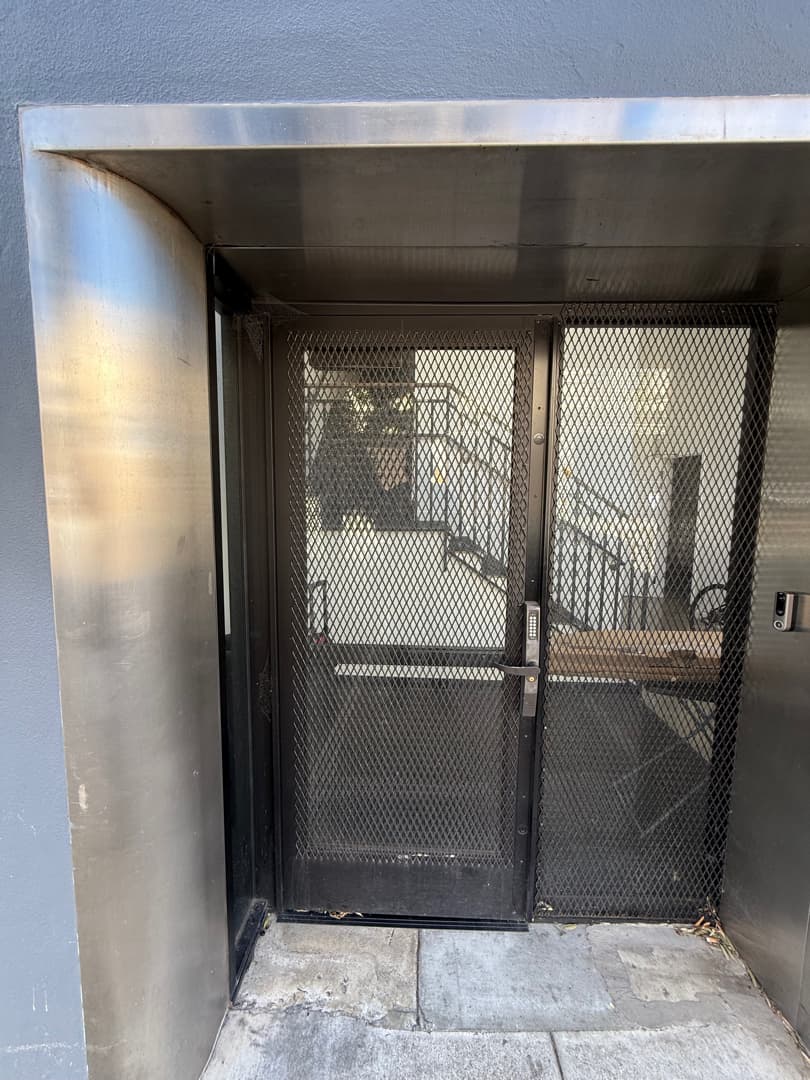
A mesh entry door with a keypad lock and a small device on the jamb, inside a stainless steel alcove.
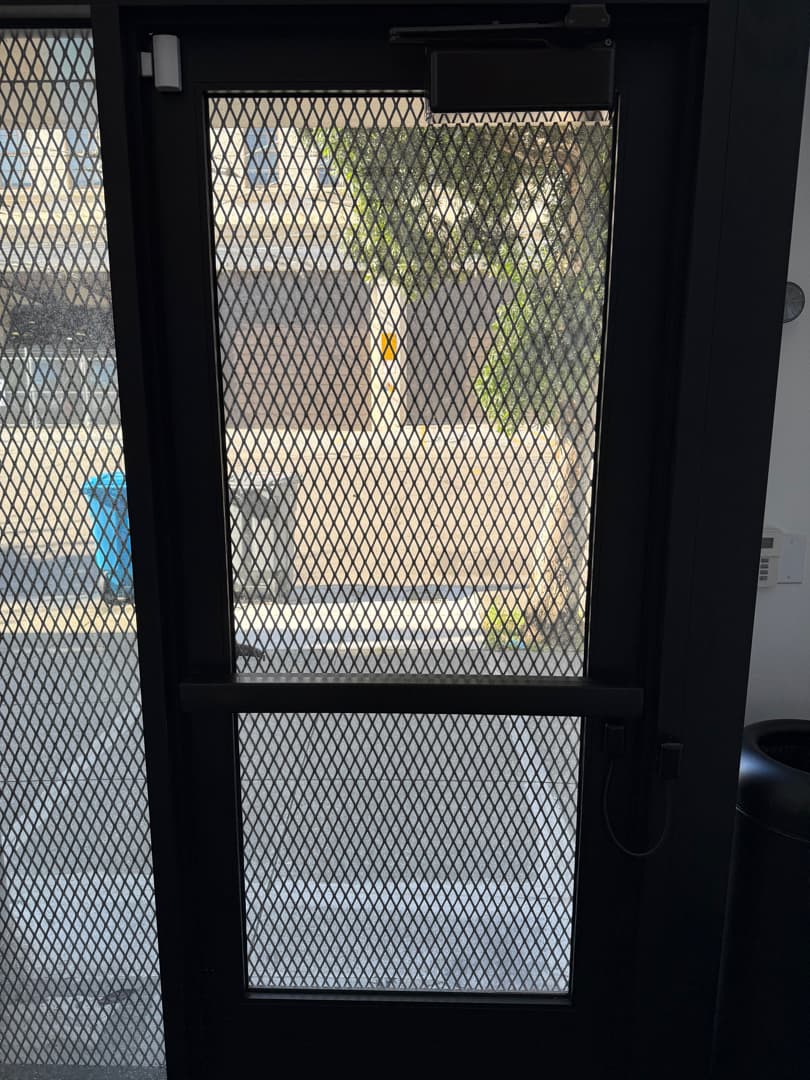
A surface closer, a white frame contact and a cable loop on a mesh entry door, seen from inside.
The AT700DM and AT700MS keep spec sheets on alphacommunications.com (Rev. 04/2018 and Rev. 05/2018) but are not on the device list.
Service request
Tell Elwin what is not working, what systems are already on site, and which access points matter most. The next step is a scope grounded in the building, not a generic product list.