
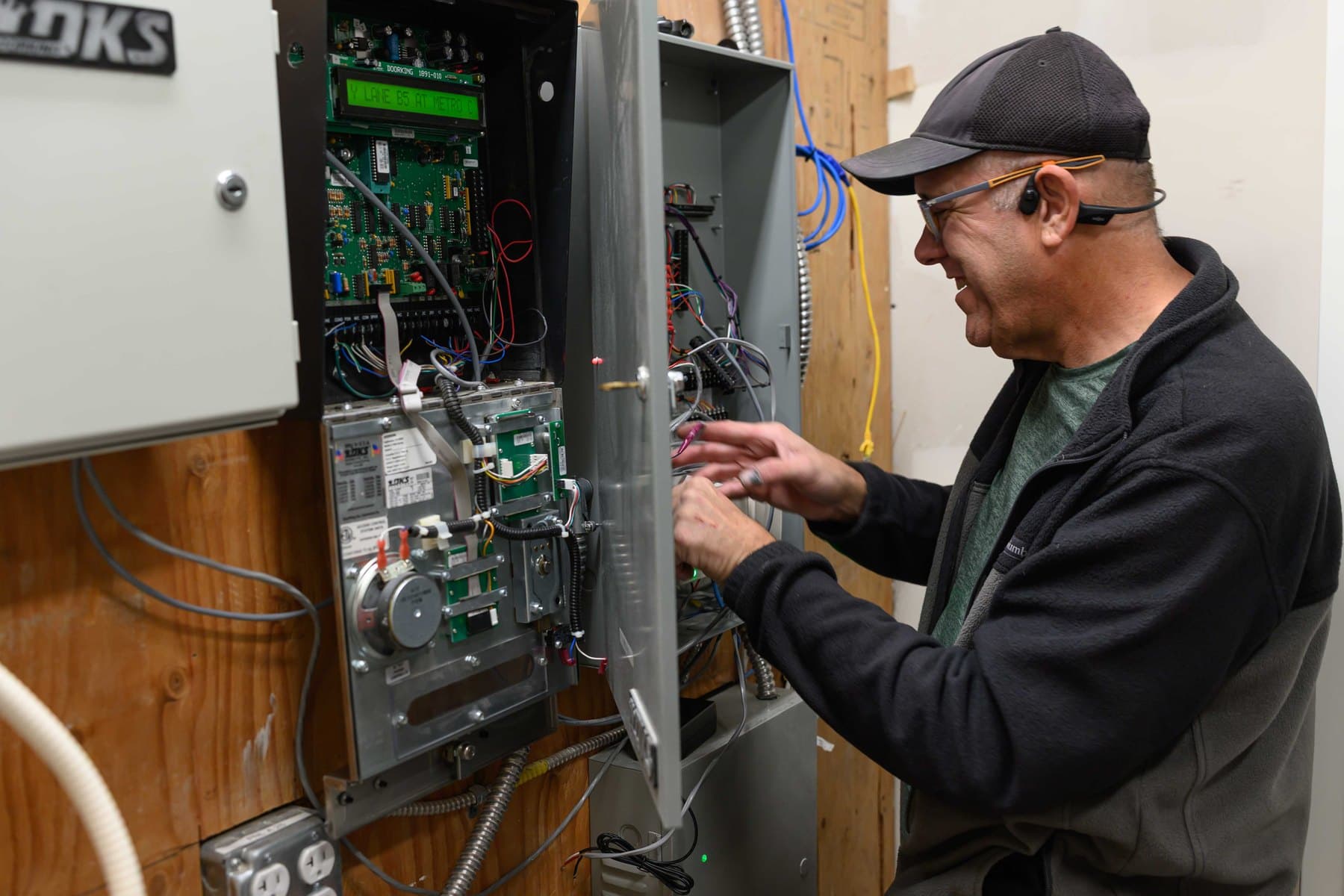
A medical or dental office has two kinds of people coming through the door. Patients should get to the front desk without any trouble. Staff need the back door, the server or records room and the supply room. Door access control lets staff in with a fob, a card or a phone, keeps the sensitive rooms locked, and logs who opened which door.
Elwin is based in Santa Clara and installs access control in medical, dental and other healthcare suites around San Jose and the South Bay. Kisi is the platform we install most often, so it's the example in this guide.
Key takeaways
- Lock the doors that protect patient data, drugs and equipment first: staff entry, server or records room, and drug or sample storage.
- Unlock the front door on a schedule during patient hours, and give the front desk a release button for everyone else.
- Give each staff member their own fob, card or phone credential, with hours that match their shift.
- Door logs give you a list of who can get into the rooms that hold patient data, and a record of every time those doors opened.
- Exam rooms and operatories usually don't need readers.
Which doors in a medical or dental office need access control?
Start with the doors that protect something: patient data, drugs, or expensive equipment. In most practices that's a short list, and the front door works differently from the rest.
If you keep controlled substances, separate storage rules apply to the cabinet or safe itself. A reader on the room door adds a log of who went in, but it doesn't replace the locked cabinet. For a door-by-door way to decide, see which doors need access control.
| Door | Why it matters | Who gets in | Typical setup |
|---|---|---|---|
| Front door and waiting room | Patients need easy entry during hours | Patients during hours; staff any time | Unlocks on a schedule during patient hours. Release button at the front desk. |
| Staff entry (back door) | Staff come in early and leave late | Staff during their shift hours; the cleaner in their window | Reader for fob, card or phone. A door-held alert if it gets propped open for deliveries. |
| Server or records room | Holds the computers, network gear and files with patient data | Office manager, IT and the people your practice names | Locked at all times. Every opening logged. |
| Drug or sample storage | Medications and samples | Clinical staff your practice names | Locked at all times, with its own staff group |
| X-ray or lab room (if you have one) | Equipment, and patients shouldn't wander in | Clinicians and techs | Locked when not in use. Skip it if the room is always staffed. |
The front door, the waiting room and the front-desk release button.
Most practices unlock the front door on a schedule during patient hours and let it lock again on its own at closing. With Kisi you set that schedule in the app, and you can change it from your phone for a holiday or a late clinic day.
Outside those hours, or if you keep the front door locked all day, the front desk gets a release button. A patient knocks or rings, staff sees who it is, and one press lets them in. Many practices pair the button with a video intercom so the front desk can see and talk to whoever is at the door.
The door between the waiting room and the clinical hallway is the other common spot. Some practices put a second release button at the front desk for that door, so staff can bring a patient back without getting up. Others leave it on a closer and a plain latch. Decide based on how often patients wander back on their own.
Keep the front door easy for patients in wheelchairs or with walkers. A door that's heavy to push, or a reader mounted out of reach, turns into a problem at the desk every day. Whatever you lock, people must always be able to get out without a fob, and fire-rated doors need listed hardware. Your fire marshal or the authority having jurisdiction (AHJ) decides compliance.
See video intercom installation for the front-desk side, and California door accessibility requirements for reader height and door pressure.
How do staff schedules work with door access?
Each person gets their own credential, and each credential has hours. Front-desk staff might get the front and staff doors from 7 a.m. to 7 p.m. on weekdays. Doctors and the office manager might get any time. The cleaning crew gets the staff door only, during their evening window, and not the records room or drug storage.
Cleaning schedules that run past midnight need a window that crosses 12:00, or the crew gets locked out halfway through the job. It's a small setting, and one we check on every handoff.
When someone leaves, turn off their access in the app that day. There's no key to get back and no lock to rekey. A part-time hygienist or a visiting specialist can get access for just the days they work.
Keep admin rights to the office manager and one backup. Front-desk staff can be allowed to unlock a door for a vendor without being able to add or remove people.
Moving off keys and a shared code? Use the key and shared-code replacement checklist, which also covers cleaner and contractor access.
Does door access control help with HIPAA?
Yes, it helps, but it isn't the whole job. The HIPAA Security Rule's physical safeguards (45 CFR 164.310(a)(1), facility access controls) ask practices to limit physical access to the systems that hold patient data and the rooms they're in, while still letting authorized people in. The same section asks you to control access by each person's role, including visitors, and to keep records of repairs and changes to doors and locks. Door access with logs helps with that, but door locks alone don't make a practice HIPAA compliant.
What the door system gives you: a list of who can open the server room and the records room, a log of every time those doors opened, and a fast way to take someone's access away. Your privacy or compliance officer decides how that fits into your practice's HIPAA policies.
Why we usually start with Kisi.
Kisi runs from the cloud, so you manage doors, people and schedules from a browser or your phone, and staff can unlock with the Kisi app, a fob or a card. That suits a practice where the office manager is also doing ten other jobs. We also work with PDK, Brivo, Verkada, SALTO and Paxton. If your building already runs one of them, staying on it can make sense.
On the doors themselves we use hardware like HES electric strikes, Von Duprin exit devices, Schlage locks and LCN closers. Many medical buildings in San Jose and Santa Clara have glass storefront entries with Adams Rite deadlatches, which need a strike made for storefront frames.
If you're in a medical office building, the landlord usually controls the lobby doors and the walls where cable runs. Get their OK in writing before work starts, and ask whether your staff can use one credential for the building and your suite.
See Kisi access control installation or PDK access control installation.
What it costs and how long it takes.
Plan on about $3,000–$7,000 per door for a new install, or $1,500–$3,500 per door to retrofit a door that already has access control. A common first phase of staff entry, server room and drug storage would land around $9,000–$21,000 as a new install. The software subscription depends on the platform, so we quote it with each job.
Lead time is usually 2–4 weeks from approval, and faster with an expedite fee. We plan the drilling and cable work around patient hours, for example before you open or on a day the office is closed.
For the site walk, bring a floor plan or phone photos of each door (keep screens and patient areas out of the shot), a staff list by role, and your IT contact's name. We'll walk every door with you and price it door by door.
See what moves the price in access control cost per door.
Medical and dental office access questions
How much does access control cost for a dental office?
About $3,000–$7,000 per door for a new install, or $1,500–$3,500 per door to retrofit a door that already has access control. A first phase of staff entry, server room and drug storage would land around $9,000–$21,000 as a new install, plus a software subscription that depends on the platform.
Which doors should a medical office lock first?
Usually the staff entry, the server or records room, and any drug or sample storage. The front door can unlock on a schedule during patient hours, with a release button at the front desk.
Can the front desk buzz patients in?
Yes. A release button at the front desk unlocks the front door for a few seconds. Many practices add a video intercom so staff can see and talk to whoever is at the door first.
Can cleaners get into a medical office at night without a key?
Yes. Give the cleaning crew their own credential that works only on the staff door during their window. If they work past midnight, make sure the schedule crosses 12:00.
Do exam rooms need card readers?
Usually not. Exam rooms and operatories are in use all day by patients and staff together. Put readers on the staff entry, server room and drug storage first.
Sources and further reading
These references support the general technical guidance. The right answer for a specific opening still depends on the property and the authorities responsible for the project.