
Key takeaways
- Visitors and staff come in differently: visitors call someone, staff use their own fob or phone at a reader.
- An audio buzzer, a video doorbell and an IP video intercom are three different tools. Not all of them can unlock the door.
- An intercom opens the door only when it is wired to an electric lock or connected to your access-control system.
- Pick who answers, a backup, and what happens when nobody picks up. A missed call should leave the door locked.
- When someone leaves, take them off the answering list the same day you turn off their fob.
Front door
Visitors call. Staff let themselves in.
Your front door handles two kinds of people. Staff should walk up, tap a fob or phone and go in, even at 7:30 before reception arrives. Visitors, delivery drivers and the HVAC tech need to let someone know they're here, and someone needs to decide whether to let them in.
A card reader handles the first group and an intercom handles the second. A reader doesn't answer the door for a visitor, and an intercom doesn't keep track of which employees can come in after hours. Plenty of small offices in San Jose and Santa Clara end up with both at the main entry: a reader for staff and a call button for everyone else.
In a multi-tenant building, the lobby door and its intercom usually belong to the landlord. Your suite door is yours to plan, but check your lease before you mount anything in a common hallway.
If you lease a suite, read office tenant suite access control for what the landlord usually controls.
Equipment
What's the difference between a buzzer, a video doorbell and a video intercom?
When someone asks for "a buzzer," they could mean any of these. Ask what should happen after the button press: a chime, a conversation, or the door unlocking.
An IP video intercom is what most offices mean by "intercom" today. It runs on your network, usually over one cable that carries both power and data, and it can ring several people at once. Whoever answers first sees the visitor, talks to them and taps to unlock.
A video doorbell costs less and is fine for knowing who's there, but it is a weak fit when you want reception to let people in without getting up.
| Type | When the visitor presses the button | Who answers, and where | Can it unlock the door? |
|---|---|---|---|
| Audio buzzer | A chime or voice call to a unit inside the office | Whoever sits near the desk unit | Yes, if the desk unit has a release button wired to the door's electric lock |
| Video doorbell | Phones with the app get a notification and live video | Anyone with the app | Usually not on its own. Most are made to ring and show video, so someone still has to open the door |
| IP video intercom | A video call goes out over your network | An app on staff phones, a desk station at reception, or both | Yes, when it is wired to the lock or connected to your access-control system |
Answering
How does reception answer the door?
With an IP video intercom you can answer at a desk station (a small screen with talk and unlock buttons), in an app on phones or a tablet, or both. A desk station suits a full-time receptionist. The app is better when whoever answers moves around or shares the job.
Set a main person and a backup. Many intercoms can ring a group, or ring the backup when the first person doesn't pick up. Decide what happens after hours, too. Some offices stop calls at 6 PM and post a phone number for deliveries.
Whoever answers should be able to open the front door and nothing else. Keep the IT closet and records room on staff fobs.
For contractors and cleaners who come back on a schedule, see how to replace shared keys and codes with access that expires.
| Situation | Who answers | What they do |
|---|---|---|
| Reception is at the desk | Receptionist | Checks the video, talks to the visitor, unlocks the front door |
| Reception is at lunch or on a call | Office manager or backup, on the app | The same thing, from their phone |
| A delivery arrives | Whoever is on the answering list | Unlocks the front door or meets the driver. Back rooms stay locked |
| A contractor is booked | The person who booked them | Lets them in, or gives them a fob that expires when the job ends |
| After hours | Nobody, unless you have an on-call person | The station or a sign shows a number so visitors know what to do |
| Nobody picks up | Nobody | The door stays locked. A missed call never counts as a yes |
Door hardware
Can the intercom unlock the door?
Only if the door has an electric lock and a cable between the two. The intercom closes a relay that releases an electric strike in the frame (HES or Von Duprin, for example), a maglock (such as Securitron) or an electrified lever. Without an electric lock, reception has to walk over.
There are two common ways to wire it. The simple one runs the intercom's relay straight to the lock. The other has the intercom tell your access-control system to unlock the door, which keeps visitor unlocks in the same log as staff entries. That second setup only works when the intercom and your access platform support each other, so ask before you buy.
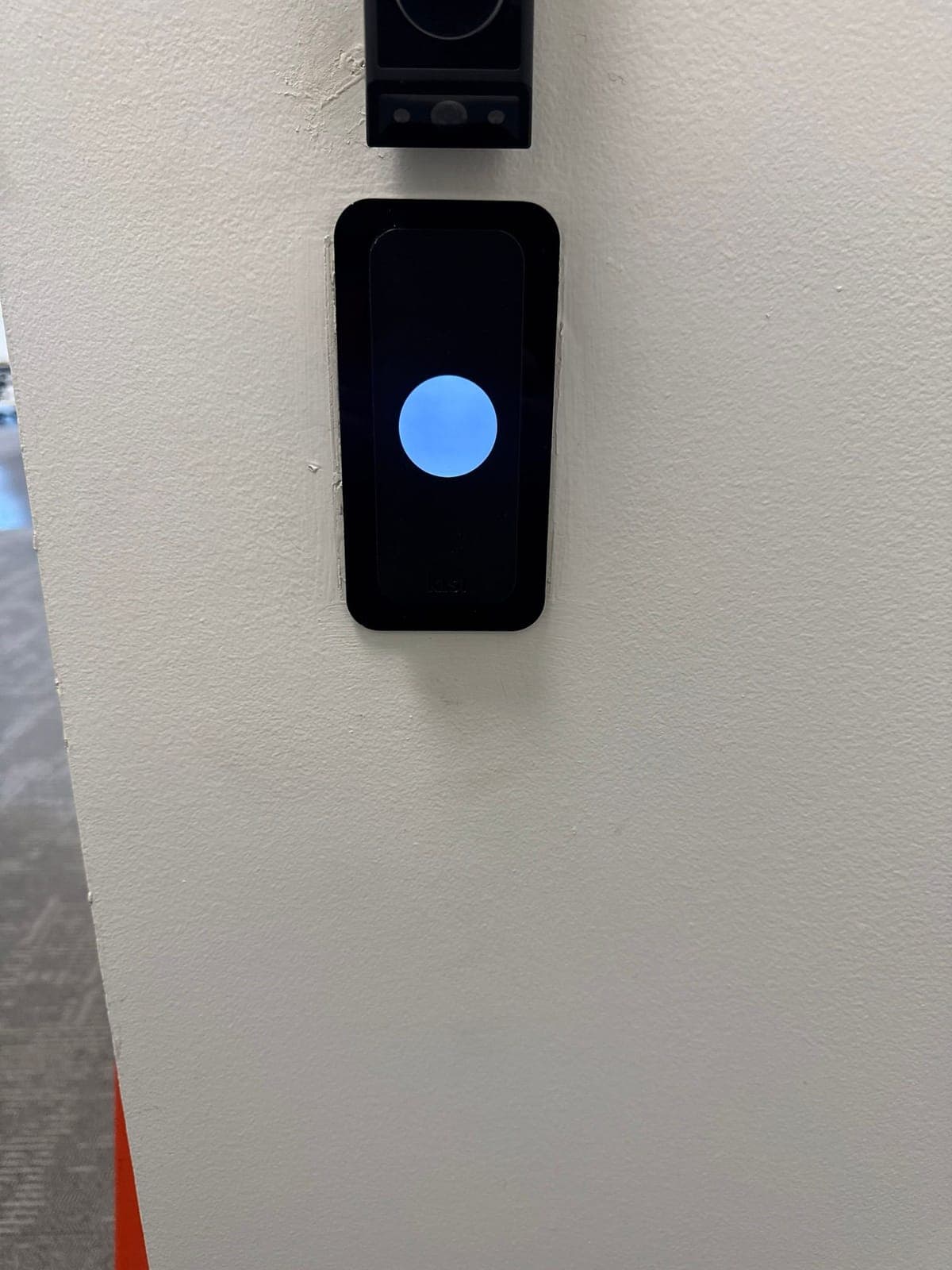
If you already have a Kisi reader at the door, the electric lock, power and controller are in place, so adding an intercom is mostly the station, a cable back to your IT closet and the release connection.
Check the door itself first. A door that drags or doesn't latch won't lock behind a visitor, no matter how good the intercom is. Mount the call button where everyone can reach it: under the ADA standards, buttons people need to use generally sit between 15 and 48 inches above the floor, and California has its own access rules on top of that.
If the door is fire-rated, has panic hardware, or the change affects how people get out, your fire marshal or the authority having jurisdiction (AHJ) decides compliance.
Compare electric strikes, maglocks and electrified levers. If your entry is glass, start with keyless entry for commercial glass doors. For mounting heights and other access rules, see California door accessibility requirements.
Quote
What to ask for in the quote
For the access-control side, Elwin's price is $3,000–$7,000 per door for a new install, or $1,500–$3,500 per door to retrofit a door that already has access control. Ask for the intercom as its own line so you can see what it adds.
Installation usually takes 2–4 weeks from approval, faster with an expedite fee. Elwin is based in Santa Clara and does site walks across San Jose and the rest of the Bay Area.
See video intercom installation and Kisi access control installation for how we set up office entries.
- Where the call station goes, what type it is, and who it rings: a desk station, phones, or both.
- The electric lock at the door, its power supply, and the cable from the intercom or controller to the lock.
- How staff fobs or phone credentials and the intercom share the same door.
- Network and power for the intercom, and who runs the network drop.
- Software subscriptions for the access platform and the intercom. These depend on the platform and are quoted per job.
- Training for your office manager on changing who gets calls and who has a fob.
Handoff
Test a real arrival before the installer leaves
Have someone stand outside and press the button. Check that it rings the right people, that reception can see and hear the visitor, and that the unlock button opens the front door and nothing else. Watch the door close and latch behind them.
Then let a call ring out and confirm the door stays locked. Tap a staff fob at the front door, and try a fob that shouldn't open the IT closet. Last, have the installer show your office manager how to add or remove someone from the answering list. When an employee leaves, take them off that list the same day you turn off their fob.
Office entry questions
Common door buzzer and intercom questions
Can reception answer the door from a phone?
Yes, with most current IP video intercoms. The call rings an app on the receptionist's phone, and on anyone else you add, so they can see and talk to the visitor and tap to unlock. The unlock works only if the intercom is wired to the door's electric lock. Older audio buzzers usually ring a desk unit only.
Can staff use fobs while visitors use the intercom?
Yes. Staff tap a fob or phone at the reader, and visitors press the call button. Both can release the same electric lock when the intercom is wired to it, and the reader keeps its own log of staff entries.
Does a video doorbell unlock the door?
Usually not on its own. A video doorbell shows you who's there and lets you talk, but someone still has to open the door unless it is wired to an electric lock or connected to your access-control system.
How long does it take to add an office intercom?
Two to four weeks from approval is typical, and faster with an expedite fee. If the door already has an electric lock and a reader, the job is smaller because the door hardware is already there.
Sources and further reading
These references support the general technical guidance. The right answer for a specific opening still depends on the property and the authorities responsible for the project.