
Key takeaways
- ButterflyMX needs internet at the panel: its installation guide says all devices require at least 2 Mbps for uploading and downloading, a wired Ethernet connection is preferred over Wi-Fi when possible, and DSL connections cannot support the intercom.
- DoorKing's 1835 and 1837 dial a phone number. DKS Cellular on AT&T 4G LTE or DKS Internet (VoIP) replaces the phone line, and DoorKing does not recommend POTS lines for programming or voice.
- ButterflyMX's cost page lists $30 to $42 per apartment unit per year; DoorKing's January 2026 subscription schedule lists DKS Cellular voice and data plans from $49.95 a month.
- Both carry a two-year hardware warranty. ButterflyMX's installation guide says not including a UPS voids its warranty, and its installer page says you must be certified to install ButterflyMX to avoid voiding its 2-year warranty; DoorKing's two-year limited warranty (Rev 11-23) covers defects in material and workmanship under normal use and service.
- ButterflyMX's installation guide says some installations will require customized housing, especially with retrofits.
- ButterflyMX's installation guide says the intercom can only operate doors that have electric locking hardware installed, and that the door's exit hardware should allow for mechanical free egress. Your fire marshal or the authority having jurisdiction (AHJ) decides what is acceptable on that door.
What is the difference between ButterflyMX and DoorKing?
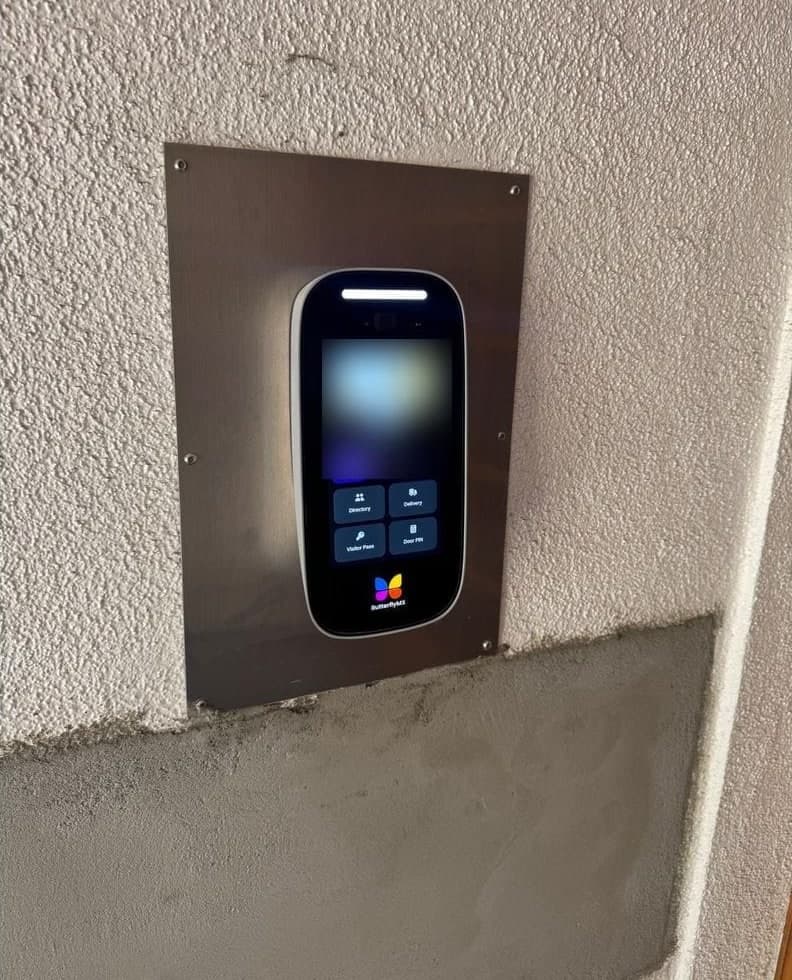
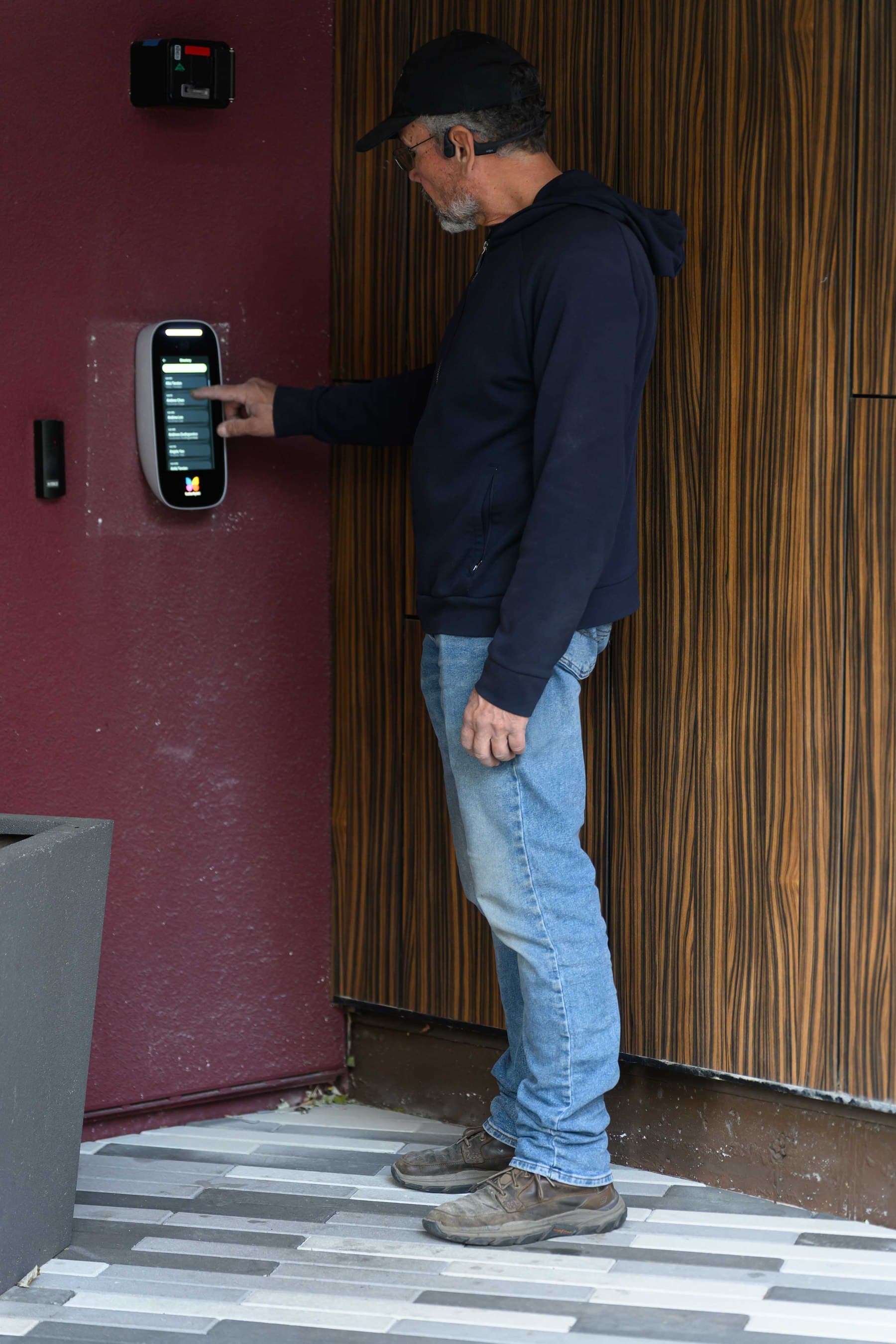
ButterflyMX is a touchscreen video intercom that connects to the building's internet and to the resident's smartphone. Its product page says residents see and speak with visitors on their smartphone before letting them in, and that the call starts as one-way video until the resident turns on their own camera.
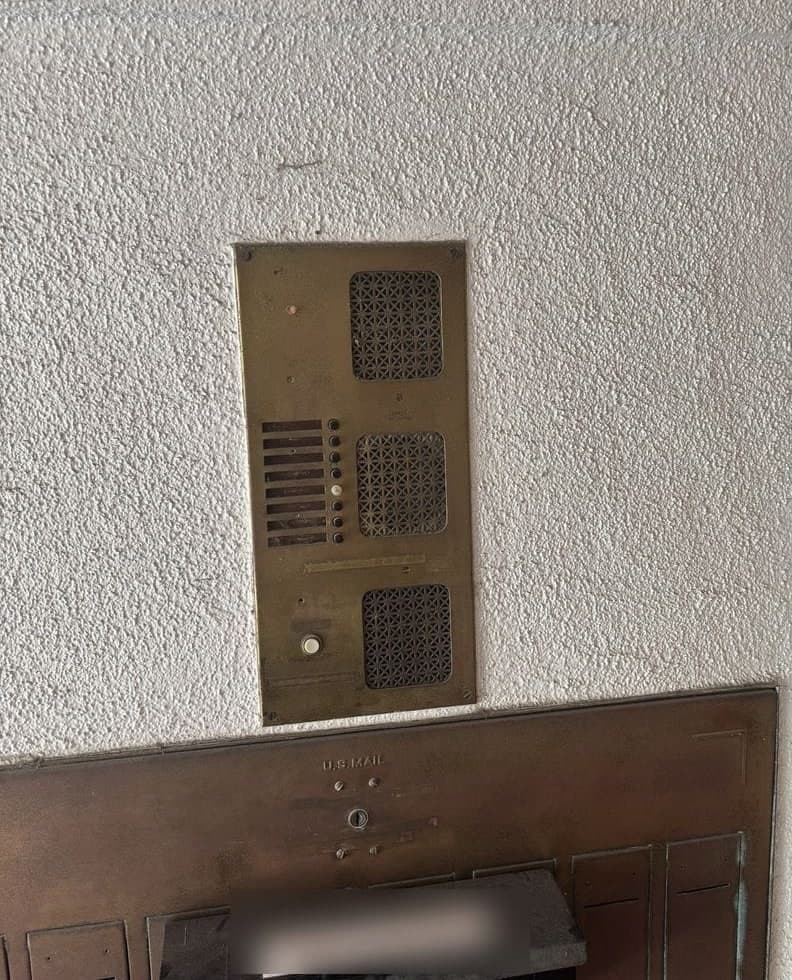
DoorKing's 1835 and 1837 are telephone entry systems. A visitor scrolls the directory with the A and Z scroll buttons and presses the One Touch CALL button; the resident can receive the call on a mobile phone number and grant access. The 1835 has a single-line, 20-character LCD directory; the 1837 has an eight-line display with half-inch characters.
Residents on ButterflyMX can also enter with a 6-digit PIN, a fob or a key card, and the property can send visitors a QR code pass. The DoorKing 1835 stores up to 8000 device (card) codes and has two 26-bit Wiegand inputs.
DoorKing also makes video entry systems. The 2112 eVolve is a residential unit for up to 10 residents and three entry points. DoorKing's 2137 cut sheet lists a 6.50 in W x 4.875 in H full-color display and support for 10,000 users.
Elwin installs, configures and supports video intercoms and telephone entry systems for multifamily, mixed-use and commercial properties in the San Francisco Bay Area, and works with both brands. See ButterflyMX video intercom installation for how a ButterflyMX scope is planned.
Wiring, power and what a swap can reuse
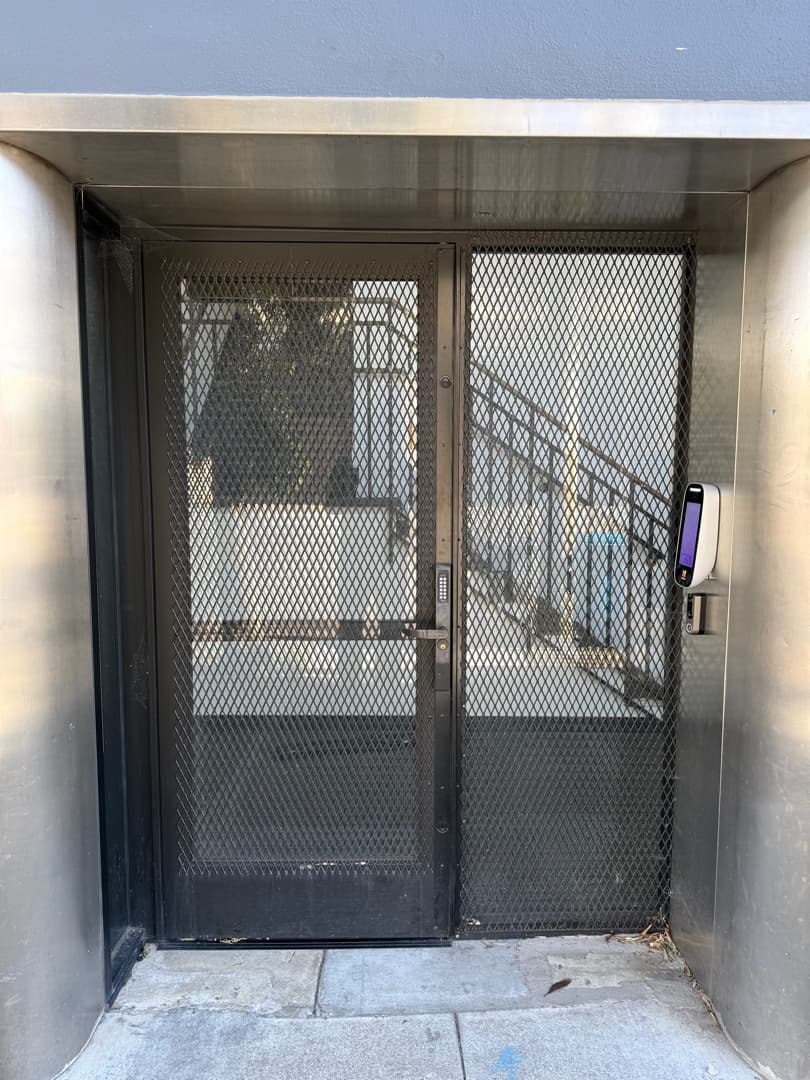
ButterflyMX's installation guide says the intercom can only operate doors that have electric locking hardware installed, such as an electric strike, magnetic lock, automatic door or electrified panic bar. A DoorKing 1835 or 1837 has three form C dry contact relays.
The Ethernet run from the intercom to the internet router is CAT5e or higher. A lock run that is already 18/2 matches the cable the diagram specifies, and ButterflyMX's cut sheet lists Ethernet, Wi-Fi, point-to-point and cellular router connectivity.
The 24 VDC power run is gauged by distance: 18 AWG to 50 feet, 16 AWG to 100 feet, 14 AWG to 180 feet and 12 AWG to 300 feet, with a junction box suggested beyond 200 feet. A diode (DC) or varistor (AC) is required when wiring directly to a door strike, and ButterflyMX supplies one 1N400X Series diode and one MOV varistor per intercom. The relay can also land on the REX input of a third-party access control panel if one is present.
ButterflyMX requires the use of its provided 24 VDC power supply and lists minimum UPS requirements of 600VA / 300W. Its recommended device is the APC BE600M1 Back-UPS, and installing without a UPS voids the warranty. A DoorKing 1835 90 Series ships with two 16 VAC, 20 VA transformers, and DoorKing's two-year limited warranty (Rev 11-23) lists external accessory transformers as normal maintenance items that are not covered.
| Model | Height x width | Source |
|---|---|---|
| — | 11.54 x 5.67 in | Cut sheet |
| ButterflyMX 12-inch surface | 12.45 x 11.63 in | Cut sheet |
| — | 16.4 x 9.8 in | Cut sheet |
| ButterflyMX 12-inch recessed, with back box | 15.5 x 15.8 in | Cut sheet |
| 14.75 x 12.75 in | 1835 and 1837 90 Series product pages | |
| — | 13 x 11.25 in | — |
| — | 13.25 x 12 in | — |
| DoorKing 2137 | 14.75 x 12.75 in | 2137 cut sheet Rev. 8/26 |
- ButterflyMX's installation guide notes that some installations, especially retrofits, require customized housing.
- Measure the old cabinet before choosing a size.
What each system costs
The cited ButterflyMX cost page lists software at $30-$42 per apartment unit per year; cost depends on the integrations and features added. Commercial and office pricing is set by employee count instead.
Ask a DoorKing dealer for a current quote.
DoorKing's January 2026 subscription schedule lists DKS Cellular voice and data plans from $49.95 a month for up to 100 voice minutes and up to 6 data transfers. The schedule also lists a VoIP + Data plan for use with the 2334-080 for voice and data connections.
DKS Cloud programming is included with those subscriptions, and the schedule says legacy telephone entry systems do not require a Cloud account to be serviceable. DoorKing's 1830 90 Series brochure describes avoiding DKS subscription fees by using the 1830-185 TCP/IP adapter with your own VoIP provider, which requires manual setup by an IT technician and whose compatibility DoorKing says it does not guarantee.
Installation is quoted per entry after a site walk. The lock, cable run and power work at the door are described in access control cost per door.
Warranty, installer requirements and support
ButterflyMX says its intercoms are installed by a local low-voltage installer and that only three connections are needed at the building: internet, power and door strike. Its installer documentation page says the two-year warranty is void unless the installer is certified by ButterflyMX, and its installation guide describes that certification as a free online course that should take no more than 30 minutes. Elwin's ButterflyMX-certified technicians install, configure and support ButterflyMX entries across the Bay Area.
ButterflyMX's warranty statement gives end customers two years from the date the product is sold to the end customer for hardware products that malfunction due to defective materials or workmanship. The installation guide says not including a UPS in the installation voids the warranty.
DoorKing's two-year limited warranty (Rev 11-23) warrants listed products, including Telephone Entry System models 1833, 1834 and 1835, to be free from defects in material and workmanship under normal use and service for two years after the date of purchase by the original customer. The warranty says batteries, light bulbs, LED light bulbs and light strips and external accessory transformers are considered normal maintenance items and are not covered.
Customer software programming support (phone, chat, email) is included with any DoorKing subscription account. ButterflyMX includes live phone or email support in its software fee.
Elwin installs, repairs, replaces and configures both brands, with a single accountable point of contact from site walk through installation and support.
Which one fits your property
Wired internet or a short Ethernet run to the entry, residents who will use an app, and a budget for a per-unit software fee point to ButterflyMX. No internet at a gate, residents who want the panel to ring their telephone number, or a bank of existing readers on a DoorKing controller point to a 1835 or 1837 on DKS Cellular. DoorKing says one cellular box connects up to two systems, and its cellular cut sheet says the cell line can be split for guard tower/dual entry.
ButterflyMX is a video intercom, and DoorKing's 2112 eVolve is a residential video entry system for up to 10 residents. DoorKing's 2137 cut sheet lists apartment buildings among its applications, and the subscription schedule lists its DKS Cloud and per-unit fees.
Before deciding, have these answers ready for the site walk:
- Whether there is internet at the entry, and whether a speed test there shows at least 2 Mbps up and down (ButterflyMX's minimum).
- Whether AT&T 4G LTE coverage reaches the panel location. DoorKing offers DKS Cellular on AT&T 4G-LTE where available.
- Unit count, since ButterflyMX software and DoorKing's 2137 cloud fee are both billed per unit.
- How many readers, gates and elevators the panel must control. A DoorKing 1835 or 1837 expands to 48 wired entry points with Tracker Expansion Board(s); a ButterflyMX intercom has four dry contact relays.
- Whether the old lock wiring is 18/2 that tests good, and where the nearest outlet for a UPS is.
Questions about ButterflyMX and DoorKing
Can I replace a DoorKing intercom with ButterflyMX?
Yes, if the entry can get internet and power and the door has electric locking hardware; ButterflyMX lists those three connections as the whole requirement. ButterflyMX says some installations, especially retrofits, will require customized housing. Plan a 600 VA / 300 W UPS on a nearby outlet too.
Does ButterflyMX work without internet?
No. ButterflyMX requires a reliable internet connection with at least 2 Mbps up and down, and its installation guide says DSL cannot support the intercom. Where there is no wired internet, ButterflyMX's cut sheet lists a cellular router as an alternative connectivity method, and its cellular fact sheet highly recommends an unlimited data plan if possible.
Does a DoorKing 1835 or 1837 need a phone line?
No. A 1835 or 1837 connects through DKS Cellular on AT&T 4G LTE or DKS Internet (VoIP), and DoorKing does not recommend POTS lines for programming or voice.
What are the monthly fees for ButterflyMX and DoorKing?
The cited ButterflyMX cost page lists $30-$42 per apartment unit per year for software, which it calls an estimate. DoorKing's January 2026 subscription schedule lists DKS Cellular voice-and-data plans from $49.95 a month.
Does DoorKing have a video intercom?
Yes: the 2112 eVolve is a residential video entry system for up to 10 residents and three entry points. The 2137 cut sheet lists apartment buildings among its applications, a 6.50 in W x 4.875 in H full-color display, and support for 10,000 users.
Does Elwin install both ButterflyMX and DoorKing?
Yes. Elwin installs, configures and supports video intercoms and telephone entry systems for multifamily, mixed-use and commercial properties across the Bay Area, with ButterflyMX-certified technicians for ButterflyMX entries. Request a site walk and we will quote the entry, the lock and the network together.
Sources and further reading
These sources back up the general guidance. Your building and the people who approve the work decide the details for your doors.
- ButterflyMX: Cost and pricing page (hardware prices and $30–$42 per unit per year software estimate), retrieved October 12, 2026
- ButterflyMX: Video intercoms product page (features, specifications, dimensions, installation FAQ)
- ButterflyMX: 8-inch surface mount intercom cut sheet, version v2 (updated 03/03/25)
- ButterflyMX: 12-inch surface mount intercom cut sheet, version v2 (updated 03/03/25)
- ButterflyMX: 8-inch recessed intercom cut sheet, version v2 (updated 03/03/25)
- ButterflyMX: 12-inch recessed intercom cut sheet, version v2 (updated 03/03/25)
- ButterflyMX: Surface mount intercom installation guide, version v1.2 (updated 10/5/26)
- ButterflyMX: Wiring diagram for the 8-inch and 12-inch intercom, version v1 (updated 3/25/24)
- ButterflyMX: Cellular Alternatives sheet, version v1 (updated 06/05/2025)
- ButterflyMX: Installer documentation page (certification requirement for the 2-year warranty)
- ButterflyMX: Warranty statement (two-year end customer warranty, exclusions, refurbished replacements)
- DoorKing: 1835 90 Series entry system product page (specifications, connection options, dimensions)
- DoorKing: 1837 90 Series entry system product page (specifications, connection options, dimensions)
- DoorKing: 1835 80 Series entry system product page (surface and flush mount dimensions)
- DoorKing: 2112 eVolve video entry system product page
- DoorKing: Product Reference Guide, January 2026, Section A2: Telephone / Video Entry & Access Control Systems (revised 7-14-26)
- DoorKing: Subscription Schedule, January 2026, Section D1: Connection Options (pages revised through 5-29-26)
- DoorKing: Telephone entry cellular connection cut sheet, 1800-080 and 1800-081 (Rev. 8/26)
- DoorKing: 2137 video entry system cut sheet (Rev. 8/26)
- DoorKing: 1830 90 Series telephone entry brochure (Rev. 8/26)
- DoorKing: 2-Year Limited Warranty (Rev 11-23)
- DoorKing: Price Schedule A 2.0, Telephone Entry & Access Control Systems, Section A2, effective March 1, 2025 (cited for its date only)
- California Public Utilities Commission: Information on AT&T's Federal Applications to Discontinue Landline Voice Service Throughout California